

Aqua Voice ✓
Voice-driven text editing for effortless document creation.
Free + from $10/mo
Verdict
A quick read before you dig into the full page.
- Best if
- Voice-driven text editing for effortless document creation
- Skip if
- Over-simplification of complex sentences
- Pick this when
- Voice-only document editing
Considering Wispr Flow instead? Compare side by side
Overview
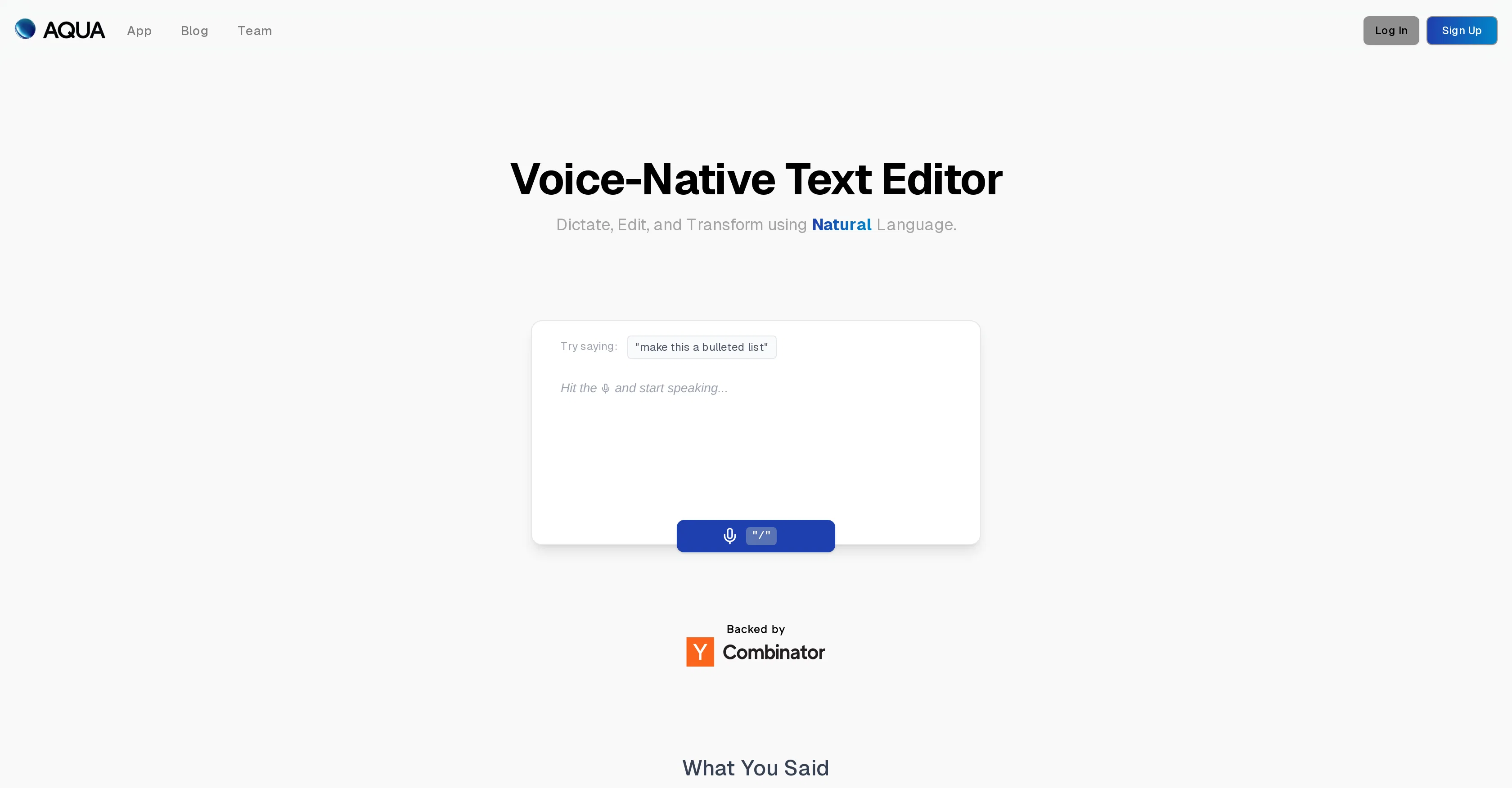
Aqua Voice is a voice-driven text editor developed to provide a transformative experience in creating and editing documents. As a voice-native text editor, it uses dictation and natural language processing to understand, capture, and modify the spoken text.
Users can effortlessly navigate and edit their documents solely using their voice. Aqua Voice goes beyond simply dictating text, autonomy and control over the transformation of spoken content into structured documents.
Equipped with a feature to handle 'fluid rewrites', it can rephrase, shorten, or tidy up text while preserving the user's tone. Another apt feature is the 'fill in the blank' ability, wherein the system can assist users by filling in forgotten words, facts, or numbers by itself.
Moreover, Aqua Voice automatically removes filler phrases, ensuring that the output is polished and professional. While it does show lower performance in transcribing lectures, Aqua Voice compensates by rephrasing longer, rambling speech into more structured and concise language.
The tool offers accuracy in real-time editing and appears to be particularly suited for handling common daily tasks.
Access & connections
Where you can use Aqua Voice.
Platforms
Capabilities
What this tool accepts, produces, and is strongest at.
Input
- Audio
Output
- Text
Supported features
- STT
- Autocomplete
Pros & cons
Pros
- Voice-only document editing
- Natural language processing
- Real-time editing
- Fluid rewrites for tidying
- Preserves user's tone
- Fill in the blank feature
- Automates filler removal
- Transforms spoken content to documents
Show 12 more
- Conciseness in transcription
- Accurate in common daily tasks
- Low word error rate
- Structures rambling speech
- Effortless document navigation
- Automated insertion of forgotten information
- More accurate than Whisper large-v3
- Repurpose speech to list format
- Highly performance optimized
- Transcribes despite low performance symbols
- Ideal for daily usage
- Improves dictation quality
Cons
- Poor lecture transcription performance
- Payment required after 1000 words
- Depends on voice-clearness
- May misunderstand user tone
- Limited editing options
- Over-simplification of complex sentences
- Automated corrections may be unwanted
- Difficulty handling multiple voices
Show 2 more
- Automatic filler removal may alter meaning
- Not suitable for non-native speakers
Compare alternatives
Similar tools in the catalog — with a clear reason to open each one.

Wispr Flow ✓
FreemiumSpeak naturally, write perfectly, 4x faster.
Why look Better for writing
Full comparison
Voibe ✓
Free TrialType 3x faster with private offline dictation.
Why look Typically cheaper
Full comparison
Spokenly ✓
FreemiumSeamless speech-to-text in every app.
Why look Offers a public API
Full comparison
EchoWrite ✓
FreemiumDon't type text anymore, just speak
Why look Higher community rating
Full comparison

Releases 1
FAQ 12
What is the Aqua Voice?
How does Aqua Voice use dictation and Natural Language Processing?
What are the key features of Aqua Voice?
How does the 'fluid rewrites' feature of Aqua Voice work?
Can Aqua Voice preserve the user's tone while editing?
What is the 'fill in the blank' feature of Aqua Voice?
How does Aqua Voice handle forgotten words, facts, or numbers?
Does Aqua Voice automatically remove filler phrases?
How does Aqua Voice transform rambling speech into structured and concise language?
Is Aqua Voice suitable for transcribing lectures?
How well does Aqua Voice perform in real-time editing?
What type of tasks is Aqua Voice best suited for?
Related tools
Recommended

Mentor: Get things done ✓
FreemiumAchieve your goals and get things done with Mentor and AI

BookAIWriter.com ✓
PaidRevolutionize Your Writing with AI

SuperCraft ✓
FreemiumDesign Physical Products with AI

Graph Maker ✓
FreemiumCreate any chart instantly with AI

Limbiks ✓
FreemiumTurn any learning material into instant flashcards.

QPNnotes ✓
FreemiumOrganize and manage your AI prompts effortlessly.