

KindlePPT ✓
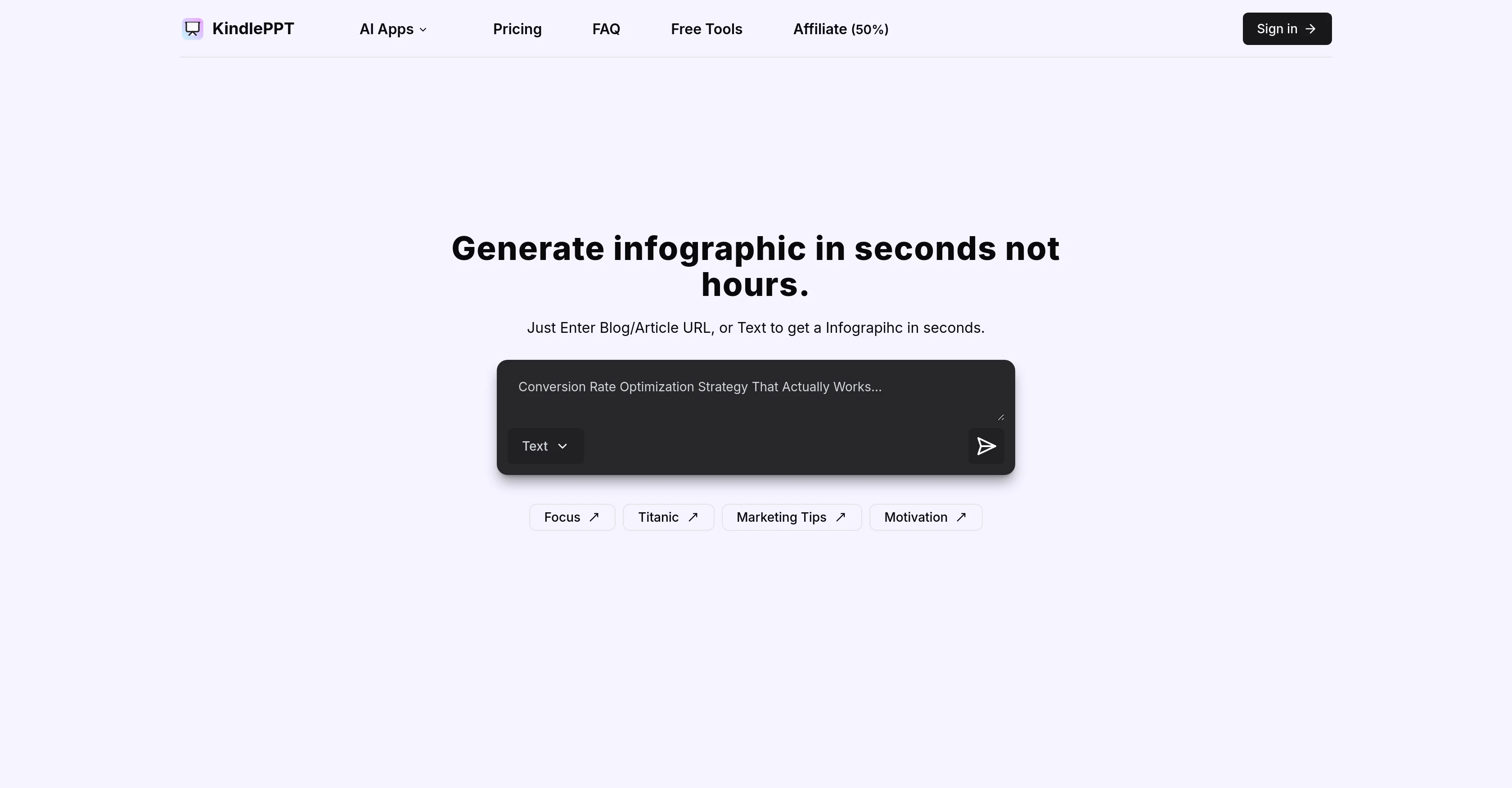
Generate infographics in seconds from text or URLs.
from $10/mo
Verdict
A quick read before you dig into the full page.
- Best if
- Generate infographics in seconds from text or URLs
- Skip if
- Support limited to Twitter
- Pick this when
- Efficient content creation
Considering Infographic Ninja instead? Compare side by side
Overview
KindlePPT is an AI-based software designed to expedite and streamline content creation by producing presentations, scripts, essays, and quizzes. It is useful for a diverse range of sectors including education and business, producing engaging materials speedily and efficiently.
This tool enhances communication and makes content more engaging for audiences through the use of customizable templates. KindlePPT also converts plain text into visually appealing infographics, offering various templates to make the content more understandable to a global audience.
In addition to the main features, KindlePPT provides free utilities like an exit planner, lesson ticket creator, and a summarizer intended to facilitate the content creation process.
Subscriptions are available on a monthly and yearly basis for unlimited content generation. New users can avail 5 free credits upon signing up to experience the services.
Subscription services can be cancelled as well, as per user preference. If needed, customer support can be reached through Twitter for additional queries.
Access & connections
Where you can use KindlePPT, and what it plugs into.
Platforms
Integrations
Capabilities
What this tool accepts, produces, and is strongest at.
Input
- Text
Output
- Image
Pros & cons
Pros
- Efficient content creation
- Produces presentations, scripts, essays
- Generates quizzes
- Versatile sector use
- Streamlines communication
- Customizable templates
- Text to infographic feature
- Assorted infographic templates
Show 17 more
- Exit planner utility
- Lesson ticket creator
- Auto-summarizer tool
- Unlimited content with subscription
- 5 free credits for newbies
- Cancel subscription anytime
- Twitter customer support
- Generates content in seconds
- Global audience accessibility
- Visual communication enhancement
- Business tool
- Educational technology
- Affordable subscription services
- Optimized for speed
- Interactive audience engagement
- Time-saving
- User-friendly
Cons
- Limited customer support channels
- No real-time collaboration features
- No SSL encryption mentioned
- Limited free trial (5 credits)
- Support limited to Twitter
- Templates variety not specified
- Yearly plan pricing unclear
- Cancellation policies not explicit
Show 2 more
- Lacks offline mode
- No mention of multi-language support
Compare alternatives
Similar tools in the catalog — with a clear reason to open each one.

Infographic Ninja ✓
Free TrialGenerate infographics from keywords instantly.
Why look Typically cheaper
Full comparison
AI Infographic Generator ✓
FreemiumAI infographic generator that turns blog posts into link magnets
Why look Freemium alternative
Full comparison
AI Infographic Generator ✓
FreemiumCreate infographics instantly from text prompts
Why look Freemium alternative
Full comparison
Piktochart ✓
FreemiumVisually appealing infographics with ease.
Why look Freemium alternative
Full comparison
KnowledgeGraph GPT ✓
FreeTransform unstructured text into knowledge graphs with AI.
Why look Fully free option
Full comparison
Text to Infographic ✓
FreemiumTurn your text into visuals in minutes.
Why look Freemium alternative
Full comparisonReleases 1
FAQ 12
What does KindlePPT do?
How does KindlePPT expedite content creation?
What kind of content does KindlePPT help create?
How is KindlePPT useful in education and business?
How does KindlePPT make content more engaging for audiences?
What is the text to infographic feature of KindlePPT?
What are the free utilities provided by KindlePPT?
What are the subscription terms for KindlePPT?
How can I avail free credits on KindlePPT?
Can I cancel my KindlePPT subscription at any point?
How can I contact KindlePPT customer support?
How does KindlePPT help in enhancing visual communication?
Related tools
Recommended

ReadPartner ✓
Free TrialA media intelligence suite designed for businesses.

Scisummary ✓
Free TrialCutting-edge scientific articles summarization.

Mindsmith ✓
FreemiumPlatform for building and sharing eLearning content

TurboScribe ✓
Freemium🎯 3 free transcripts every day. 🔥 Unlimited transcription starting at $10/mo.

Recall ✓
FreemiumSummarize Anything, Forget Nothing!

Alcotravel ✓
FreemiumGenerated suggestions for travel itineraries.