

AI Infographic Generator ✓
Create infographics instantly from text prompts
Free + from $10/mo
Verdict
A quick read before you dig into the full page.
- Best if
- You are professionals and need: Transform complex data into engaging infographics
- Skip if
- Limited free infographic generation
- Pick this when
- Converts complex data visually
Considering Infographic Ninja instead? Compare side by side
Overview





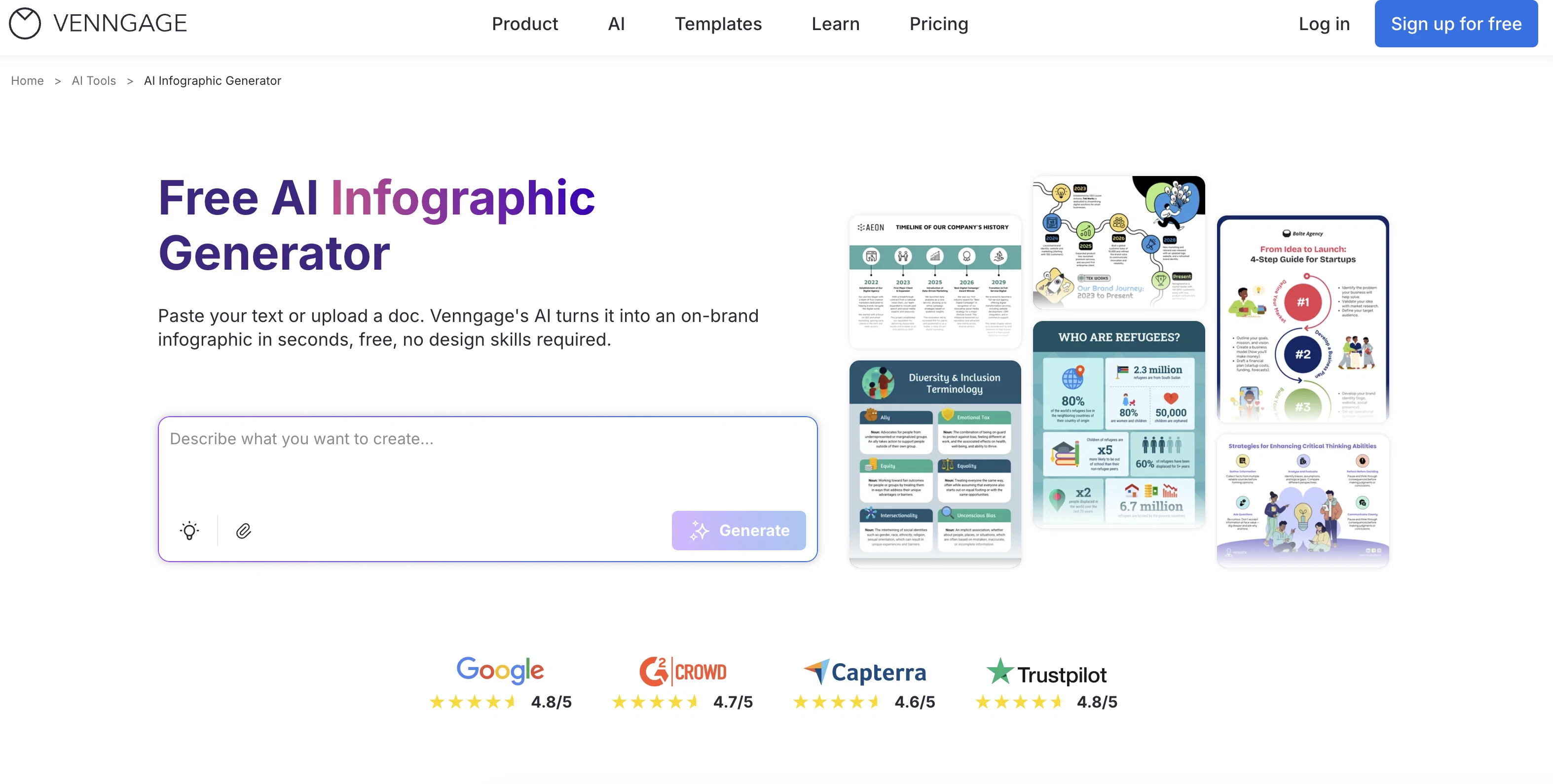
Simply describe what you want to visualize, whether it’s a timeline, process, comparison, or data report, and watch the AI craft a ready-to-edit infographic that tells your story clearly and beautifully.
Customize every element—from colors and icons to fonts and layouts—to fit your message and brand. You can refine, remix, and personalize your design before exporting or sharing it instantly.
Whether you’re a marketer simplifying campaign results, an educator visualizing lessons, or a business professional presenting insights, this tool helps you turn complex ideas into visuals that connect, engage, and stick.
Want to see how it works? Watch this step-by-step review of Venngage’s AI Infographic Generator by the 'Who Is The Best' YouTube channel: https://www.youtube.com/watch?v=MTravfL9zjE
Best for
Short scenarios where AI Infographic Generator tends to shine.
-
Transform complex data into engaging infographics
Best for Professionals
-
Create professional presentations and reports
Best for Educators
-
Design marketing materials with consistent branding
Best for Marketers
-
Develop training materials and internal communications
Best for Nonprofits
-
Visualize data for financial reports and sales planning
Best for Businesses
Example outputs 1
Sample generations and before/after results for AI Infographic Generator.
Access & connections
Where you can use AI Infographic Generator.
Platforms
Capabilities
What this tool accepts, produces, and is strongest at.
Input
- Text
Output
- Image
Highlights
- Use code TAAFT
- 30% OFF
Pros & cons
Pros
- Converts complex data visually
- Adaptable to many themes
- Offers full customization
- Accommodates various design styles
- Multiple editing tools
- Export in preferred format
- Supports collaborations
- Suits a range of subjects
Show 31 more
- Turns text to image
- Automated design
- Template based
- Data simplification
- Narrative visualization
- Enhances user creativity
- Enables significant detail adjustments
- Comprehensive layout transformations
- Visual enhancements
- Suits distinct tone and visuals
- Supports promotional materials
- Enhances design ideation
- Supports business insights
- Caters to educational content
- Instant infographic creation from text
- Allows format and style input
- Object oriented infographic creation
- Supports vibrant to formal tones
- Data transformation to visual narratives
- One-stop shop for visual presentations
- Drag-and-drop simplicity
- Direct data import from spreadsheets
- Consistent branding across designs
- High-quality exports
- Various export formats
- Professionally designed infographic foundations
- Range of infographic designs
- Copyright-free creations
- Capacity for extensive customization
- Eye-catching designs for any topic
- Facilitates brand kit maintenance
Cons
- Lacks multilingual support
- No mention of security
- No automatic citation feature
- Limited free infographic generation
- Limitations on customization
- No options for animation
- No offline mode
- No built-in metric tracking
Compare alternatives
Similar tools in the catalog — with a clear reason to open each one.

Infographic Ninja ✓
Free TrialGenerate infographics from keywords instantly.
Why look Typically cheaper
Full comparison
AI Infographic Generator ✓
FreemiumAI infographic generator that turns blog posts into link magnets
Why look Better for writing
Full comparison
Piktochart ✓
FreemiumVisually appealing infographics with ease.
Why look Higher community rating
Full comparison
KnowledgeGraph GPT ✓
FreeTransform unstructured text into knowledge graphs with AI.
Why look Fully free option
Full comparison
Text to Infographic ✓
FreemiumTurn your text into visuals in minutes.
Why look Typically cheaper
Full comparison
AI Infographics ✓
Free TrialTransform text into captivating infographics instantly.
Why look Typically cheaper
Full comparisonPeople also view
Tools that often show up alongside AI Infographic Generator in collections and comparisons.
Text to Infographic ✓
FreemiumTurn your text into visuals in minutes.
Piktochart ✓
FreemiumVisually appealing infographics with ease.
KnowledgeGraph GPT ✓
FreeTransform unstructured text into knowledge graphs with AI.
Infographic Ninja ✓
Free TrialGenerate infographics from keywords instantly.
AI Infographics ✓
Free TrialTransform text into captivating infographics instantly.
AI Infographic Generator ✓
FreemiumAI infographic generator that turns blog posts into link magnets

Vdoo AI | Kissing Generator ✓
PaidCreate romantic AI kissing videos effortlessly.

Unfurl ✓
Free TrialTurn any YouTube video into a guide you act on.
Releases 1
Imported reviews 6
The sign-up with Google did not work - barrier of entry...
As a content marketer with no design background, I’ve always struggled with making my infographics look professional. But this tool took care of the design side for me, offering smart layout options and helping me create polished visuals quickly.
I could just focus on the content, and the design just came together. If you’re not a design expert like me, I highly recommend giving it a try—it’s a real time-saver!
I created a couple of designs using this AI generator for a project and I have to say it has made creating eye-catching infographics a breeze! I like how it’s efficient and easy to use, highly recommended!
Pretty good! Saved me a lot of time (the thing takes like 30s to run, but hey would’ve taken me like 8 hrs myself lol), even the images and icons it selected were really nice. Will try again for my other stuff.
I had to tweak a few things to match my brand style, but overall it saved me a ton of time. Definitely handy if you need something fast and professional-looking.
It has been a great tool specially if you’re on a rush or you run out of creative juice. It can generate you a design in seconds. Not sure how to start designing your infographic? The tool would be very helpful. You can edit the generated design as well with their editor. AI development these days is really fast, I’m more excited on the possibilities this tool will be in the future.
FAQ 12
What is the Venngage Infographic Generator?
How does the Venngage Infographic Generator work?
Can I customize the infographics generated by Venngage?
What sort of themes and templates does Venngage offer for infographics?
How does the Venngage tool simplify complex information for infographics?
Can I adjust and personalize the details of my infographic on Venngage?
How can I refine the AI-generated designs on Venngage?
What format can I export my infographic in from Venngage?
Can I collaborate on infographic projects on Venngage?
What kind of content is the Venngage Infographic Generator suitable for?
Can the data visualization feature on Venngage create statistical, timeline, comparison, and process visualizations?
How does the Venngage tool enhance user creativity?
Related tools
Recommended

Automateed ✓
Free TrialCreate eBooks effortlessly with Automateed, the AI-powered writing tool.

Marketing Assistant (Elsa AI) ✓
FreemiumDefine your ideal customers and craft a winning marketing strategy with Elsa.

PitchMeAI ✓
FreemiumLand interviews easily: Network, tailor resumes, and email recruiters in one click.

LearningStudioAI ✓
Free TrialAI-powered authoring tool for effortless online course creation.

Thea ✓
FreemiumAI study tools to master material, not just memorize it.

Mindsmith ✓
FreemiumPlatform for building and sharing eLearning content
