

Julius ✓
Data analysis and visualization solution.
Trial; then from $16.77/mo
Verdict
A quick read before you dig into the full page.
- Best if
- You are finance professionals and need: Predict customer churn from purchase history
- Skip if
- Limited message sending
- Pick this when
- Analyzes structured data
Considering Grapha AI instead? Compare side by side
Overview
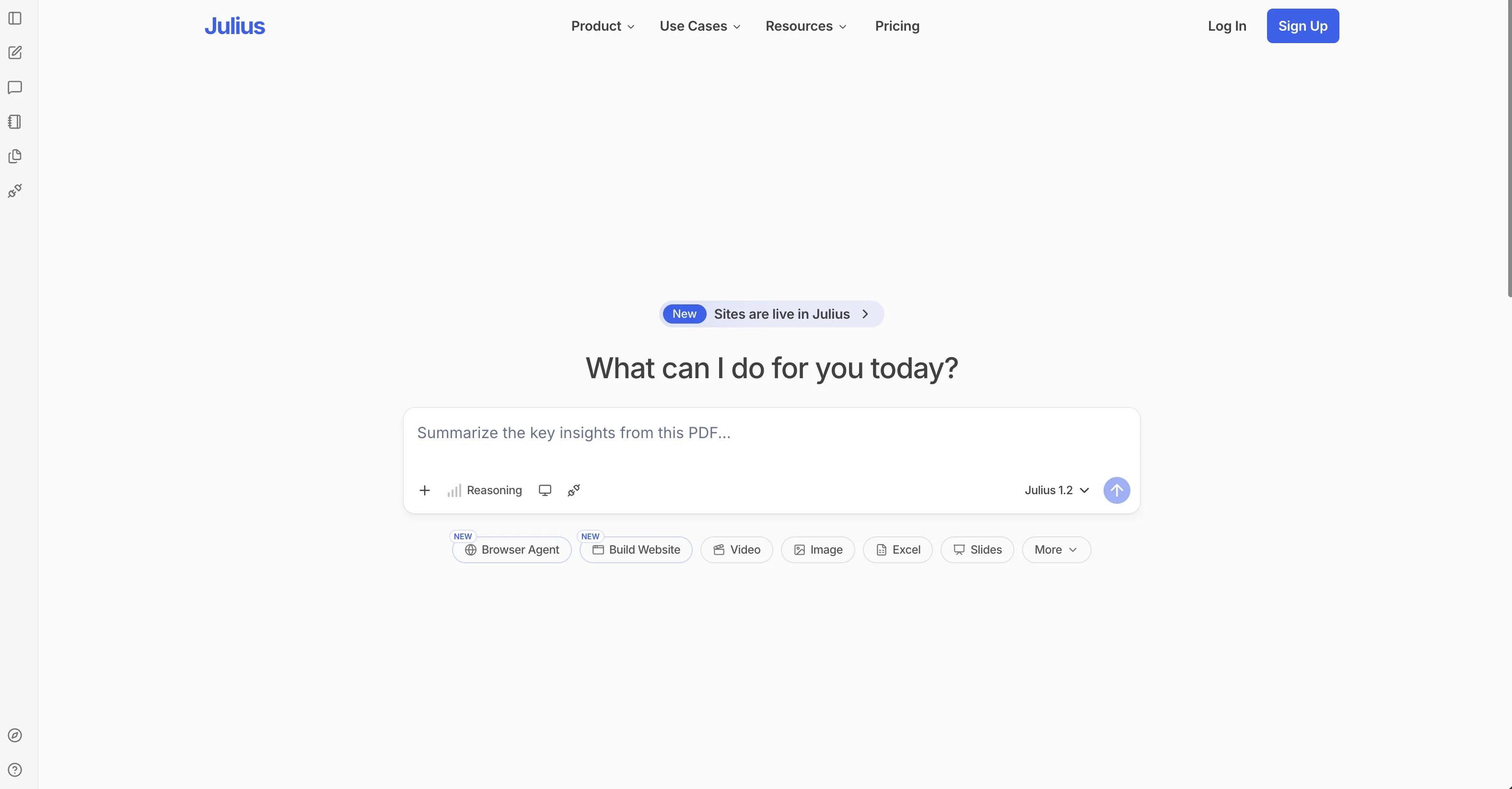
Julius is an AI tool designed to analyze structured data from spreadsheets, Excel files, and CSV files, and transform it into visual charts and uncover key trends.
With Julius, users can easily analyze any form of structured data by asking questions, and the AI will perform the analysis and provide insights. The tool also offers advanced features that allow users to perform complex analysis tasks such as Linear Regression, Modeling, Projections, and even create data animations.
One of the main benefits of using Julius is the ability to save time and effort by automating data preparation tasks. The tool offers a user-friendly interface where users can generate sleek visualizations to communicate their findings with confidence.
Users can also ask data-related questions and get instant answers, eliminating the need for manual data analysis. Julius allows users to export data into CSV or Excel formats for easy sharing and provides the option to create captivating data animations to bring data to life.
The tool also offers statistical modeling capabilities, giving users access to expert-level insights without the complexity typically associated with such analysis.In terms of data privacy, Julius ensures strict access control, with each user having access only to their own data in the secure notebook file storage.
User data is completely erased from the servers upon deletion.Julius offers a free version with limitations, allowing users to link up to two data sources, send seven messages per month, and export unlimited files.
Users can manage their plan on the subscription page to increase these limits. If users encounter any issues, the Julius support team is available to assist through email or the Help beacon on the tool's interface.
Best for
Short scenarios where Julius tends to shine.
-
Predict customer churn from purchase history
Best for Finance professionals
-
Analyze business data
Best for Marketing professionals
-
Interpret spreadsheets
Best for Business analysts
-
Categorize survey responses
Best for Data scientists
-
Scientific data analysis
Best for Educators
Example outputs 1
Sample generations and before/after results for Julius.
Access & connections
Where you can use Julius, and what it plugs into.
Platforms
Capabilities
What this tool accepts, produces, and is strongest at.
Supported features
- Spreadsheets
Pros & cons
Pros
- Analyzes structured data
- Automatic trend detection
- Intuitive visual chart generation
- User-friendly interface
- Real-time data analysis
- Complex analysis features
- Efficient data preparation automation
- Linear regression and modeling
Show 15 more
- Projection capabilities
- Create data animations
- Secure data privacy
- User-specific access control
- Data deletion from servers
- Handles multiple data sources
- CSV and Excel export function
- Availability of free version
- Responsive support team
- Supports a variety of data formats
- Offers statistical modeling
- Instant answers to data queries
- Supports multi-tab spreadsheets
- Google Sheets support
- Supports Postgres databases
Cons
- Limited free version
- Restrictions on data sources
- Only structured data analysis
- Limited message sending
- No real-time support
- Possible formatting issues
- Exports only in CSV/Excel
- No multi-language support
Show 2 more
- No mention of API
- No third-party integrations
Compare alternatives
Similar tools in the catalog — with a clear reason to open each one.

Grapha AI ✓
PaidUncover hidden trends and patterns in your data effortlessly.
from $150
Full comparison
DataSquirrel ✓
FreemiumData cleaning & visualization for insights gained.
Free + from $15/mo
Full comparison
Breadcrumb ✓
FreemiumAutomate data work and reporting with AI Agents. No data|coding skills required.
Why look Better fit for coding
Full comparison
Anomaly AI ✓
FreemiumAI data analysis workspace for business datasets and reports.
Free + from $25/mo
Full comparison

ChartPixel ✓
FreemiumAI-assisted graphs and insights in 30 seconds!
Why look Typically cheaper
Full comparisonPeople also view
Tools that often show up alongside Julius in collections and comparisons.
ChartPixel ✓
FreemiumAI-assisted graphs and insights in 30 seconds!

Who Needs a Writer ✓
PaidGenerate well-researched, human-focused articles with AI.

TIMIO News ✓
FreeFair & Fast | 30 minutes of news research in 30 seconds

Sourcer AI ✓
FreemiumAI-powered fact-checking for instant source credibility

Perplexity ✓
FreemiumAI-powered answers to any question, instantly.

Otter.ai ✓
FreemiumAI Meeting Assistant for real-time transcription and notes

Octoparse ✓
FreemiumThe next generation of AI web scraping platform.

NotebookLM ✓
FreemiumAI-powered note-taking and research assistant
Releases 1
Imported reviews 6
I would have loved a tool like this one that works. Unfortunately it does not work at all despite subscribing.
I am not sure why I tried this service. It can't do even the most basic task, and you are signing away your rights to your own data so they can publish on it, I deleted my account it would consistently not understand I am not sure how anyone got it to use Excel you can tell this service the exact name of a variable in Excel and it will tell you that it is not present. DO NOT USE
Really good at creating nice charts and tables from an excel file based on text prompts. The best AI charting software I've come across, and I've tried a few different ones.
A friend recommended me this tool and so far it's been pretty cool and easy to work with my Google Sheets
The data visualizations on Julius is really nice. You can prompt Julius for all sorts of charts. I've been using it for my powerpoint decks but I could also see it being useful for students creating assignments or presentations.
Great for slicing and exporting data. Basically ChatGPT Excel.
FAQ 12
What is Julius?
What data sources does Julius support?
Can I perform advanced analysis tasks like Linear Regression using Julius?
Does Julius allow the creation of data animations?
How can I export data with Julius?
What types of visualizations can Julius generate?
Can I perform data analysis just by asking questions with Julius?
How does Julius help in saving time during data preparation?
What kind of files can I analyze with Julius?
Is Julius free to use or are there subscriptions?
Can I link multiple data sources to Julius?
Does Julius work with multi-tab spreadsheets?
Related tools
Recommended

Scisummary ✓
Free TrialCutting-edge scientific articles summarization.

Vizly ✓
Free TrialAnalyze your Excel spreadsheet or CSV in seconds!

GPTExcel ✓
FreemiumGenerate spreadsheet formulas with AI

Research Studio ✓
Free Trial10x speed for your UX research analysis

Hal9 ✓
FreemiumBuild your AI-Powered Product in 30 Days

LearningStudioAI ✓
Free TrialAI-powered authoring tool for effortless online course creation.