

Jace AI ✓
Your AI Executive Assistant
Trial; then from $25/mo
Verdict
A quick read before you dig into the full page.
- Best if
- Your AI Executive Assistant
- Skip if
- Specific drafting style learning
- Pick this when
- Streamlines email management
Considering Ayari instead? Compare side by side
Overview
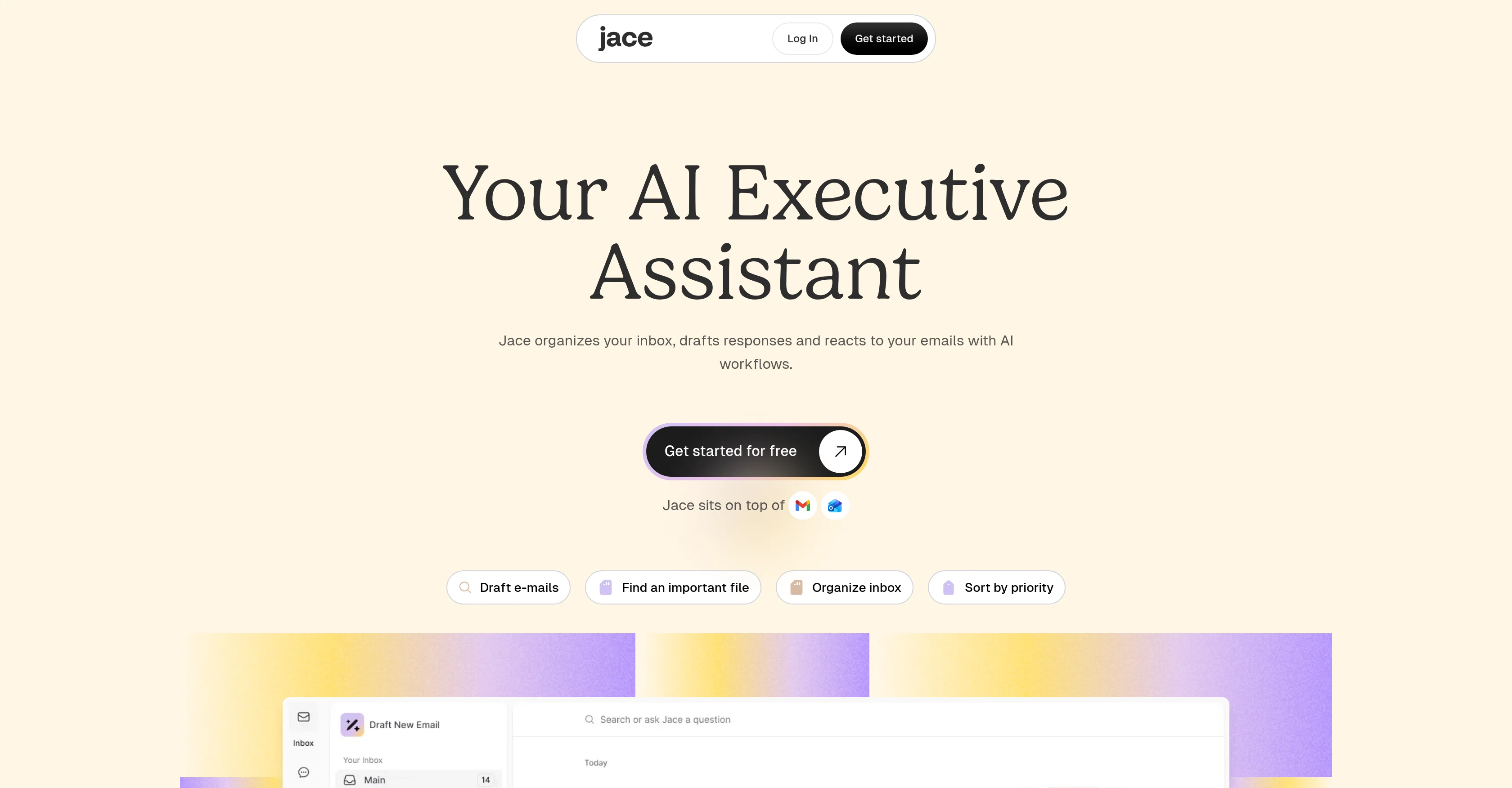
Jace AI is an AI-based executive assistant that streamlines email management and improves productivity. The AI assistant makes sense of email chaos by automatically organizing your inbox, analyzing attachments, and drafting responses in your style saving considerable time.
Jace AI also comes with smart rules for automatic handling of CCs, applying templates, and triggering actions based on the email recipient. Comprehensive business integrations allow it to automate tasks such as creating tickets, sending Slack updates, notifying the team, and saving documents upon the receipt of emails.
It also uses AI to label emails by type and priority and offers a chat feature that retrieves business data and accomplishes tasks. These features help users focus on important tasks, reducing the time spent on processing emails and completing repetitive tasks.
The platform offers top-level data security measures to ensure that all interactions are private, secure, and encrypted, making it a compelling choice for professionals and businesses looking to enhance daily operations and increase productivity.
Access & connections
Where you can use Jace AI, and what it plugs into.
Platforms
Integrations
Capabilities
What this tool accepts, produces, and is strongest at.
Input
- Tabular
Output
- Text
Pros & cons
Pros
- Streamlines email management
- Auto-organizes inbox
- Analyzes attachments
- Auto-drafts responses
- Smart rules for email handling
- Automatic template application
- Trigger actions per recipient
- Automates business tasks
Show 35 more
- Creates tickets automatically
- Sends auto Slack updates
- Auto email recipient notifications
- Documents saving upon email receipt
- Priority labeling system
- Chat feature for data retrieval
- Automates repetitive tasks
- Enhanced data security
- Encrypted interactions
- Personalized response style
- Saves time on emails
- Reduces chaos in email flow
- Email sorting by priority
- Integrates with multiple platforms
- No training required
- Inbox pre-organized
- Custom rules for email handling
- Automatic CC application
- Automate calendar event creation
- Automatic task completion upon email receipt
- Instant business data retrieval
- Automates tasks via chat
- Automates document creation
- Connects up to 8 inboxes
- Can handle 3 years of email history
- Custom business integrations
- Saves on multiple subscriptions
- Bank-level security measures
- SOC2 Type 1
- Emails encrypted in transit/rest
- Secure cloud infrastructure
- Privacy First Policy
- CASA Tier 3 compliance
- Industry-leading encryption
- Increases professional productivity
Cons
- No mobile version mentioned
- Possible over-dependence on tool
- Requires email access
- No data import/export
- Specific drafting style learning
- Limited to mentioned integrations
- Smart rules may miscategorize
- Possibly high cost for credits
Show 1 more
- Limited chatbot functionality
Compare alternatives
Similar tools in the catalog — with a clear reason to open each one.

Ayari ✓
Free TrialConversational AI for email and calendar management.
Why look Typically cheaper
Full comparison
HeyHelp ✓
Free TrialAI Email Assistant in Gmail that saves you 1 hour each day.
Why look Typically cheaper
Full comparison
Eloquens AI ✓
Free TrialAI email assistant that never sleeps.
Why look Higher community rating
Full comparison
Pullsy ✓
Free TrialYour inbox, organized. Your replies drafted.
Why look Typically cheaper
Full comparison
MailSweeper ✓
PaidReclaim your inbox with AI-powered email cleanup.
Why look Typically cheaper
Full comparisonReleases 1
FAQ 12
How does Jace AI organize my inbox automatically?
How does Jace AI help analyze and draft responses to emails?
What are the smart rules in Jace AI and how do they work?
How does Jace AI handle CCs and email templates automatically?
How does Jace AI integrate with other business applications like Slack?
How does Jace AI automate tasks like ticket creation and document saving?
How does Jace AI use AI to label emails by type and priority?
What type of tasks can Jace AI complete using the chat feature?
What kind of data can Jace AI retrieve through its chat feature?
How does Jace AI help reduce time spent on processing emails and repetitive tasks?
What kind of data security measures does Jace AI have?
How does Jace AI ensure that my communications are private and encrypted?
Related tools
Recommended

Agentgpt ✓
FreemiumDeploy autonomous AI Agents effortlessly in your browser.

Hyperis ✓
FreemiumOrganized task prioritization.

TheLibrarian.io ✓
Free TrialYour WhatsApp AI assistant for instant productivity.

Recall ✓
FreemiumSummarize Anything, Forget Nothing!

Notis ✓
Free TrialThe first WhatsApp assistant that runs on your ChatGPT and Claude subscriptions

Mind Map Wizard ✓
FreemiumGenerate mind maps with AI: free, no sign-up, no ads