

Invoices 2026 Rank: #1369
Invoicer.ai ✓
AI invoicing software: create invoices and estimates in seconds, chase payments automatically.
Verdict
A quick read before you dig into the full page.
- Best if
- AI invoicing software: create invoices and estimates in seconds, chase payments automatically
- Skip if
- Limited client support channels
- Pick this when
- Unlimited invoicing
Considering Lienhound — Turn mechanics liens into money instead? Compare side by side
Overview





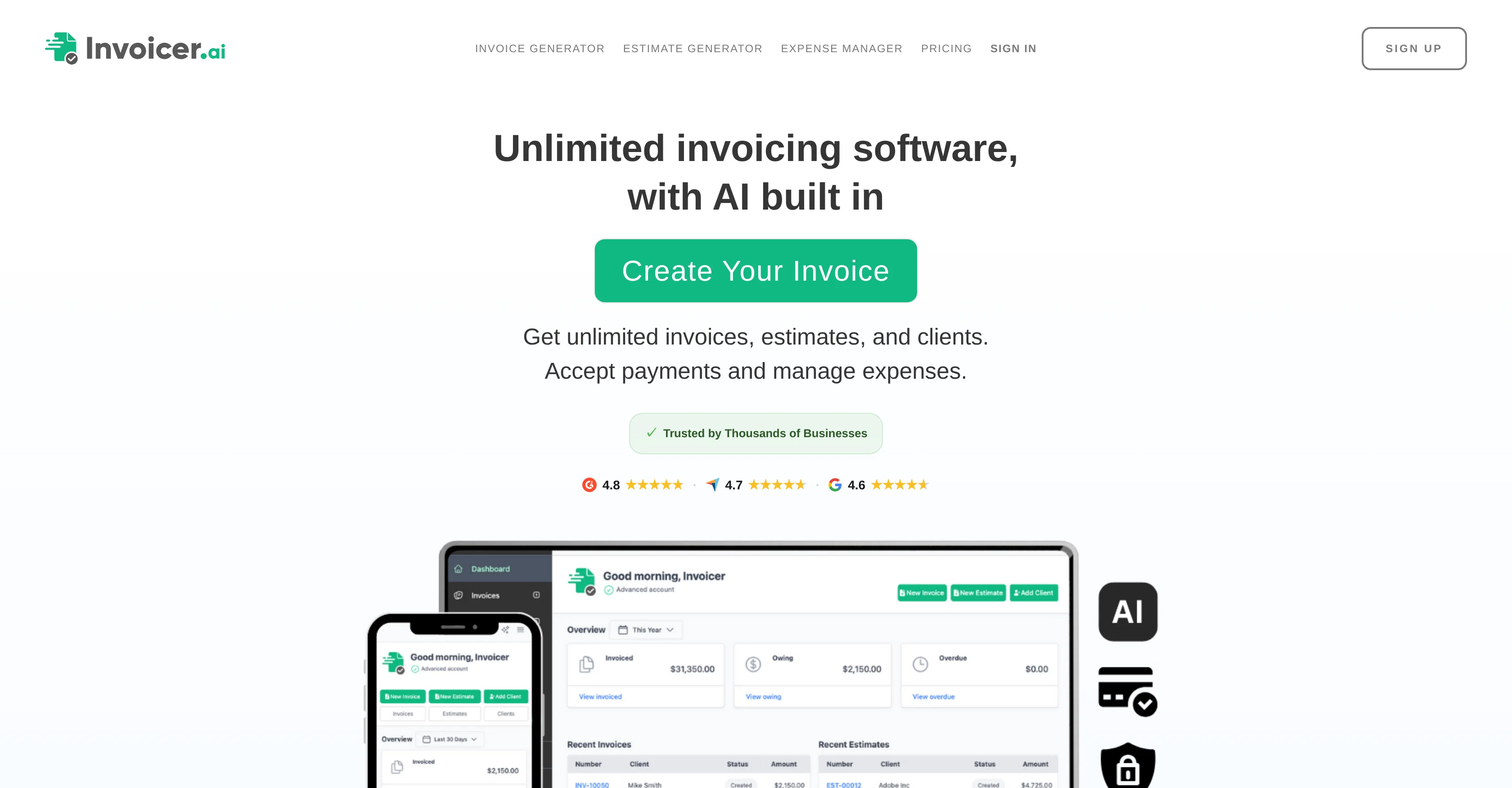
Invoicer.ai is AI-powered invoicing software for small businesses and freelancers, offering unlimited invoices, estimates, and clients across all plans, and an AI invoice generator.
You can create invoices and estimates in seconds — manually or by asking the built-in AI in plain language — and its AI Assistant handles the busywork: pricing jobs, generating line items, adding clients, and answering questions like what to charge, who owes you money, or how revenue and expenses are trending.
Estimates can be approved by clients and converted to invoices in one click or automatically. As a Stripe Partner, it accepts credit and debit cards, Apple Pay, Google Pay, and bank transfers in 135+ currencies, with automatic late-payment reminders and real-time tracking of when invoices are delivered, viewed, and paid.
An AI Expense Manager extracts details from snapped or uploaded receipts into a searchable list you can export or share with an accountant. Extras include branded templates, recurring and scheduled invoices, multiple discounts and deposits, and a suite of free business tools.
There's a 14-day free trial with no credit card required.
- Ai Invoice Generator
- Ai Estimate Generator
- Ai Expense Manager
- Ai Job Costing
- Multi-user
Access & connections
Where you can use Invoicer.ai, and what it plugs into.
Platforms
Integrations
Capabilities
What this tool accepts, produces, and is strongest at.
Input
- Image
- Text
- Audio
Output
- Text
Pros & cons
Pros
- Unlimited invoicing
- Unlimited estimates
- Unlimited clients
- AI invoice generator
- Automatic conversion of estimates to invoices
- Online payments acceptance
- Company logo and color themes customizations
- Add attachments to invoices
Show 29 more
- Real-time updates on invoices
- Automatic generation of line items
- Automatic addition of clients
- Processes everyday language requests
- Expense manager function
- Extracts receipts details
- Creates searchable expenses list
- Payment reminders
- Brand consistency maintenance
- Notifications about invoices
- Availability of automation assistant
- Tracking features
- Supports multiple currencies
- Auto client addition
- Expense trends analysis
- Stripe partnership for various payment methods
- Accepts payments in 135+ currencies
- One-click conversion of estimates to invoices
- Automatic late payment reminders
- Offer multiple discounts
- Supports multiple deposits
- Expense details extraction from uploaded documents
- Easy expense sharing with accountant
- Intuitive editor for invoices and estimates
- Automatic calculations
- Fast interface
- QR code on documents
- Estimate automation
- Multi-user support
Cons
- Not open-source
- Limited customization options
- No API available
- Depends on Stripe for payments
- No offline mode
- Limited client support channels
- No database export function
- Lacks integration with other tools
Show 1 more
- No feature to backup data
Compare alternatives
Similar tools in the catalog — with a clear reason to open each one.

Lienhound — Turn mechanics liens into money ✓
UnknownFile and enforce mechanics liens. AI does the paperwork, licensed lawyers file.
No pricing
Full comparison
InvoiceClip ✓
Free TrialStop manual invoice typing with AI scanning.
Why look Typically cheaper
Full comparison

Tailride ✓
FreemiumAI inbox scanner for invoices, receipts, and expense reconciliation
Free + from $49/mo
Full comparison

Releases 1
Related tools
Recommended

GetLogit ✓
FreemiumArtificial intelligence, available for everyone.

ChatGPT ✓
FreemiumAsk anything, create anything, and move from idea to action.

Notis ✓
Free TrialThe first WhatsApp assistant that runs on your ChatGPT and Claude subscriptions

freebeat AI ✓
FreemiumTurn Music & Ideas into Viral Videos In One Click

Jason AI ✓
PaidAI-powered assistant for B2B sales outreach

DeepSeek ✓
FreeUnravel the mystery of AGI with curiosity