

InvoiceClip ✓
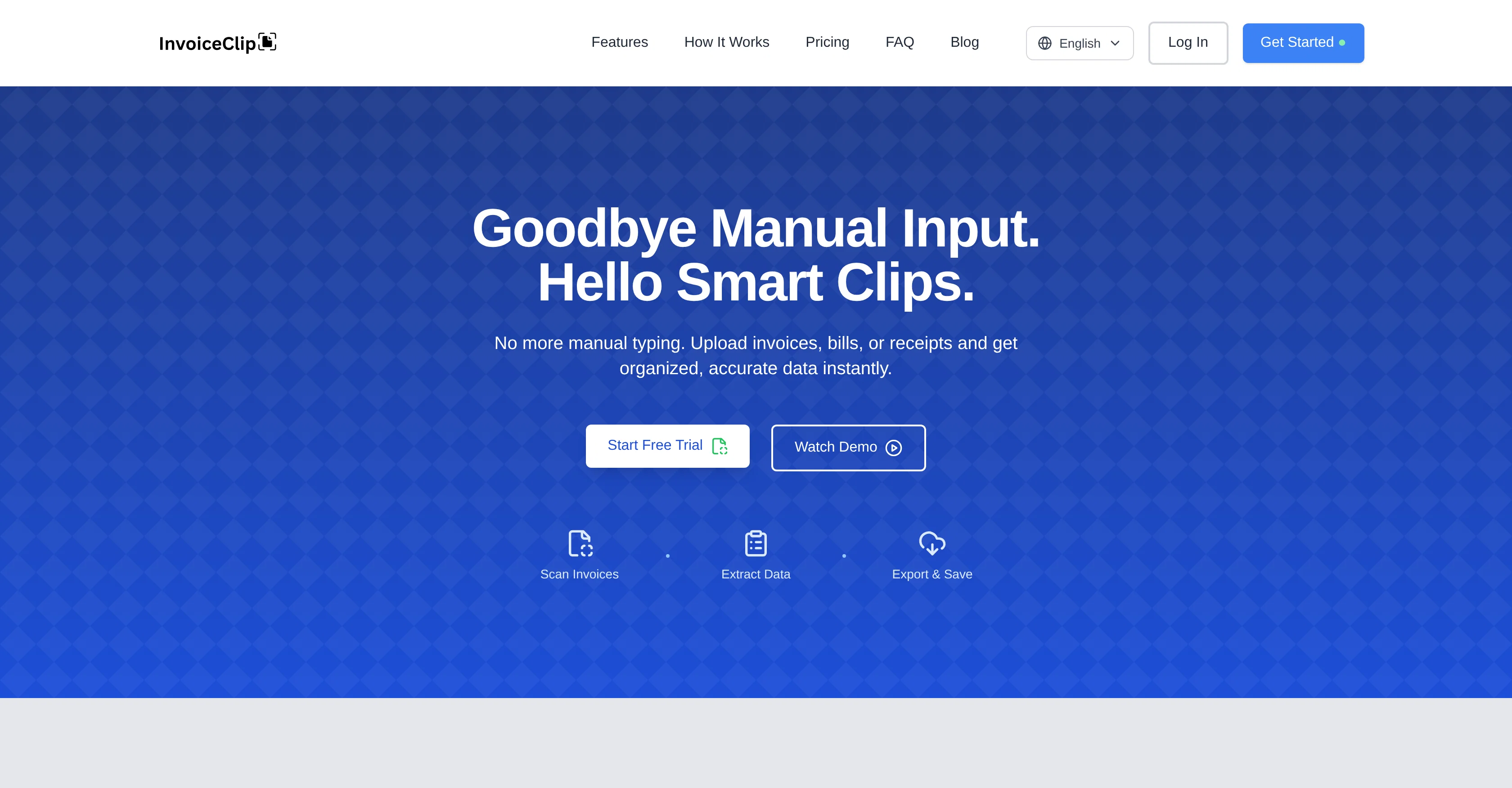
Stop manual invoice typing with AI scanning.
Trial; then from $5.99/mo
Verdict
A quick read before you dig into the full page.
- Best if
- You are small business owners and need: Automating accounts payable processes
- Skip if
- Limited export formats
- Pick this when
- Batch processing
Considering Lienhound — Turn mechanics liens into money instead? Compare side by side
Overview
InvoiceClip is an AI-powered application particularly developed for invoice and receipt scanning tasks. Its primary functionality revolves around scanning bills, receipts, and other utility invoices, and instantly converting this data into an accurate, organized, and exportable format.
This tool relies on AI OCR (Optical Character Recognition) technologies to effectively eliminate the need for manual invoice typing, thereby streamlining bookkeeping activities and enhancing productivity.
By automatically interpreting and digitizing the key information from your documents, InvoiceClip makes the data management process more efficient and hassle-free.
The digitized format of your invoices and receipts makes it easy to store, search, and manage your financial transaction records, reducing paper clutter and potential human error.
This app is an effective solution for businesses of all sizes looking for ways to automate their financial documentation processes and make tracking expenses simpler and faster.
Best for
Short scenarios where InvoiceClip tends to shine.
-
Automating accounts payable processes
Best for Small business owners
-
Streamlining small business invoicing
Best for Accountants
-
Eliminating manual data entry for financial documents
Best for Accounts payable departments
-
Organizing and managing receipts and bills efficiently
Best for Bookkeepers
Example outputs 1
Sample generations and before/after results for InvoiceClip.
Access & connections
Where you can use InvoiceClip, and what it plugs into.
Platforms
Integrations
Capabilities
What this tool accepts, produces, and is strongest at.
Input
- Image
Output
- Text
Supported features
- Finance & Accounting
Pros & cons
Pros
- Batch processing
- Multi-language support
- Handwriting recognition
- Advanced OCR technology
- Automates bookkeeping activities
- Enhances productivity
- Interprets and digitizes documents
- Efficient data management
Show 12 more
- Easy data storage
- Searchable history and filters to find past jobs quickly.
- Reduces human error
- Reduces paper clutter
- Effective for all businesses
- Simplifies expense tracking
- Instant data conversion
- Organized data output
- Exportable data formats
- Streamlined data process
- Eliminates manual typing
- Detailed financial documentation
Cons
- Limited handwriting support
- Limited throughput
- Page-based quotas mean heavier users need higher tiers
- No integration with accounting software
- Limited export formats
Compare alternatives
Similar tools in the catalog — with a clear reason to open each one.

Lienhound — Turn mechanics liens into money ✓
UnknownFile and enforce mechanics liens. AI does the paperwork, licensed lawyers file.
No pricing
Full comparison
Taxing ✓
FreemiumAutomate 30+ hours of tax prep in 10 minutes.
Why look Higher community rating
Full comparison
Tailride ✓
FreemiumAI inbox scanner for invoices, receipts, and expense reconciliation
Why look Higher community rating
Full comparison
DocumentPro ✓
FreemiumExtract invoices from PDFs and images to CSV using AI
Free + from $16 / mo
Full comparisonPeople also view
Tools that often show up alongside InvoiceClip in collections and comparisons.
Taxing ✓
FreemiumAutomate 30+ hours of tax prep in 10 minutes.

Receiptor ✓
PaidExtract receipts and invoices from emails automatically
Lienhound — Turn mechanics liens into money ✓
UnknownFile and enforce mechanics liens. AI does the paperwork, licensed lawyers file.
Tailride ✓
FreemiumAI inbox scanner for invoices, receipts, and expense reconciliation
DocumentPro ✓
FreemiumExtract invoices from PDFs and images to CSV using AI

Billy ✓
Free TrialAI-powered invoicing made effortless.

QuoteCraft AI ✓
FreemiumAI-Powered Proposals That Win Deals

Invoicer.ai ✓
Free TrialAI invoicing software: create invoices and estimates in seconds, chase payments automatically.
Releases 1
Related tools
Recommended

Notis ✓
Free TrialThe first WhatsApp assistant that runs on your ChatGPT and Claude subscriptions

Averi AI ✓
Free TrialThe AI Content Engine for Startups

StarterPilot ✓
Free TrialValidate ideas, name your business, create logos, and build websites in minutes

PDF to Video AI ✓
FreeTurn PDFs into professional explainer videos in minutes.

Automateed ✓
Free TrialCreate eBooks effortlessly with Automateed, the AI-powered writing tool.

Kin - Personal AI Advisors ✓
FreePrivacy-first & designed your for mind, and life at work