

Invoices 2026 Rank: #2715
Inbox Ledger ✓
Stop collecting invoices. Start closing books.
Free + from $15/mo
Verdict
A quick read before you dig into the full page.
- Best if
- Stop collecting invoices. Start closing books
- Skip if
- Limited to email sources
- Pick this when
- Automates invoice management
Considering Lienhound — Turn mechanics liens into money instead? Compare side by side
Overview
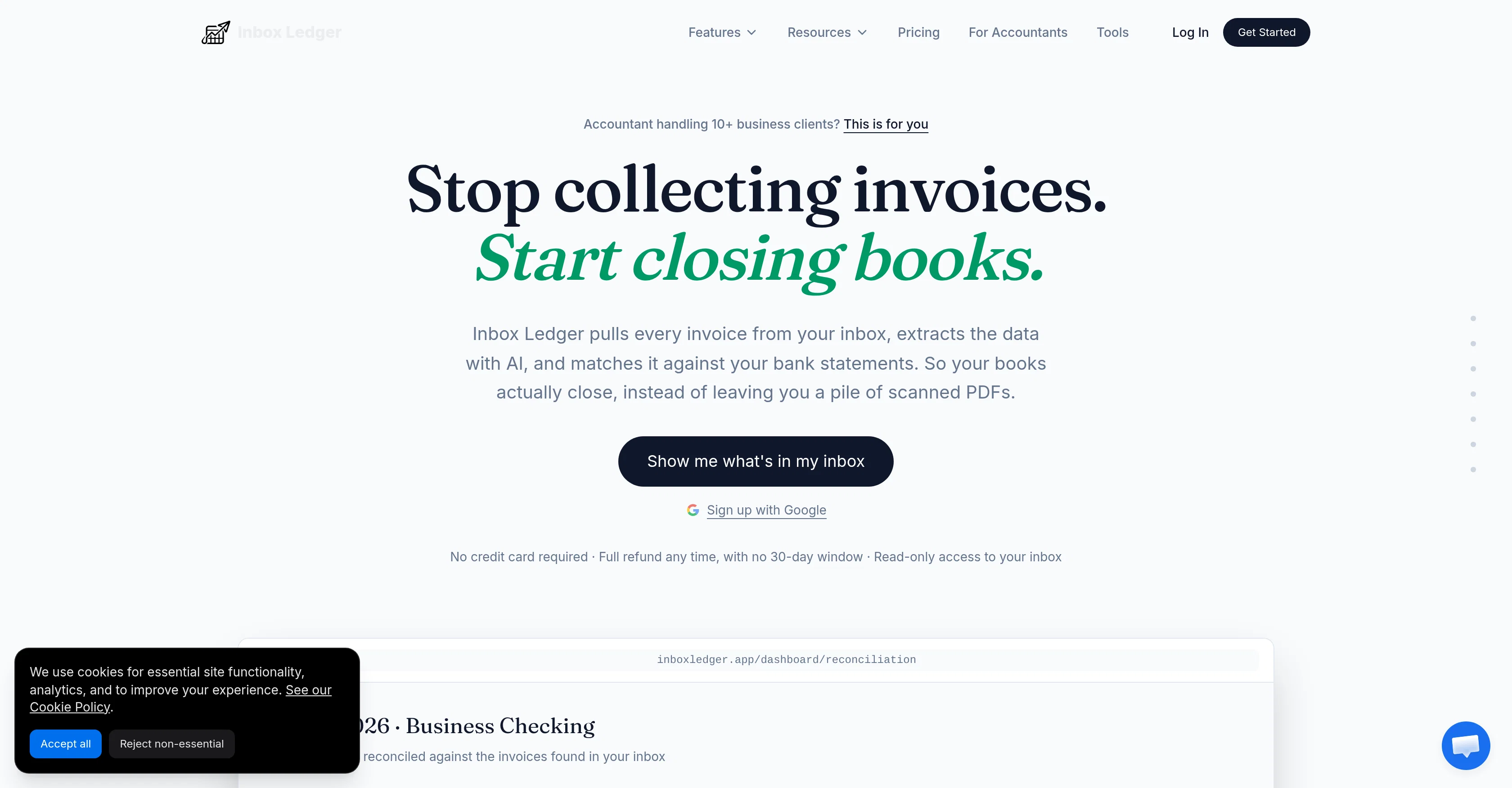
Inbox Ledger is an AI-based tool designed to automate invoice management and bank reconciliation. The software extracts and organizes invoice data from sources such as Gmail, Outlook, and IMAP.
The system identifies invoices in these inboxes, extracts relevant data and matches this information with bank statements, providing a streamlined reconciliation process for businesses and accountants.
The application also enables exportation of this data to platforms like QuickBooks and Xero. Inbox Ledger provides real-time invoice tracking and is designed to save time by eliminating manual invoice management and data entry.
Should irregularities or issues arise during the data extraction process, the application marks the problematic document and provides a detailed, actionable reason for the failure.
Inbox Ledger also provides multi-currency matching capabilities, an vital feature for businesses dealing in international transactions. Notably, the application takes a security-conscious approach to data handling, offering read-only access to inboxes and encrypted data storage.
Furthermore, the service ensures GDPR compliance and data residency in EU data centers. Inbox Ledger affords the possibility to define rules in plain language for invoice management, such as auto-approval for invoices under a certain amount or tagging specific categories of expenditures, making it a versatile tool for various businesses.
Access & connections
Where you can use Inbox Ledger, and what it plugs into.
Platforms
Capabilities
What this tool accepts, produces, and is strongest at.
Input
- API
- Tabular
- Text
Output
- Tabular
- API
Pros & cons
Pros
- Automates invoice management
- Automates bank reconciliation
- Extracts invoice data
- Organizes invoice data
- Supports Gmail, Outlook, IMAP
- Matches data with bank statements
- Streamlines reconciliation process
- Exports data to QuickBooks
Show 41 more
- Exports data to Xero
- Real-time invoice tracking
- Eliminates manual data entry
- Marks problematic documents
- Provides reason for extraction failures
- Multi-currency matching capability
- Supports international transactions
- Offers read-only access to inboxes
- Encrypted data storage
- Ensures GDPR compliance
- EU data residency
- Plain language rule definition
- Invoice auto-approval feature
- Expenditure tagging
- Handles multiple business clients
- Handles multiple sources
- Handles encrypted invoices
- Handles duplicate invoices
- Handles differently formatted invoices
- Handles irregular invoices
- Provides a detailed invoice failure reason
- Error detection mechanism
- Live tracking of scanned documents
- Captures complete invoice information
- Checks multiple times for invoices
- Never marks same invoice twice
- Auto-captured invoices
- Reconciliation dashboard with confidence scores
- Invoice extraction and matching
- Multi-platform integration
- Accepts snaps of invoices
- Works with Telegram and Whatsapp
- Forward images for instant processing
- Unique processing rules
- Back-scans past invoices
- Real-time inbox tracking
- Full data exportability
- Duplicate safeguard
- Multi-destination invoice routing
- User-friendly setup
- Instant invoice capture
Cons
- Limited to email sources
- Read-only access limitations
- No on-premise option
- Data locked to EU location
- Lack of native mobile app
- No roll-over for unused credits
- No recognition of duplicate documents
- Inaccurate OCR data extraction
Show 2 more
- Reliant on volume-based pricing
- Manual upload for bank statements
Compare alternatives
Similar tools in the catalog — with a clear reason to open each one.

Lienhound — Turn mechanics liens into money ✓
UnknownFile and enforce mechanics liens. AI does the paperwork, licensed lawyers file.
No pricing
Full comparison
InvoiceClip ✓
Free TrialStop manual invoice typing with AI scanning.
Why look Typically cheaper
Full comparison
Taxing ✓
FreemiumAutomate 30+ hours of tax prep in 10 minutes.
Why look Higher community rating
Full comparison
Tailride ✓
FreemiumAI inbox scanner for invoices, receipts, and expense reconciliation
Why look Higher community rating
Full comparison

Releases 1
FAQ 12
What is Inbox Ledger?
How does Inbox Ledger automate invoice management?
What sources can Inbox Ledger extract invoice data from?
How does the system match invoice information with bank statements?
Can Inbox Ledger export data to QuickBooks and Xero?
How do I track invoices in real-time using Inbox Ledger?
What happens when there are irregularities or issues during the data extraction process?
How does Inbox Ledger handle multi-currency transactions?
What security measures does Inbox Ledger utilize?
Is Inbox Ledger GDPR compliant?
Can I define rules for invoice management in Inbox Ledger?
What makes Inbox Ledger a versatile tool for various businesses?
Related tools
Recommended

Kick ✓
FreemiumAccounting software that does the work for you

Supernormal App ✓
FreemiumThe AI assistant app that turns meetings into completed work

Macky ✓
FreemiumAI-executed, consultant-certified engagements for SMEs.

HappySeeds ✓
FreemiumTurn ideas into AI-powered apps instantly.

SimplePath ✓
Free TrialDescribe your business, get a website instantly.

plori ✓
FreemiumAn AI agent with its own computer.