

Inbox AI ✓
Voice-driven AI automation for your Mac
Verdict
A quick read before you dig into the full page.
- Best if
- Voice-driven AI automation for your Mac
- Skip if
- Complex for non-advanced users
- Pick this when
- Voice-driven automation
Considering Ayari instead? Compare side by side
Overview
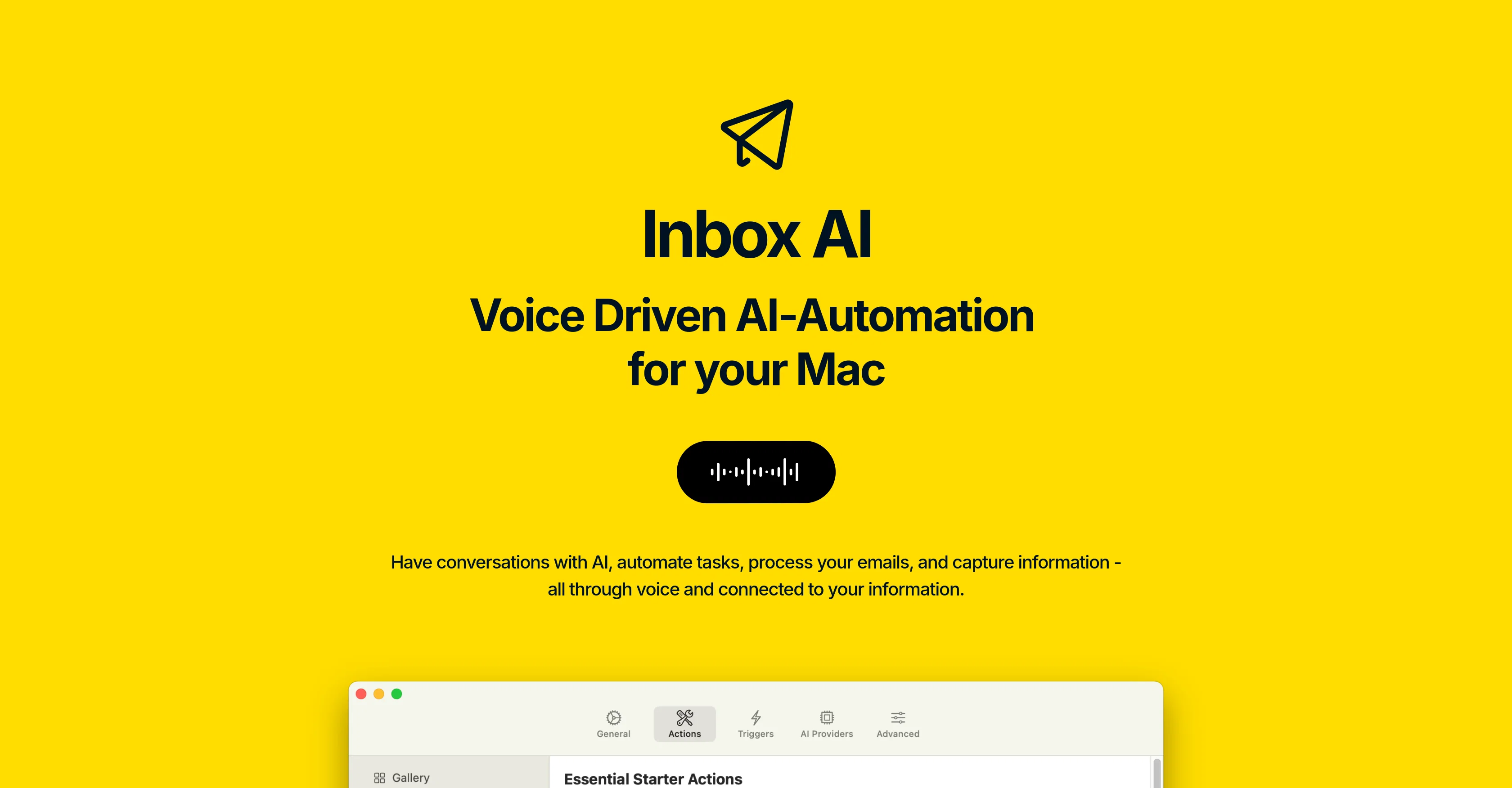
Inbox AI is a voice-driven AI automation tool that is designed to assist users in improving their personal productivity. It offers a set of features that are designed to streamline everyday tasks done on a Mac device, such as managing emails and handling information capture.
Inbox AI enables users to build custom AI-powered assistants that can perform automated tasks triggered by voice commands. These tasks can include drafting emails, flagging critical messages, and filtering out unimportant email noise.
It can also extract tasks from emails and send them to apps such as Notion, Obsidian, or Ortana. Built into Apple Mail, this functionality is entirely on-device, ensuring user data privacy.
Inbox AI also enables the extraction of tasks or memos from on-screen content. It supports integration with other apps via x-callback-urls and has built-in reminder and clipboard actions.
Inbox AI can use online AI for enhanced capabilities or operate solely on your Mac. The tool also provides privacy-focused AI use, allowing users control over their data.
Furthermore, advanced users can leverage seamless integrations with APIs or local terminal commands to maximize their productivity.
Access & connections
Where you can use Inbox AI, and what it plugs into.
Platforms
Integrations
Capabilities
What this tool accepts, produces, and is strongest at.
Input
- API
- Tabular
- Audio
Output
- Tabular
- API
- Text
Pros & cons
Pros
- Voice-driven automation
- Personal productivity improvement
- Tasks triggered by voice
- Email management features
- Task extraction from emails
- On-Device operation
- Data privacy
- Integration with apps via x-callback-urls
Show 35 more
- Built-in reminder and clipboard actions
- Users control over data
- Seamless API integration
- Leverage local terminal commands
- Information capture capability
- Compatibility with Mac devices
- Built into Apple Mail
- Automatic draft of emails
- Flag critical email messages
- Unimportant emails filtering
- Task sending to Notion, Obsidian, Ortana
- Task or memo extraction from on-screen content
- One-time purchase, permanent use
- No recurring fees
- Ability to summarize, analyze, extract data
- Multiple simultaneous or sequential actions
- Deep integration with MacOS
- Integration with built-in email, reminders, clipboard actions
- Compatibility with Raycast
- Direct output tasks to Apple Reminders
- Copy output directly onto clipboard
- Send notifications on activities
- Advanced API and terminal command use
- Automated email filtering
- Industry-standard SSL encryption for data
- Automated organization of emails
- Helpful for advanced users
- No login required for use
- Seamless workflows creation
- Built-in reminder feature
- Effective information management
- Easily automates everyday tasks
- Capable of handling complex requests
- Non-intrusive, works in background
- User-friendly and intuitive interface
Cons
- Mac-only
- Limited to voice commands
- Dependent on Apple Mail
- Limited app integration
- Needs API keys
- Complex for non-advanced users
- No login required (security concern)
- Requires advanced configuration
Show 2 more
- Limits due to on-device functioning
- Dependent on third-party technologies
Compare alternatives
Similar tools in the catalog.




Releases 1
FAQ 12
What is Inbox AI?
How can I improve my personal productivity using Inbox AI?
How can I build custom AI-powered assistants using Inbox AI?
What are the tasks I can automate with voice commands on Inbox AI?
Does Inbox AI allow extracting tasks from emails and how?
Can Inbox AI integrate with other apps like Notion and Obsidian?
Is the data privacy of Inbox AI reliable?
Can Inbox AI operate solely on my Mac without online AI?
What are the primary functions of Inbox AI?
How does Inbox AI enable task extraction from on-screen content?
How can I use Inbox AI for email management?
How can Inbox AI help flag critical messages and filter out unimportant emails?
Related tools
Recommended

Inboxly ✓
PaidA Shareable URL Mailbox with in-built AI Assistant

Varolio ✓
PaidMaster your inbox with AI-powered email management

freebeat AI ✓
FreemiumTurn Music & Ideas into Viral Videos In One Click
MyReport
PaidAutomated report generation tool using augmented intelligence for data collection and citation.

PixieBrix ✓
FreemiumExtend your apps, accelerate work

Manus ✓
FreemiumTurn your thoughts into actions with AI