

imgUpscaling ✓
Elevate images with AI-powered enhancement and creation.
Verdict
A quick read before you dig into the full page.
- Best if
- Elevate images with AI-powered enhancement and creation
- Skip if
- Limited file size uploads
- Pick this when
- Preserves image clarity during enlargement
Considering Deep Image instead? Compare side by side
Overview
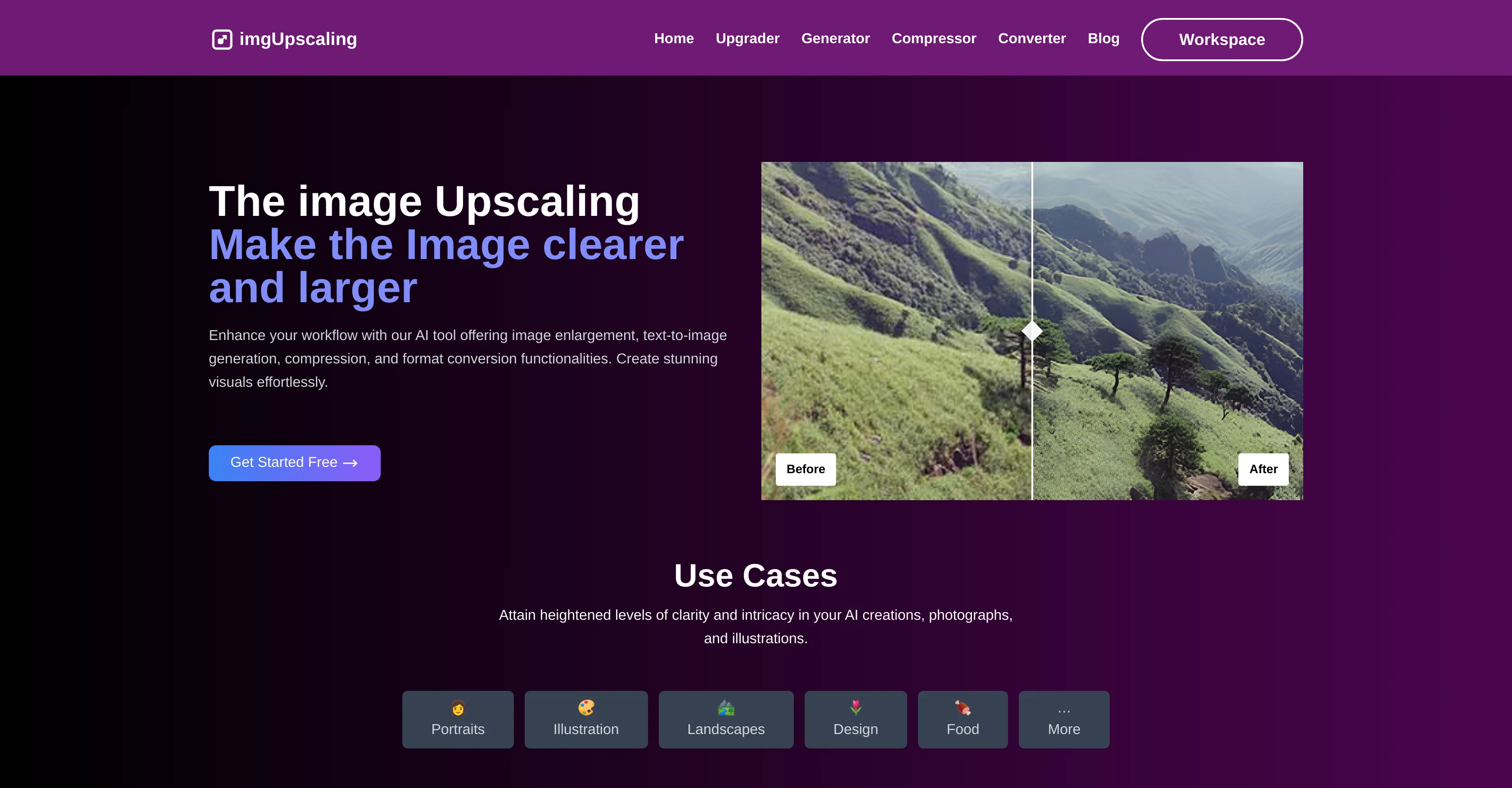
imgUpscaling is an AI-powered tool designed to refine image enhancement tasks. The primary features of this tool include image upscaling, text-to-image generation, compression, and format conversion.
Using this tool, images can be enlarged while maintaining clarity, catering to various use cases such as portraits, landscapes, illustrations, graphic design, and food photography.
The text-to image feature translates user-provided text into corresponding images, enabling an efficient and creative workflow. The compression feature allows users to adjust the compression level according to their needs, working to optimise a balance between file size reduction and preserving image quality.
Furthermore, imgUpscaling facilitates conversion of images from one format to another, broadening the range of uses and making it flexible for a variety of tasks.
This online platform serves as a versatile and comprehensive tool for any individual or professional who frequently works with images, streamlining the process and offering a variety of functionalities, all driven by artificial intelligence technology.
Access & connections
Where you can use imgUpscaling.
Platforms
Capabilities
What this tool accepts, produces, and is strongest at.
Input
- Image
- Text
Output
- Image
Supported features
- Upscaling
Pros & cons
Pros
- Preserves image clarity during enlargement
- Text-to-image generation
- Customizable image compression
- Image format conversion
- Multiple use cases supported
- Enhances workflow efficiency
- Supports a variety of tasks
- Versatile functionality
Show 19 more
- High-quality image enhancement
- Supports different types of photography
- Preserves image quality during compression
- Maintains balance in file size optimization
- Facilitates creative workflow
- Works efficiently for professionals and individuals
- Available as an online platform
- Quick processing time
- Wide range of image format support
- Convenient image uploading feature
- Enlargement factor customization
- Feedback from professional users
- Multiple components for specific tasks
- Offers free usage
- Handles complex image tasks
- Helps in creating stunning visuals
- Supports upscaling nature & landscapes
- Facilitates upscaling food photoshoots
- Helps in upscaling & enhancing illustrations
Cons
- No offline version
- Limited file size uploads
- Processing time varies
- Unclear specific file-size restrictions
- No multi-language support
- No batch processing
- No API for integration
- Unclear on security measures
Show 2 more
- Lacks detailed manual/help section
- No feature customization options
Compare alternatives
Similar tools in the catalog — with a clear reason to open each one.

Deep Image ✓
Free TrialEnhance photos with advanced editing features.
Free + from $9/mo
Full comparison
Upscayl ✓
Free TrialEnhance images with free, open-source AI upscaling.
Why look More privacy-focused
Full comparison
AI Upscaler ✓
FreemiumSmarter AI 4K Upscaler for Images & Videos
Why look Higher community rating
Full comparison
SciFig ✓
FreemiumTurn text into publication-ready scientific figures.
Free + from $12/mo
Full comparison

Neurohelper AI ✓
PaidEvery leading AI model. One workspace.
Why look Better for writing
Full comparisonReleases 1
Imported reviews 3
Very nice lighting and some mildly interesting results when generating image, though hit or miss as it does not adhere well to the text prompt. Could not upscale an image at all. Waited over 20 minutes, and just quit.
Don't waste your time.
Dont work, program don't work without paying.
Very, very slow photo 'AI-powered' tool [-(
FAQ 12
What does imgUpscaling do?
How does imgUpscaling enlarge images while maintaining their quality?
What are some use cases for imgUpscaling?
What is the text-to-image generation feature in imgUpscaling?
How does imgUpscaling optimize the balance between file size reduction and preserving image quality?
How does imgUpscaling convert images from one format to another?
Who would benefit from using imgUpscaling?
How does imgUpscaling streamline the workflow for those who work with images?
How is imgUpscaling driven by AI technology?
Can imgUpscaling compress images to a specific target file size?
Can imgUpscaling convert an image to any format or only to certain formats?
What components of imgUpscaling platform are useful for graphic design?
Related tools
Recommended

ImageUpscaling.net ✓
FreeUpscale images by 400% with AI, for free.

Automateed ✓
Free TrialCreate eBooks effortlessly with Automateed, the AI-powered writing tool.

CleeAI ✓
FreeCustom AI for Enterprise, built in seconds

BookAIWriter.com ✓
PaidRevolutionize Your Writing with AI

OnlyPrompts ✓
Free TrialAutomate 37,000+ tasks with 150,000+ prompts

BeautyPlus AI Image Enhancer ✓
FreemiumEnhance images with AI for superior quality instantly.