

Image to video 2026 Rank: #2886
ImgToVid AI ✓
Transform images into stunning videos with AI.
from $11.1/mo
Verdict
A quick read before you dig into the full page.
- Best if
- Transform images into stunning videos with AI
- Skip if
- Limited video output formats
- Pick this when
- Produces professional-looking videos
Considering MojoMake - AI Image to Video Generator instead? Compare side by side
Overview
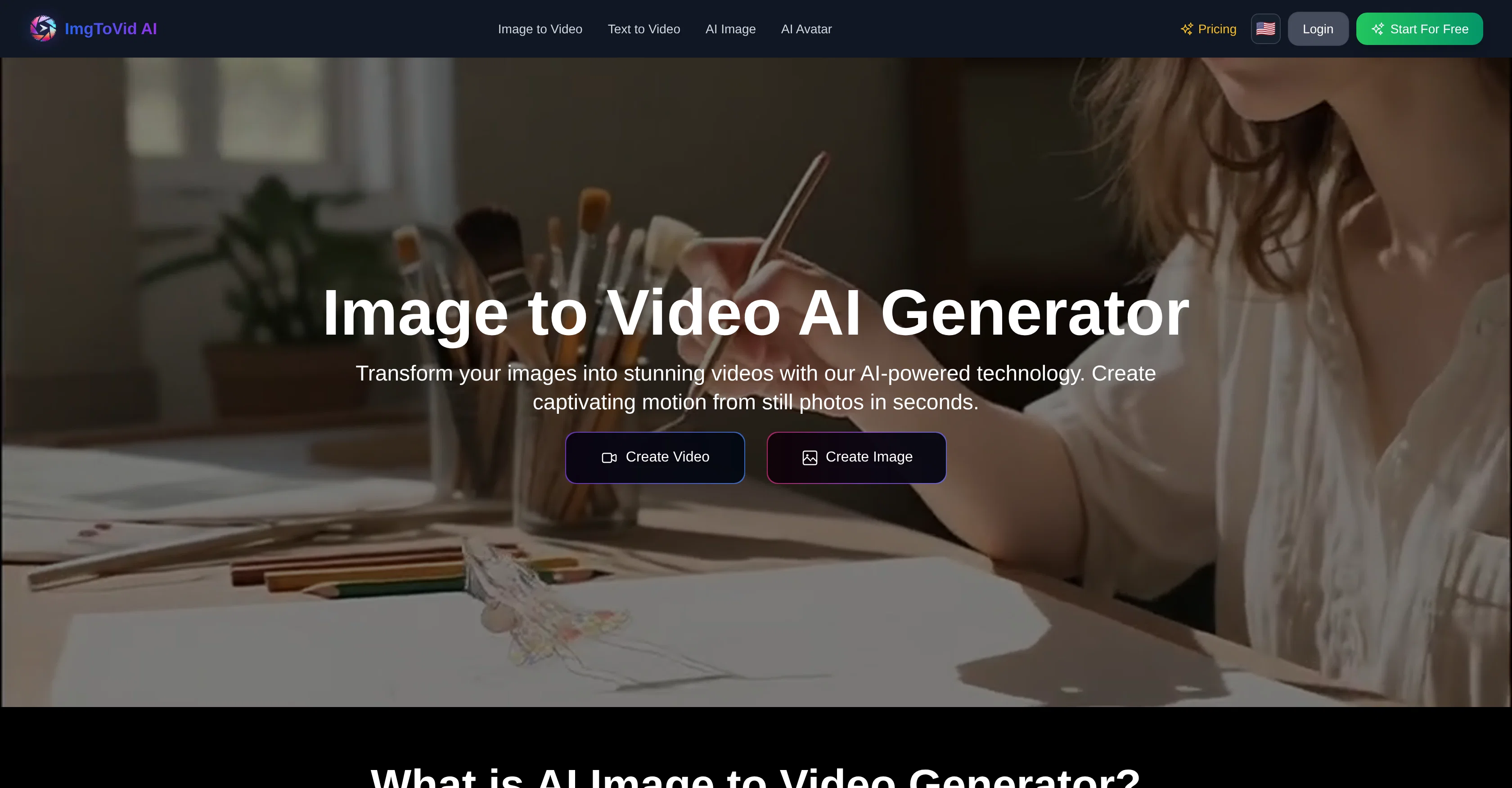
ImgToVid AI is an AI-powered technology designed to transform static images into dynamic video content. This advanced tool leverages machine learning algorithms and neural networks to analyze elements in photos, and seamlessly create realistic motion sequences to animate the images.
It is designed for creators, marketers, and content producers to generate engaging video content without needing extensive video production skills or costly equipment.
The tool works by understanding the context, depth, and natural motion patterns in images to produce professional and authentic-looking videos. ImgToVid AI provides a user-friendly interface and offers the ability to customize video production through text prompts, helping users determine movement, camera angles, lighting effects and atmosphere.
It also supports various formats including JPG, PNG, and WEBP, and is secure, featuring bank-level encryption. It is an efficient solution, processing videos within 5-10 minutes based on complexity, and offering users the ability to preview, download, and share their generated videos directly to social media platforms or save them for a content library.
It also offers a supportive community with comprehensive tutorials and responsive customer support, allowing users to share tips, templates, and get inspired.
Access & connections
Where you can use ImgToVid AI.
Platforms
Capabilities
What this tool accepts, produces, and is strongest at.
Input
- Image
- Text
Output
- Video
Supported features
- Video Generation
- Image Understanding
- Realism
- Styling
Pros & cons
Pros
- Produces professional-looking videos
- User-friendly interface
- Supports JPG, PNG, WEBP formats
- Customizable motion, lighting, style
- Fast processing (5-10 minutes)
- Secure processing with encryption
- Easy image upload
- Preview, download, and share videos
Show 21 more
- Comprehensive tutorials available
- Responsive customer support
- Community sharing tips, templates
- Tailored video production via prompts
- Freedom to determine video style
- Automatic image analysis
- Supports various aspect ratios
- Full creative control
- 24/7 support access
- Advanced customization options
- Video generation for commercial use
- Regenerate videos with different prompts
- Cost-effective video solution
- Lightning-fast video processing
- Enterprise-grade security
- No technical expertise needed
- 50 free credits on sign up
- Data deletion option
- Data is not used for training
- Effective for all platforms
- Cost-less regeneration of videos
Cons
- Complexity increases processing time
- No real-time video generation
- Limited image format support
- Limited customization options
- Prompt-dependent result quality
- Potential over-simplification of animations
- Absence of batch processing
- Requires explicit detail in prompts
Show 2 more
- Lack of offline usage
- Limited video output formats
Compare alternatives
Similar tools in the catalog — with a clear reason to open each one.

MojoMake - AI Image to Video Generator ✓
FreemiumUse every top AI model and 100+ effects in one account.
Why look Freemium alternative
Full comparison
VidFlux - Photo to Video Generator ✓
PaidTransform photos into cinematic videos with AI.
Why look Typically cheaper
Full comparison
Grok Imagine ✓
FreemiumUnleash Your Creativity with Grok Imagine
Why look Freemium alternative
Full comparison
VidFlux - Image to Video AI ✓
PaidTransform any image into stunning videos.
Why look Typically cheaper
Full comparison
MindVideo ✓
FreemiumCreate stunning videos from text or images.
Why look Freemium alternative
Full comparison
Releases 1
FAQ 12
What is ImgToVid AI?
How does ImgToVid AI work?
What are the key features of ImgToVid AI?
How does ImgToVid AI analyze images?
What skills are required to use ImgToVid AI?
What image formats does ImgToVid AI support?
How long does ImgToVid AI take to generate a video?
Can I adjust motion intensity and lighting effects with ImgToVid AI?
What is the process for using ImgToVid AI?
How secure is the processing on ImgToVid AI?
Does ImgToVid AI offer a data deletion option?
Can I customize the style of my video with ImgToVid AI?
Related tools
Recommended

SuperCraft ✓
FreemiumDesign Physical Products with AI

Focal ✓
FreemiumCreate your own TV shows and movies.

Luma AI ✓
FreeGenerated 3D graphics.

Higgsfield AI ✓
Free TrialAI Video Generator & Image Generator

Masonry ✓
FreemiumOne prompt, every AI model: compare image and video generation across all

DeepReel ✓
PaidAI agent for Videos and Images