

3D objects 2026 Rank: #1023
Image3D AI ✓
Transform any image into stunning 3D models.
Verdict
A quick read before you dig into the full page.
- Best if
- Transform any image into stunning 3D models
- Skip if
- No support for complex 3D structures
- Pick this when
- Transforms STL formats
Considering 3D AI Studio instead? Compare side by side
Overview
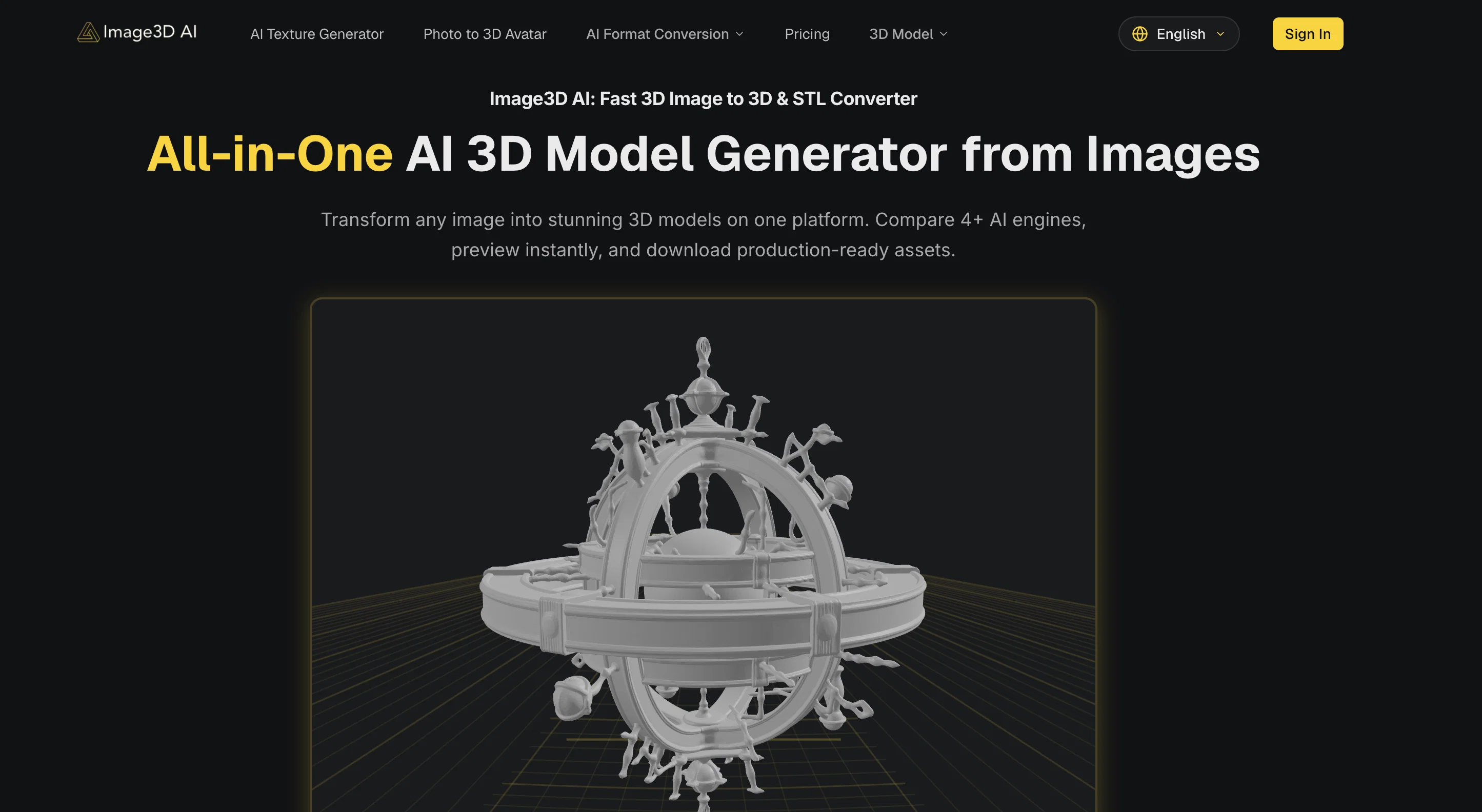
Image3D AI is a tool that leverages artificial intelligence to transform images into high-quality 3D models, which can be output as STL, OBJ, or GLB file formats suitable for a variety of applications.
The tool is capable of rendering a variety of materials in the conversion process, including logos, sketches, product photos, and character designs, converting flat 2D images into volumetric 3D models.
Using advanced algorithms, the AI carefully constructs the three-dimensional geometry based on the source image, with special consideration given to contours, shadows, and other elements important in the shaping of the 3D model.
The platform is flexible, offering multiple generation modes including Normal, Low Poly, and Geometry to suit distinct applications. Single Image mode works well for logos or sketches, while Multi-view mode is advisable for accurate reconstructions of real-world objects where more than one perspective is provided.
Users with different needs, such as game developers, e-commerce platforms, 3D printing enthusiasts, and architects, can leverage this tool for their unique workflows.
Access & connections
Where you can use Image3D AI.
Platforms
Capabilities
What this tool accepts, produces, and is strongest at.
Input
- Image
Output
- 3D
Supported features
- 3D Generation
- Image Generation
- Visual Creation
- Styling
Pros & cons
Pros
- Transforms STL formats
- Instant preview feature
- Supports PNG, JPEG, WEBP
- Transforms flat logos to 3D
- Converts sketches to 3D
- Creates game-ready 3D assets
- Turns product photos to 3D
- Serves diverse needs
Show 40 more
- Guides in choosing optimal images
- Helps in understanding generation modes
- Identifies appropriate file format
- Multi-view mode for accurate reconstruction
- Export as STL, OBJ, GLB
- Renders various materials
- Develops 3D geometry
- Offers multiple generation modes
- Flexible platform
- Constructs 3D models from images
- Suitable for game developers
- Applicable for e-commerce platforms
- Useful for 3D printing enthusiasts
- Ideal for architects
- Trusted by creators worldwide
- Produces high-fidelity outputs
- Advises on best practice
- Offers Normal, Low Poly, Geometry modes
- Advises on file format selection
- Provides real-world object reconstruction
- High-Quality Output
- Prepares interactive 3D preview
- Texture Quality Standard Extreme
- Supports PBR material
- Image to STL converter
- High-contrast image generation
- Generates only mesh without texture
- Packs all info into files
- Exports into modern standard for Web, AR
- Offers Rapid mode (Single-view), Pro mode (Multi-view)
- Allows precise form models
- Pro Mode delivers higher accuracy
- Short processing time
- Multi-view mode delivers higher accuracy
- Material options - includes PBR materials
- Allows dynamic precision control
- Supports normal, low-poly, geometry mode
- Handles single/multi-view inputs
- Fast generation of 3D assets
- Produces 3D assets for game development
Cons
- No API integration
- Restricted to specific file formats
- No desktop version
- Requires clear outlines and simple backgrounds
- Limited to certain generation models
- No advanced texture controls
- Limited material rendering
- No real-time modeling
Show 2 more
- No support for complex 3D structures
- Limited 3D printing functionality
Compare alternatives
Similar tools in the catalog — with a clear reason to open each one.

3D AI Studio ✓
PaidEasily generate free 3D models with our AI-powered 3D AI Studio.
Why look Offers a public API
Full comparison
Mimetic Labs ✓
Free TrialTransform ideas into printable 3D models with AI.
Free + from $9.99
Full comparison
Image3D.io ✓
FreemiumImage to STL and 3D models from any image
Why look Typically cheaper
Full comparison
Hi3D ✓
Free TrialAI-powered 3D model generator with unprecedented precision.
Free + from $17.91/mo
Full comparison
TRELLIS 2 ✓
UnknownGenerate high-fidelity 3D assets from images instantly.
No pricing
Full comparison
Neural4D | Image to 3D ✓
Free TrialTurn photos or prompts into 3D models instantly.
Why look Offers a public API
Full comparisonReleases 1
FAQ 12
What is Image3D AI?
What image formats does Image3D AI support?
What are 'Fast GLB generation', 'Tripo 3D', 'Meshy' and 'Hunyuan 3D' in Image3D AI?
Can I convert logos into 3D models using Image3D AI?
How can Image3D AI be useful for game development?
Does Image3D AI assist in 3D printing?
How does Image3D AI guide in choosing an optimal image?
Can Image3D AI convert product photos into interactive 3D models?
What is the Multi-view mode in Image3D AI?
How does Image3D AI optimize image results?
Can Image3D AI convert sketches into 3D models?
Can Image3D AI assist in e-commerce and architecture design?
Related tools
Recommended

AppDeploy ✓
FreeDeploy real apps directly from ChatGPT or Claude

Fine Pixel ✓
FreemiumEnhance images 10X with AI upscaling

Iconik ✓
PaidCreate stunning app icons with AI in minutes

AI Logo Generator.sh ✓
Free TrialCreate professional logos in minutes with AI.

PNGMaker ✓
FreemiumGenerate transparent PNGs from text prompts instantly.

BulkImagen ✓
FreemiumType once, get a stack of images back.