
Images 2026 Rank: #1547
Image MCP Server ✓
One server for every AI image task.
from $10.01
Verdict
A quick read before you dig into the full page.
- Best if
- One server for every AI image task
- Skip if
- Limited to 4K upscaling
- Pick this when
- Single server integration
Considering Photo AI instead? Compare side by side
Overview
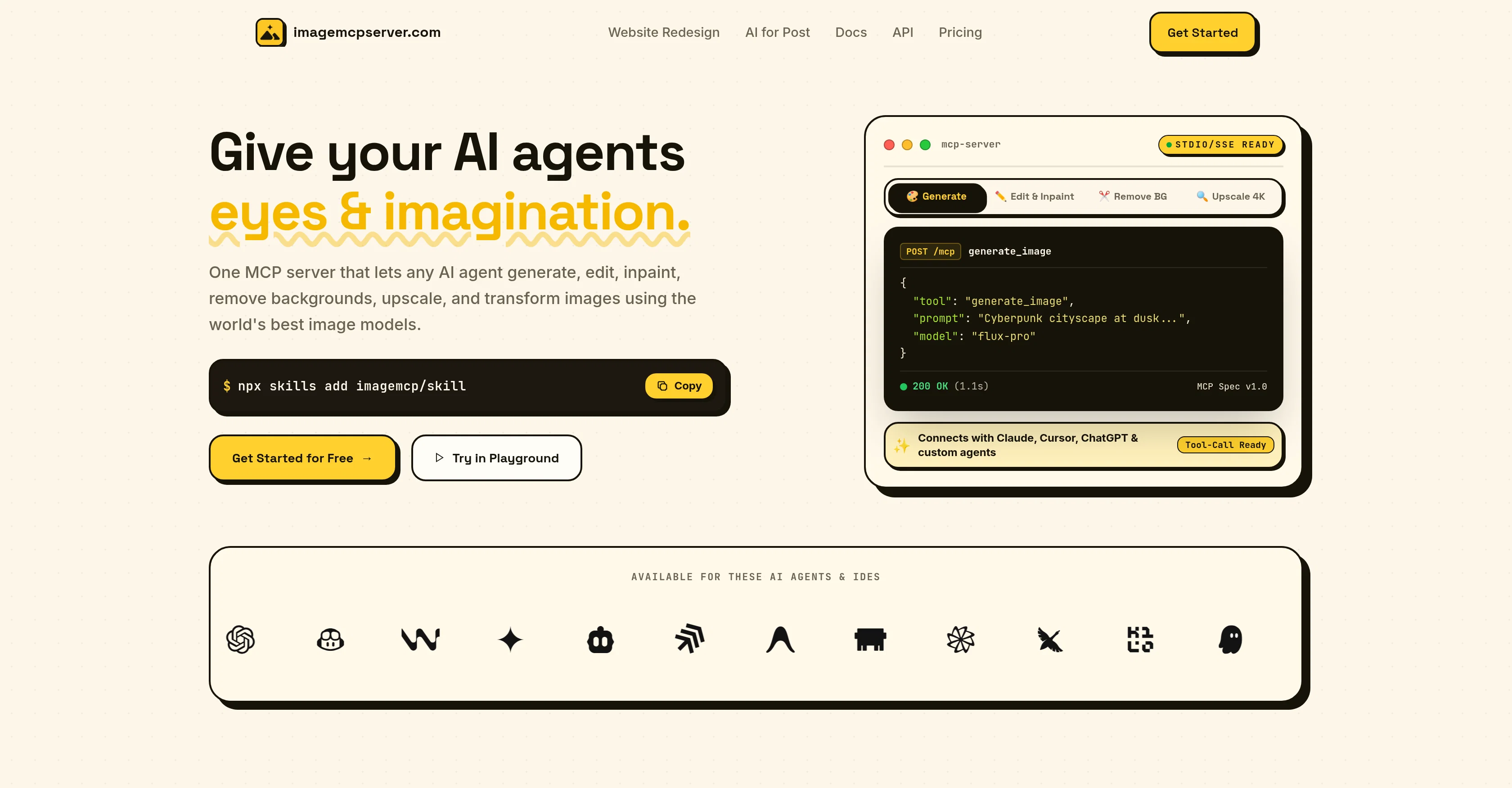
Image Mcp Server is an AI tool designed to facilitate and manage the processes involved in artificial intelligence image workflows. It uses the Standard Model Context Protocol (MCP) to integrate multiple tasks into a single server.
The functionality of the server spans various image processing applications, covering generation, inpainting, outpainting, background removal and 4K upscaling.
Inpainting and outpainting refer to the AI techniques used to fill in missing or extra image details respectively, contributing to a cohesive and enhanced image output.
The background removal feature serves to isolate the primary subject of an image by eliminating any distracting or unnecessary elements in the backdrop.
In regards to 4K upscaling, the server can improve the quality of images by increasing their resolution to a 4K standard, providing highly detailed and clear visuals.
Image Mcp Server aims to enhance the effectiveness of AI agents, making it a suitable choice for those seeking a centralized platform for complex image workflows.
Access & connections
Where you can use Image MCP Server, and what it plugs into.
Platforms
Integrations
Capabilities
What this tool accepts, produces, and is strongest at.
Input
- Image
Output
- Image
Pros & cons
Pros
- Single server integration
- Covers various image applications
- Image generation feature
- Image inpainting feature
- Image outpainting feature
- Background removal option
- 4K upscaling capability
- Image quality enhancement
Show 9 more
- Centralized image platform
- Standard Model Context Protocol
- Facilitates complex image workflows
- Fills in missing details
- Optimizes extra image details
- Isolates image's primary subject
- Eliminates backdrop distractions
- Clear, detailed visuals
- Improves image resolution
Cons
- Limited to MCP integration
- Possibly overwhelm single server
- No variety in techniques
- Reduced flexibility
- No specified error handling
- No fail-over mechanism
- No customization options
- Lacks advanced editing options
Show 2 more
- Limited to 4K upscaling
- No task prioritizing functionality
Compare alternatives
Similar tools in the catalog — with a clear reason to open each one.


Stockimg AI ✓
PaidGenerated images and text for design ease.
Why look Stronger for image work
Full comparison
BestPhotoAI ✓
FreemiumCreate amazing AI photos instantly
Why look Freemium alternative
Full comparison
Midjourney ✓
PaidExpand human imagination through AI-powered visuals.
Why look Typically cheaper
Full comparison
CreativePixel ✓
FreemiumOut-create Your Competition in Minutes
Why look Freemium alternative
Full comparisonReleases 1
FAQ 11
What is Image Mcp Server?
What is Standard Model Context Protocol in Image Mcp Server?
How does Image Mcp Server manage image workflows?
What does Image Mcp Server mean by image inpainting and outpainting?
What is the function of background removal in Image Mcp Server?
How does 4k upscaling work in Image Mcp Server?
What types of image processing applications does Image Mcp Server support?
How does Image Mcp Server enhance the effectiveness of AI agents?
Why should I choose Image Mcp Server for managing my image workflows?
How can Image Mcp Server handle complex image workflows?
How does Image Mcp Server handle multiple tasks in a single server?
Related tools
Recommended

SVG Maker AI ✓
Free TrialPrompt in. Clean, editable SVG out.

App Mockup Generator AI ✓
Free TrialRaw screens to App Store-ready visuals in seconds.

AudioMaker AI ✓
Free TrialTurn a one-line idea into a full song.

Notis ✓
Free TrialThe first WhatsApp assistant that runs on your ChatGPT and Claude subscriptions

Jason AI ✓
PaidAI-powered assistant for B2B sales outreach

Kick ✓
FreemiumAccounting software that does the work for you