

Hex.tech ✓
Supercharge your analysis with AI-powered SQL and Python assistance.
Free + from $36/mo
Verdict
A quick read before you dig into the full page.
- Best if
- Supercharge your analysis with AI-powered SQL and Python assistance
- Skip if
- Limited to data analysis tasks
- Pick this when
- SQL and Python integration
Considering Grapha AI instead? Compare side by side
Overview
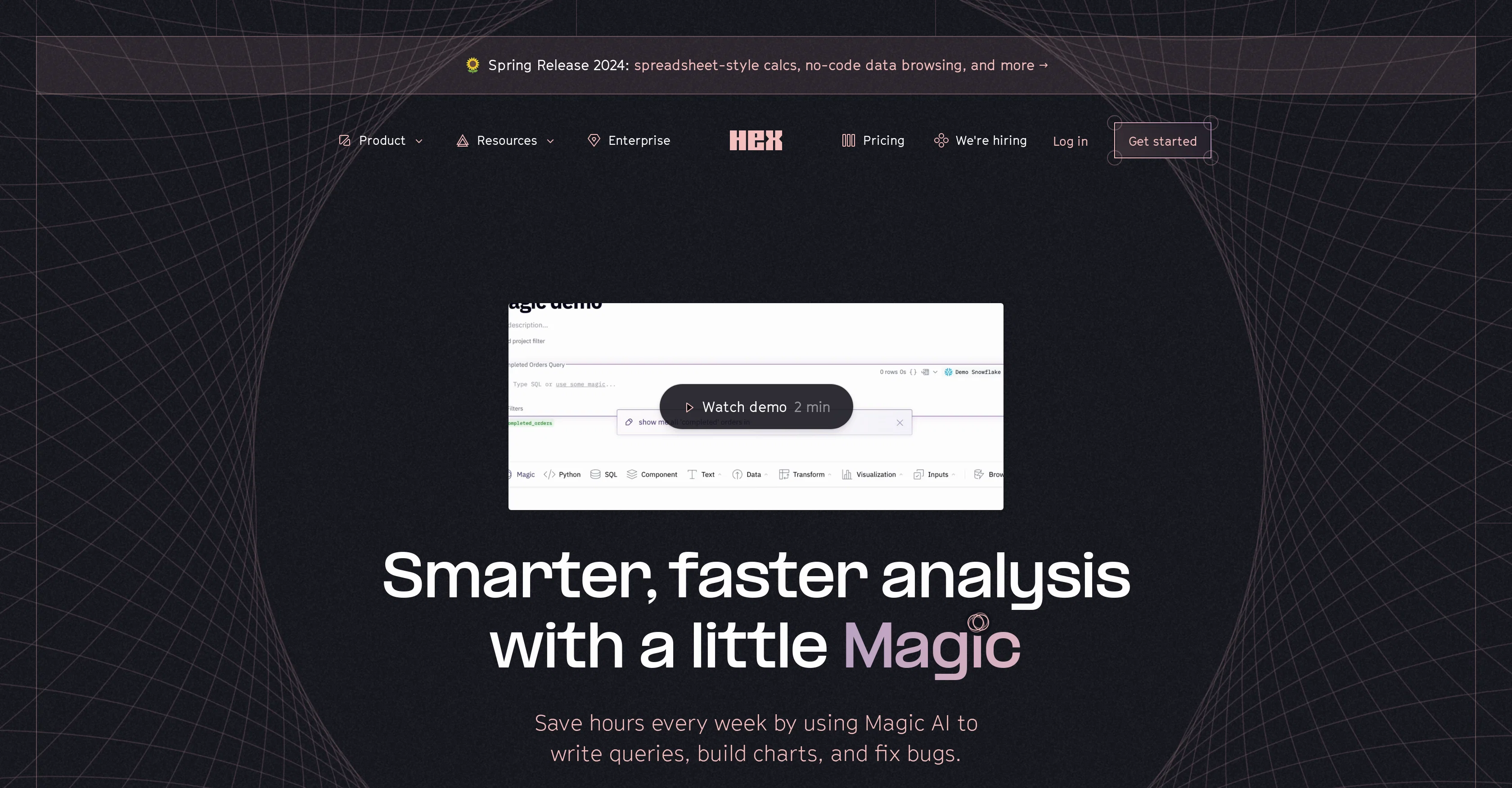
Hex Magic is a powerful tool designed to streamline data analysis by leveraging AI to write queries, construct charts, and resolve coding issues. This tool is particularly useful for SQL and Python scripting, enriching the best lower level language model (LLM) with knowledge about your data model and SQL habits.
This prepares your environment to write accurate data queries based on the context from your warehouse schemas and semantic models. Moreover, Hex Magic offers support for Python packages, thus enhancing the scripting process.
It can build predictive models, use unfamiliar packages, or even create complex visualizations quickly and efficiently. It operates at the notebook level, chaining cells together for more comprehensive operations.
It serves as an automation layer for your entire toolkit, auto-fixing queries or altering charts interactively. While Hex Magic offers substantial code assistance, its capacity to automate beyond mere coding sets it apart.
From an organizational viewpoint, Magic can auto-name cells and projects, thereby improving your workflow. Importantly, Hex Magic retains a robust commitment to privacy and security, not training models on customer data and ensuring all metadata is stored securely.
Access & connections
Where you can use Hex.tech.
Platforms
Capabilities
What this tool accepts, produces, and is strongest at.
Input
- Tabular
- Text
Output
- Code
- Tabular
Supported features
- SQL
Pros & cons
Pros
- SQL and Python integration
- Understands schemas and context
- Quick question answering
- SQL joins auto-completion
- Generates complex date filters
- Knowledge of Python packages
- Aids with obscure syntax
- Error fixing functionality
Show 19 more
- Improves Pandas accessibility
- Debugs tricky bugs
- One-click common coding errors solution
- Facilitates code explanation and documentation
- Supports R scripting
- Provides lower level language model
- Enriches with data model context
- Automates query writing
- Chart construction assistance
- Predictive modeling feature
- Unfamiliar packages utilisation
- Creates complex visualizations quickly
- Functions on notebook level
- Detailed operations by chaining cells
- Auto-fixes queries and charts
- Automates beyond code writing
- Streamlines project and cell naming
- Ensures data privacy
- Metadata is stored securely
Cons
- Only supports SQL and Python
- Limited to notebook level
- No training on customer data
- No support for R scripting
- Doesn't enhance lower level language
- No functionality for other databases
- Beta version may have bugs
- Depends on context of warehouse
Show 1 more
- Limited to data analysis tasks
Compare alternatives
Similar tools in the catalog — with a clear reason to open each one.

Grapha AI ✓
PaidUncover hidden trends and patterns in your data effortlessly.
from $150
Full comparison
DataSquirrel ✓
FreemiumData cleaning & visualization for insights gained.
Why look Typically cheaper
Full comparison
Breadcrumb ✓
FreemiumAutomate data work and reporting with AI Agents. No data|coding skills required.
Why look Typically cheaper
Full comparison
Anomaly AI ✓
FreemiumAI data analysis workspace for business datasets and reports.
Why look Typically cheaper
Full comparison

ChartPixel ✓
FreemiumAI-assisted graphs and insights in 30 seconds!
Why look Typically cheaper
Full comparisonReleases 1
FAQ 12
What is Hex Magic?
How does Hex Magic enhance productivity?
What are the main features of Hex Magic?
Does Hex Magic offer AI assistance in SQL and Python cells?
How does Hex Magic understand schemas and project context?
In what ways does Hex Magic provide support for SQL queries?
How does Hex Magic assist with Python and R scripting?
Can Hex Magic debug tricky bugs and provide solutions?
How does Hex Magic assist with code explanation and documentation?
How does Hex Magic make data analysis efficient?
What makes Hex Magic different from other AI tools?
Can Hex Magic automate non-coding tasks?
Related tools
Recommended

InsightJini ✓
PaidChat with your data for instant insights.

Rows AI ✓
FreemiumAI-powered spreadsheets for faster, smarter data analysis.

WatsonX.data by IBM ✓
Free TrialScale AI workloads for all your data, anywhere.

Datasette ChatGPT plugin ✓
FreeTurn Datasette into a ChatGPT plugin for data queries.

Stunning ✓
PaidBuild AI-powered websites in seconds

Hyperis ✓
FreemiumOrganized task prioritization.