

Datasette ChatGPT plugin ✓
Turn Datasette into a ChatGPT plugin for data queries.
Verdict
A quick read before you dig into the full page.
- Best if
- Turn Datasette into a ChatGPT plugin for data queries
- Skip if
- Complex installation process
- Pick this when
- Automated Q&A chatbots
Considering Grapha AI instead? Compare side by side
Overview
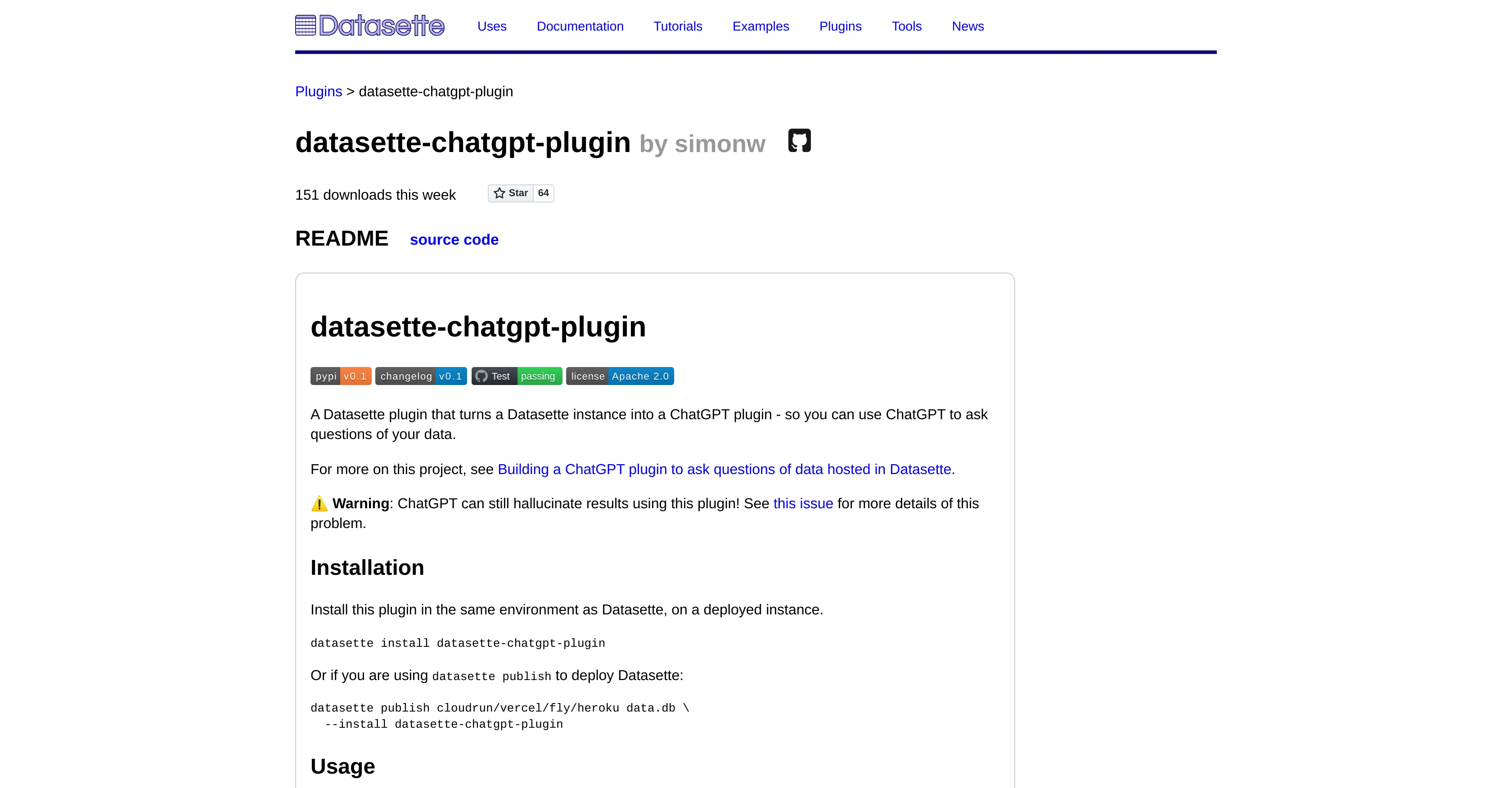
The datasette-chatgpt-plugin is an innovative tool that converts a Datasette instance into a GPT-3 powered interface capable of querying and interacting with your data in a conversational manner.
This tool integrates with the ChatGPT plugin system, assuming access to that preview is available. Post installation, the Datasette instance operates in synchronization with new ChatGPT plugins, facilitating a multitude of possibilities with querying and interacting with data.
After initiating the plugin, ChatGPT discovers the plugin via the '/.well-known/ai-plugin.json' endpoint and the user can begin asking data-related questions.
Some examples include requests for listings of available tables and querying the initial rows of specified tables. Currently, the plugin exposes a singular database, which is the first database connected to your instance.
The process of setting up this plugin involves checking out the code, creating a new virtual environment, installing dependencies, and initiating tests.
Development and testing tools are available for the plugin's architecture. However, users are cautioned to understand that data responses from ChatGPT may sometimes 'hallucinate' or provide creative outputs that aren't explicitly stated in the data.
Access & connections
Where you can use Datasette ChatGPT plugin.
Platforms
Capabilities
What this tool accepts, produces, and is strongest at.
Input
- API
- Tabular
Output
- API
- Text
Pros & cons
Pros
- Automated Q&A chatbots
- Real-time data insights
- Natural language queries
- Multi-functional chat interactions
- Convenient Plugin Store access
- Preview for non-access users
- Database exposure control
- Installation from PyPI
Show 17 more
- Quick, efficient data extraction
- Single database provision
- Conversational data interface
- Complements Datasette instances
- Automatically discoverable via endpoint
- Facilitates data interaction
- Lists available tables
- Queries initial rows
- Virtual environment setup
- Dependency installation
- Plugin testing tools
- Accessible source code
- Direct Github download
- User caution for inaccuracies
- Transforms Datasette to ChatGPT
- Community contributed plugin
- Synchronized operationality post-installation
Cons
- Limited to single database
- Requires specific environment setup
- Inaccurate results possible
- Complex installation process
- Does not auto-update
- Limited Q&A options
- Dependency on ChatGPT access
- No multi-language support
Show 2 more
- Limited data visualization
- Potential for hallucinated responses
Compare alternatives
Similar tools in the catalog — with a clear reason to open each one.

Grapha AI ✓
PaidUncover hidden trends and patterns in your data effortlessly.
from $150
Full comparison
DataSquirrel ✓
FreemiumData cleaning & visualization for insights gained.
Why look Higher community rating
Full comparison
Breadcrumb ✓
FreemiumAutomate data work and reporting with AI Agents. No data|coding skills required.
Why look Better fit for coding
Full comparison
Anomaly AI ✓
FreemiumAI data analysis workspace for business datasets and reports.
Free + from $25/mo
Full comparison

ChartPixel ✓
FreemiumAI-assisted graphs and insights in 30 seconds!
Why look Offers a public API
Full comparisonReleases 1
FAQ 12
What is Datasette-ChatGPT-plugin?
How does Datasette-ChatGPT-plugin work?
What are the requirements to set up Datasette-ChatGPT-plugin?
What are some of the functions of ChatGPT I can use when I have the Datasette-ChatGPT-plugin installed?
What kind of data does the Datasette-ChatGPT-plugin provide users with?
How can I access ChatGPT after installing the Datasette-ChatGPT-plugin?
Where can I install the Datasette-ChatGPT-plugin from?
Who is the Datasette-ChatGPT-plugin best suited for?
How does Datasette-ChatGPT-plugin utilize GPT-3 models?
What is the '/.well-known/ai-plugin.json' endpoint in ChatGPT?
How do I initiate a query using the Datasette-ChatGPT-plugin?
Can I get a list of available tables using the Datasette-ChatGPT-plugin?
Related tools
Recommended

WatsonX.data by IBM ✓
Free TrialScale AI workloads for all your data, anywhere.

LearningStudioAI ✓
Free TrialAI-powered authoring tool for effortless online course creation.

VenturusAI ✓
FreemiumBusiness idea analysis and reporting.

Stratup.ai ✓
FreemiumInnovative idea generation for businesses.

Hyperis ✓
FreemiumOrganized task prioritization.

Scisummary ✓
Free TrialCutting-edge scientific articles summarization.