

Heatbot.io ✓
Generate improved websites from heatmaps with AI.
from $9/mo
Verdict
A quick read before you dig into the full page.
- Best if
- Generate improved websites from heatmaps with AI
- Skip if
- Limited custom goal prompts
- Pick this when
- Generates improved UI
Considering 1UI instead? Compare side by side
Overview
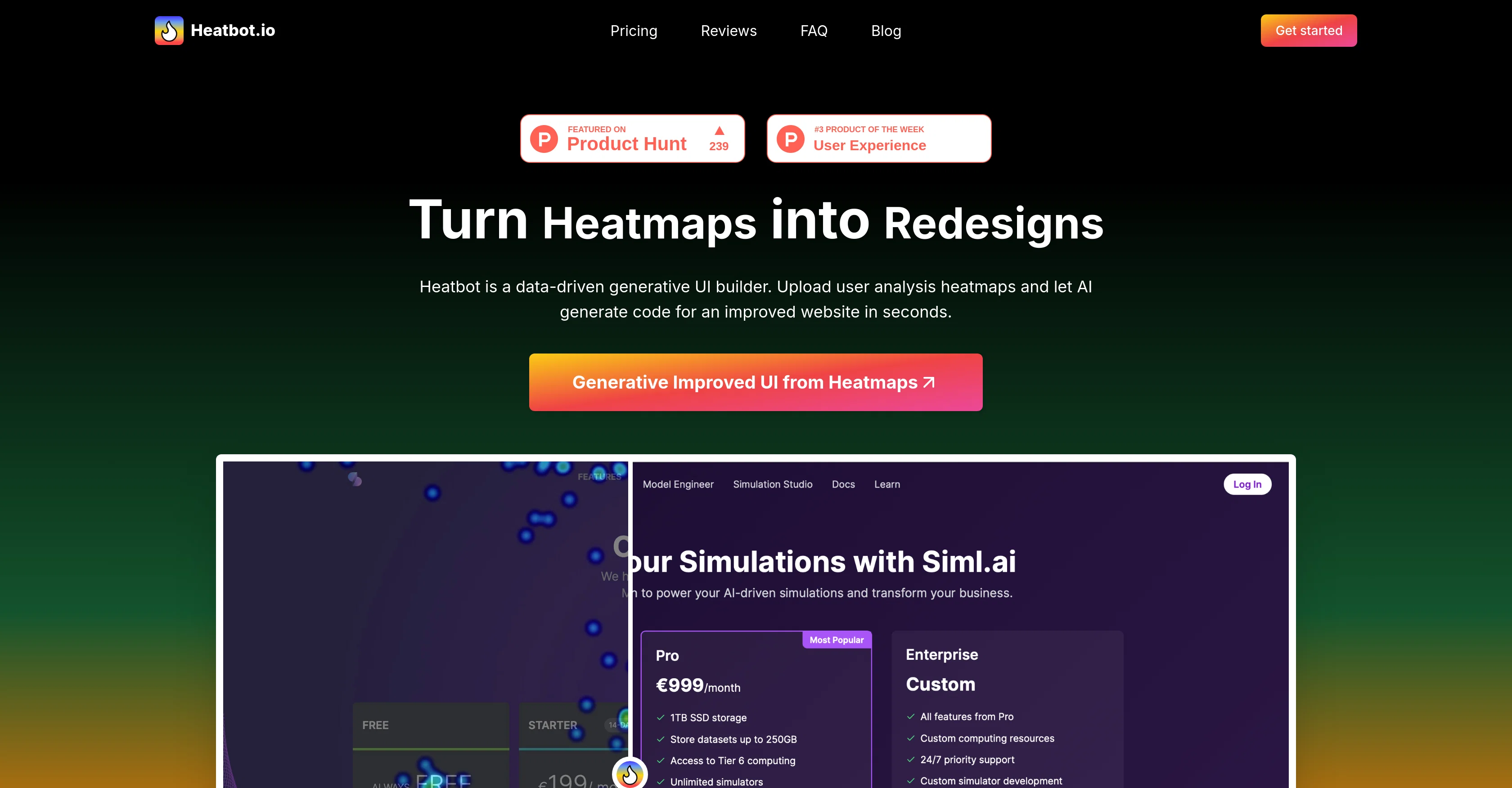
Heatbot.io is an AI-powered tool designed to generate improved user interfaces (UI) for websites based on heatmap data. This data-driven generative UI builder turns interactions and user analysis heatmaps into redesigned elements for a more efficient website or app.
The tool conducts a thorough analysis of the heatmap data alongside user-determined improvement goals, then uses these insights to generate an enhanced version of your UI.
This includes code development in HTML, CSS, and JavaScript languages.Starting with a screenshot of your website's UI, a heatmap image from your tracking software, and the setting of goals for your desired improvements, Heatbot.io does the heavy lifting.
It works well with a variety of heatmap softwares such as Hotjar, Mouseflow, CrazyEgg, Heatmaps.com, and Microsoft Clarity among others.Apart from generating an improved UI, Heatbot.io also provides a comprehensive improvement report detailing the changes made.
It offers a range of packages designed to suit a variety of needs, from individual users and small projects, to power users, teams, small businesses and large enterprises.
Each package has varying features, the details of which will depend on your subscription plan.A key challenge Heatbot.io addresses is the balance of user experience and business goals.
It saves on the time, costs, and complexities of interpreting heatmap data, initiating changes, and ensuring consistency across devices. Therefore, it provides a data-driven approach to UI design without the need for a cross-functional team that includes UX designers, marketers, and business stakeholders.
Access & connections
Where you can use Heatbot.io.
Platforms
Capabilities
What this tool accepts, produces, and is strongest at.
Input
- Image
- Tabular
Output
- Code
Pros & cons
Pros
- Generates improved UI
- Uses heatmap data
- User-determined improvement goals
- Comprehensive improvement report
- Compatible with multiple heatmap softwares
- HTML, CSS, JavaScript development
- Various subscription plans
- Suits individuals to large enterprises
Show 14 more
- Improves user experience
- Balances user experience and business goals
- Reduces time and cost
- Ensures device consistency
- Reduces complexity of heatmap interpretation
- Replaces cross-functional team
- Improves website conversion
- Quickly generates improved website
- Provides diverse generation options
- Can set custom improvement goals
- Offers 24/7 support for enterprise
- Unlimited seats and projects for enterprise
- Offers custom integration development
- Data-driven approach to UI design
Cons
- Needs external heatmap data
- Requires screenshot input
- Subscription based
- Varying package limitations
- No multi-user for Pro
- Full features for Enterprise only
- Doesn't replace A/B testing
- Limited custom goal prompts
Show 1 more
- Outcome reliability dependent on input quality
Compare alternatives
Similar tools in the catalog — with a clear reason to open each one.



UXCanvas.ai ✓
Free TrialIdea to UI/UX Design Prototype in Seconds
Free + from $49/mo
Full comparison

C1 Artifacts API - Thesys ✓
FreemiumMake AI apps respond with interactive UI in real-time.
Why look Freemium alternative
Full comparison
Draw My UI ✓
FreeTransform sketches into real UI designs.
Why look Fully free option
Full comparisonReleases 1
FAQ 12
What is the Heatbot.io tool?
How does Heatbot.io transform heatmap data into improved UI designs?
What languages does Heatbot.io use for code development?
What is the process to get started with Heatbot.io?
What heatmap software sources is Heatbot.io compatible with?
Does Heatbot.io provide a report of the changes it makes during the UI enhancement process?
What are some of the packages offered by Heatbot.io and what features are included in them?
Could Heatbot.io be used to balance user experience with business goals?
How does Heatbot.io save time and cost in regards to heatmap data interpretation and implementation?
What is the role of Heatbot.io in website optimization and redesign?
Can Heatbot.io replace a cross-functional team for UI design?
What are some of the goals I can set for improvement within the Heatbot.io tool?
Related tools
Recommended

Automateed ✓
Free TrialCreate eBooks effortlessly with Automateed, the AI-powered writing tool.

Recall ✓
FreemiumSummarize Anything, Forget Nothing!

Perplexity ✓
FreemiumAI-powered answers to any question, instantly.

Osum ✓
Free TrialSupercharge Your Market Research With AI ⚡

Format Magic ✓
FreemiumFormat plain text into professional documents in seconds

Informly Idea Validator ✓
FreemiumValidate and grow your business idea with AI.