

1UI ✓
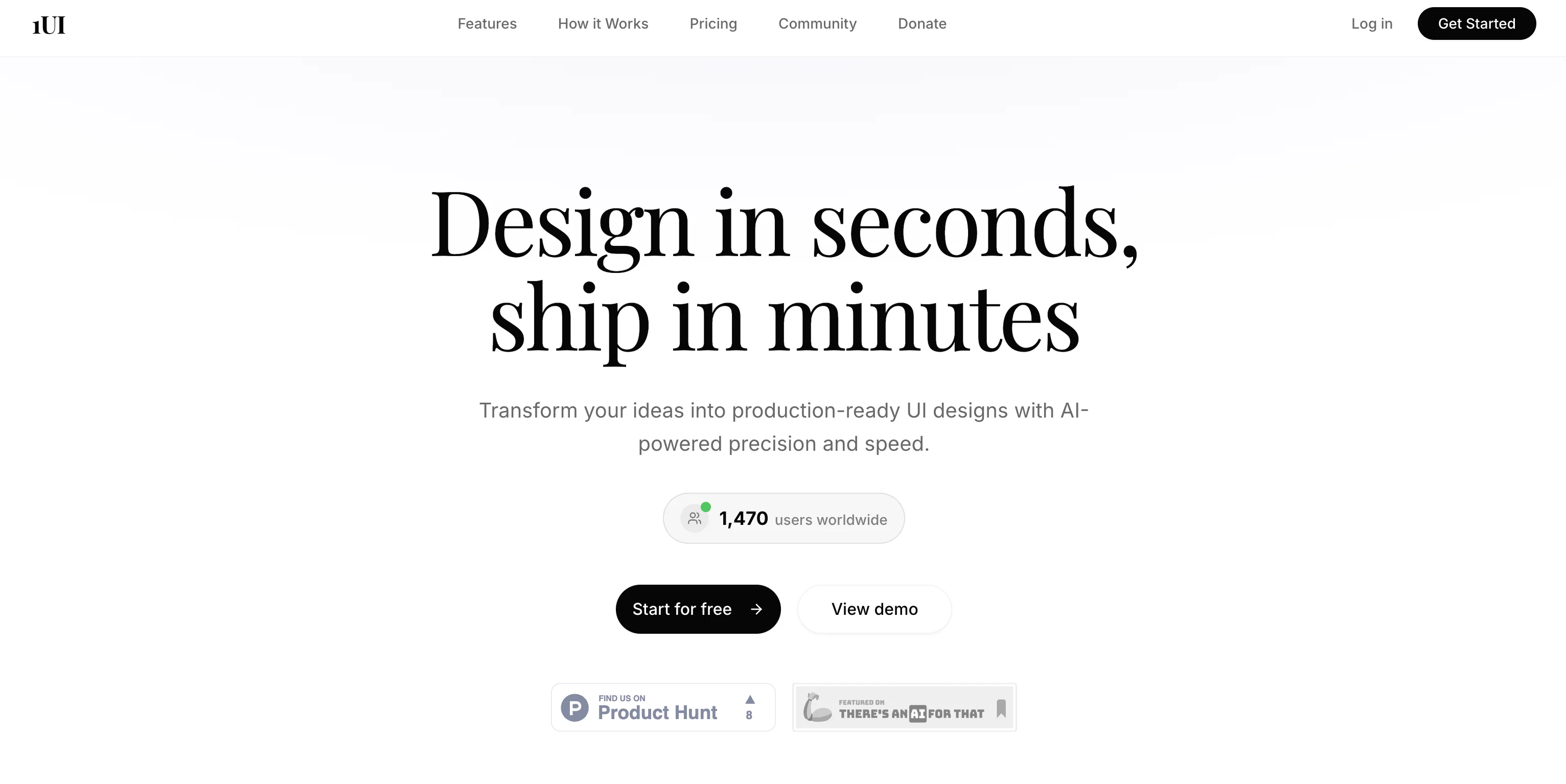
Generate pixel-perfect UI designs with AI in seconds.
from $29/mo
Verdict
A quick read before you dig into the full page.
- Best if
- Generate pixel-perfect UI designs with AI in seconds
- Skip if
- Limited language processing ability
- Pick this when
- Custom interface automation
Considering Flowstep instead? Compare side by side
Overview


1UI is an AI-Powered UI Design Generation Platform that enables users to create stunning, pixel-perfect UI designs with an advanced level of automation.
It allows users to generate complete custom interfaces in an incredibly reduced time. The platform consists of AI-driven tools capable of transforming rudimentary prompts into specific and comprehensive design specifications related to layout, color schemes, typography, components, and interactions.
As a foundational feature, it introduces the natural language processing ability where users describe their design ideas, and the platform instantly creates designs.The platform also includes a unique feature where designs can be downloaded as HTML files and then directly imported into Figma using a free 'HTML to Design' plugin.
This feature allows the designs to become fully editable Figma layers with a properly defined hierarchy, editable text, and customizable components. Additionally, the platform is capable of generating contextual images and assets that match with the provided design requirements.
In addition to creating designs, 1UI concludes with production-ready code outputs. It provides clean, semantic HTML and CSS that follows best practices and is ready for integration into development projects.
Furthermore, it ensures optimal responsive behavior by automatically optimizing designs for mobile, tablet, and desktop formats. As a collaborative environment, 1UI provides the ability to share designs on a team level, iterate together, and export assets in multiple formats for seamless workflows, making it a useful tool for efficient, modern UI design generation.
Best for
Short scenarios where 1UI tends to shine.
-
Generate pixel-perfect UI designs with AI in seconds.
Example outputs 1
Sample generations and before/after results for 1UI.
Access & connections
Where you can use 1UI, and what it plugs into.
Platforms
Integrations
Capabilities
What this tool accepts, produces, and is strongest at.
Input
- Image
- Text
Output
- Code
- Text
- Image
Highlights
- Agents
- Use code TAAFT
- $5 CREDITS
Supported features
- Agents
- Automation
- Code Assistant
- Image Generation
- Image Understanding
- Integrations
- SEO
- SVG
- Styling
- Team Collaboration
Show 1 more
- Visual Creation
Pros & cons
Pros
- Custom interface automation
- Transforms prompts into specifications
- Natural language processing
- High-speed design generation
- Contextual images generation
- Assets match design requirements
- Production-ready HTML
- Production-ready CSS
Show 42 more
- Automatically optimized responsiveness
- Team collaboration support
- Export assets in multiple formats
- Integration with Figma
- Editable Figma layers
- Automated mobile, tablet, desktop designs
- Semantic HTML
- Semantic CSS
- Free community Figma plugin
- Iterate designs faster
- Avoids lengthy design process
- Facilitates design handoff
- Clean code generation
- Iterative design process automation
- Advanced level of automation
- Specific design specifications
- Rudimentary prompt transformation
- Download designs as HTML
- Directly import into Figma
- Properly defined hierarchy
- Editable text in Figma
- Customizable components in Figma
- HTML to Design plugin
- Design export to PNG
- Code copy feature
- Automated image generation
- Design sharing
- Optimal responsive behavior
- Seamless export for workflows
- 10x faster design iteration
- Lightning-fast design completion
- 98% accuracy in design
- 1M+ designs created
- 50+ ready use components
- User-defined design description
- Secured design management
- Transparent pricing
- Pro plan for professionals
- Enterprise plan for large teams
- Custom integration support
- SLA guarantees
- White-label options
Cons
- Not open source
- No API integration
- No real-time collaborative features
- Figma exclusive for imports
- No free tier in pricing
- Dependent on 'HTML to Design' plugin
- No offline capabilities
- Limited language processing ability
Show 2 more
- No cross-platform support
- SLA guarantees require custom pricing
Compare alternatives
Similar tools in the catalog — with a clear reason to open each one.

UXCanvas.ai ✓
Free TrialIdea to UI/UX Design Prototype in Seconds
Free + from $49/mo
Full comparison
Banani ✓
Free TrialGenerate UI designs from text with AI.
Why look Typically cheaper
Full comparison
C1 Artifacts API - Thesys ✓
FreemiumMake AI apps respond with interactive UI in real-time.
Why look Freemium alternative
Full comparison
Draw My UI ✓
FreeTransform sketches into real UI designs.
Why look Fully free option
Full comparison
Mowgli ✓
Free TrialTurn your idea into production-ready designs in minutes.
Why look Typically cheaper
Full comparisonPeople also view
Tools that often show up alongside 1UI in collections and comparisons.
UXCanvas.ai ✓
Free TrialIdea to UI/UX Design Prototype in Seconds
Mowgli ✓
Free TrialTurn your idea into production-ready designs in minutes.

Flowstep ✓
FreemiumGenerate real UI in seconds
Draw My UI ✓
FreeTransform sketches into real UI designs.
C1 Artifacts API - Thesys ✓
FreemiumMake AI apps respond with interactive UI in real-time.
Banani ✓
Free TrialGenerate UI designs from text with AI.

Home Design AI ✓
Free TrialRedesign any room or home with a single photo.

Dessn ✓
FreemiumBuild custom sales demos without derailing your day.
Releases 1
Imported reviews 1
Thank you everyone for trying 1UI! If you haven't yet, give it a spin and use code ‘TAAFT’ to get $5 credits to try 1UI.
FAQ 12
What is 1UI?
What is the main functionality of 1UI?
Can 1UI generate HTML and CSS codes?
Does 1UI support team collaboration?
Can designs be exported to Figma from 1UI?
How does 1UI enhance the design iteration process?
What is the AI Prompt Enhancer in 1UI?
How is 1UI useful for UI design?
What formats can I export designs in from 1UI?
Does 1UI allow customization of designs?
Is 1UI optimized for mobile, tablet, and desktop devices?
How does 1UI integrate with other design tools like Figma?
Related tools
Recommended

TheLibrarian.io ✓
Free TrialYour WhatsApp AI assistant for instant productivity.

Recall ✓
FreemiumSummarize Anything, Forget Nothing!

Perplexity ✓
FreemiumAI-powered answers to any question, instantly.

B12 AI Website Builder ✓
FreemiumAI-powered website builder

Thea ✓
FreemiumAI study tools to master material, not just memorize it.

Automateed ✓
Free TrialCreate eBooks effortlessly with Automateed, the AI-powered writing tool.