

Trial; then from $20/mo
Verdict
A quick read before you dig into the full page.
- Best if
- You are product managers and need: Generating wireframes from text descriptions
- Skip if
- No direct app version
- Pick this when
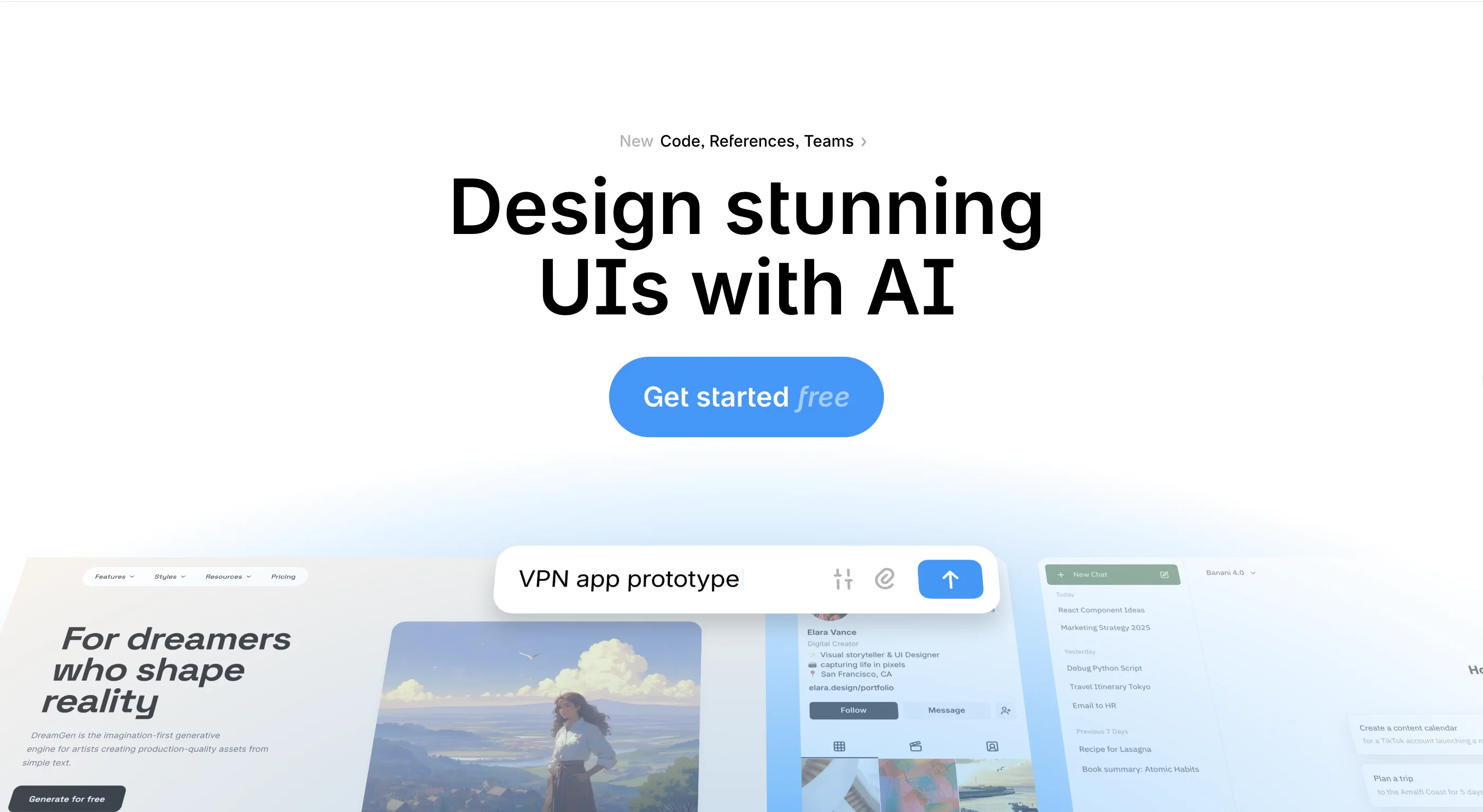
- Generates UI from prompts
Considering 1UI instead? Compare side by side
Overview


Banani excels at interpreting references and feedback, instantly translating them into visual updates. It integrates seamlessly with Figma, supporting both import and export to Figma, as well as code export (HTML/CSS). You can access Banani from any browser, enabling faster, consistent, and production-ready UI creation.
The platform is ideal for design and product teams, streamlining prototyping and design workflows.
- Export To Figma
- Import From Figma
- Design Replication
- Html / Css Export
Best for
Short scenarios where Banani tends to shine.
-
Generating wireframes from text descriptions
Best for Product managers
-
Creating UI prototypes for SaaS, Android, iOS, and landing pages
Best for Founders
-
Quickly iterating on UI designs based on feedback
Best for Designers
-
Sharing designs with stakeholders for review
Best for Students
Example outputs 1
Sample generations and before/after results for Banani.
Access & connections
Where you can use Banani, and what it plugs into.
Platforms
Capabilities
What this tool accepts, produces, and is strongest at.
Input
- Code
- Image
- Text
Output
- Code
- Image
Highlights
- MCP
Supported features
- MCP
Pros & cons
Pros
- Generates UI from prompts
- Edit elements / screens with prompts
- Supports imports from Figma
- Supports image references
- Creates high-fidelity designs
- Wireframing
- Customized designs
- Understands user's design system
Show 9 more
- Encourages collaborative work for product teams
- Considers tone of voice
- Version and style control
- Cross-platform compatibility
- Code handoff
- Browsing and saving screens
- Enhances ideation with the "next screen" prediction
- Universal browser access
- Facilitates design process
Cons
- No direct app version
- Dependent on text input
- Visualization varies per feedback
- Requires Internet connection
- No separate element generation module
Compare alternatives
Similar tools in the catalog — with a clear reason to open each one.

UXCanvas.ai ✓
Free TrialIdea to UI/UX Design Prototype in Seconds
Free + from $49/mo
Full comparison
C1 Artifacts API - Thesys ✓
FreemiumMake AI apps respond with interactive UI in real-time.
Free + from $49/mo
Full comparison
Draw My UI ✓
FreeTransform sketches into real UI designs.
Why look Fully free option
Full comparison
Mowgli ✓
Free TrialTurn your idea into production-ready designs in minutes.
Why look Typically cheaper
Full comparisonPeople also view
Tools that often show up alongside Banani in collections and comparisons.

Recraft ✓
FreemiumGenerate vector art and 3D images effortlessly

1UI ✓
PaidGenerate pixel-perfect UI designs with AI in seconds.

UX Pilot ✓
FreemiumGenerate Wireframes and UI Designs (Web & Figma)
UXCanvas.ai ✓
Free TrialIdea to UI/UX Design Prototype in Seconds
Mowgli ✓
Free TrialTurn your idea into production-ready designs in minutes.

Flowstep ✓
FreemiumGenerate real UI in seconds
Draw My UI ✓
FreeTransform sketches into real UI designs.
C1 Artifacts API - Thesys ✓
FreemiumMake AI apps respond with interactive UI in real-time.
Releases 1
FAQ 12
How does Banani generate UI design from free text?
Can Banani understand and adapt to my specific design system?
How does Banani incorporate the tone of voice in a design?
What kind of references can I provide to Banani for the design?
Is it possible to edit the UI design with natural language on Banani?
Does Banani facilitate collaborative work and if so, how?
How does Banani handle feedback from design reviews?
Can Banani create drafts based on team feedback?
What is the real-time multiplayer function in Banani?
How is Banani useful in conducting research for design?
Is Banani a cross-platform tool?
Is Banani compatible with Mac, Windows, and Linux?
Related tools
Recommended

B12 AI Website Builder ✓
FreemiumAI-powered website builder

CodeRabbit ✓
Free TrialEnhanced code review for improved workflow and quality.

remio: Your Personal ChatGPT ✓
FreemiumGet Tailored Answer with Your Personal ChatGPT

AI Builder | Hostinger Horizons ✓
Free TrialBuild web apps and websites without writing any code.

Stunning ✓
PaidBuild AI-powered websites in seconds

TheLibrarian.io ✓
Free TrialYour WhatsApp AI assistant for instant productivity.