

Images 2026 Rank: #729
GPTImage.app ✓
Generate stunning images using advanced AI models.
Trial; then from $9.9/mo
Verdict
A quick read before you dig into the full page.
- Best if
- Generate stunning images using advanced AI models
- Skip if
- Expensive paid tiers
- Pick this when
- Generates images instantly
Considering Photo AI instead? Compare side by side
Overview
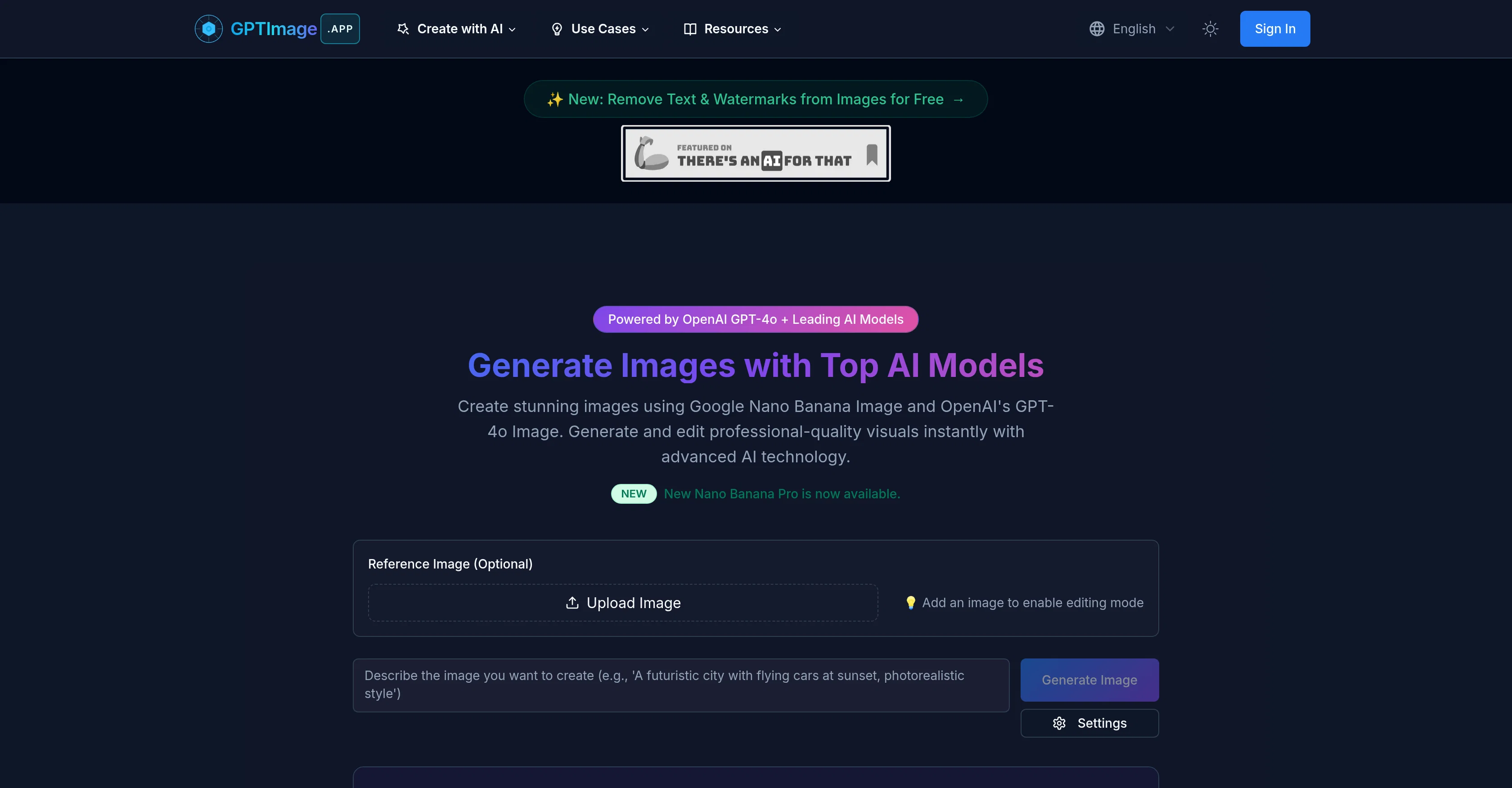
GPTImage is an artificial intelligence tool powered by OpenAI's GPT-4o model and other top models. Its main application is creating and editing high-quality visuals instantly with advanced AI technology, offering unprecedented control and quality in AI GPT image creation.
It provides superior text rendering and photorealistic quality in GPT images, elevating image creation to a new level. The tool supports different models for image generation, catering to various needs such as photorealistic, artistic, or specialized image generation.
GPTImage also offers professional controls that enable users to minutely tune every detail of the images generated. The array of controls includes aspect ratios, quality settings, negative prompts, and multiple output formats, providing ultimate control and flexibility for the best results.
Another remarkable feature is its real-time progress tracking, ensuring lightning-fast generation and an optimized user experience.
Access & connections
Where you can use GPTImage.app.
Platforms
Capabilities
What this tool accepts, produces, and is strongest at.
Input
- API
- Image
- Text
Output
- API
- Image
Supported features
- Image Edit
- Image Generation
- Image Understanding
- Rewrite
- Translation
- Styling
Pros & cons
Pros
- Generates images instantly
- High degrees of photorealism
- Offers fine customization
- Variety of output formats
- Superior text rendering
- Real-time editing capabilities
- Specialized image generators
- Removes text and watermarks
Show 34 more
- Real-time progress tracking
- Versatile platform
- Professional controls
- Cinematic lighting presets
- Can generate crochet patterns
- Optimized processing
- Easy aspect ratio adjustment
- Supports high resolution
- Fast generation time
- Allows negative prompts
- Fine-tuned quality settings
- Offers professional-grade images
- Provides high-detail rendering
- Multiple photo creation styles
- Can create artistic images
- Efficient at complex prompts
- Supports prompt variations
- Accurate lighting and perspective
- Allows feedback-based refinement
- Can generate flawless diagrams
- Superior model compatibility
- Allows batch processing
- Ensures style consistency
- Can generate abstract art
- Has specialized stitching generator
- Wide range of style range
- Comes with various plans
- Offers free trial
- User-friendly interface
- Supports both PNG/JPG downloads
- Professional technical support
- Commercial usage rights
- Allows embedded C2PA metadata
- Various payment options
Cons
- No free private image generation
- Restriction on resolution in Free plan
- Lacks batch processing for low-tier plans
- No commercial rights for Free users
- Restrictive number of images per month
- Expensive paid tiers
- Requires sign-in for access
- No obvious versioning support
Show 1 more
- Public gallery may impact confidentiality
Compare alternatives
Similar tools in the catalog — with a clear reason to open each one.


Stockimg AI ✓
PaidGenerated images and text for design ease.
Why look Stronger for image work
Full comparison

Midjourney ✓
PaidExpand human imagination through AI-powered visuals.
Why look Typically cheaper
Full comparison
Releases 1
FAQ 12
What is GPTImage?
What AI models does GPTImage use?
How does GPTImage generate images?
How can I customize images in GPTImage?
What is the quality of the images produced by GPTImage?
How can I utilize the text rendering feature of GPTImage?
What is conversational editing in GPTImage?
What are the specialized image generators offered by GPTImage?
How does GPTImage remove text and watermarks from images?
What is real-time progress tracking in GPTImage?
What are professional design applications for GPTImage?
How does GPTImage use AI technology for image creation?
Related tools
Recommended

Storytell.ai ✓
FreemiumTurn your data chaos into meaningful insights

biela.dev ✓
Free TrialIf you can imagine it, Biela can code it!

Tendem ✓
PaidAI + Human Agent to get tasks done

UXMagic AI ✓
FreemiumGenerate Figma-ready UI designs with AI instantly.

ImgGen ✓
Free TrialRemix any image's style and composition instantly.

Stratup.ai ✓
FreemiumInnovative idea generation for businesses.