
Google Colab ✓
Code collaboratively in the cloud.
Verdict
A quick read before you dig into the full page.
- Best if
- Code collaboratively in the cloud
- Skip if
- Limited file I/O capabilities
- Pick this when
- Cloud-based Python environment
Considering Runcell - Data Science AI Agent in Jupyter instead? Compare side by side
Overview
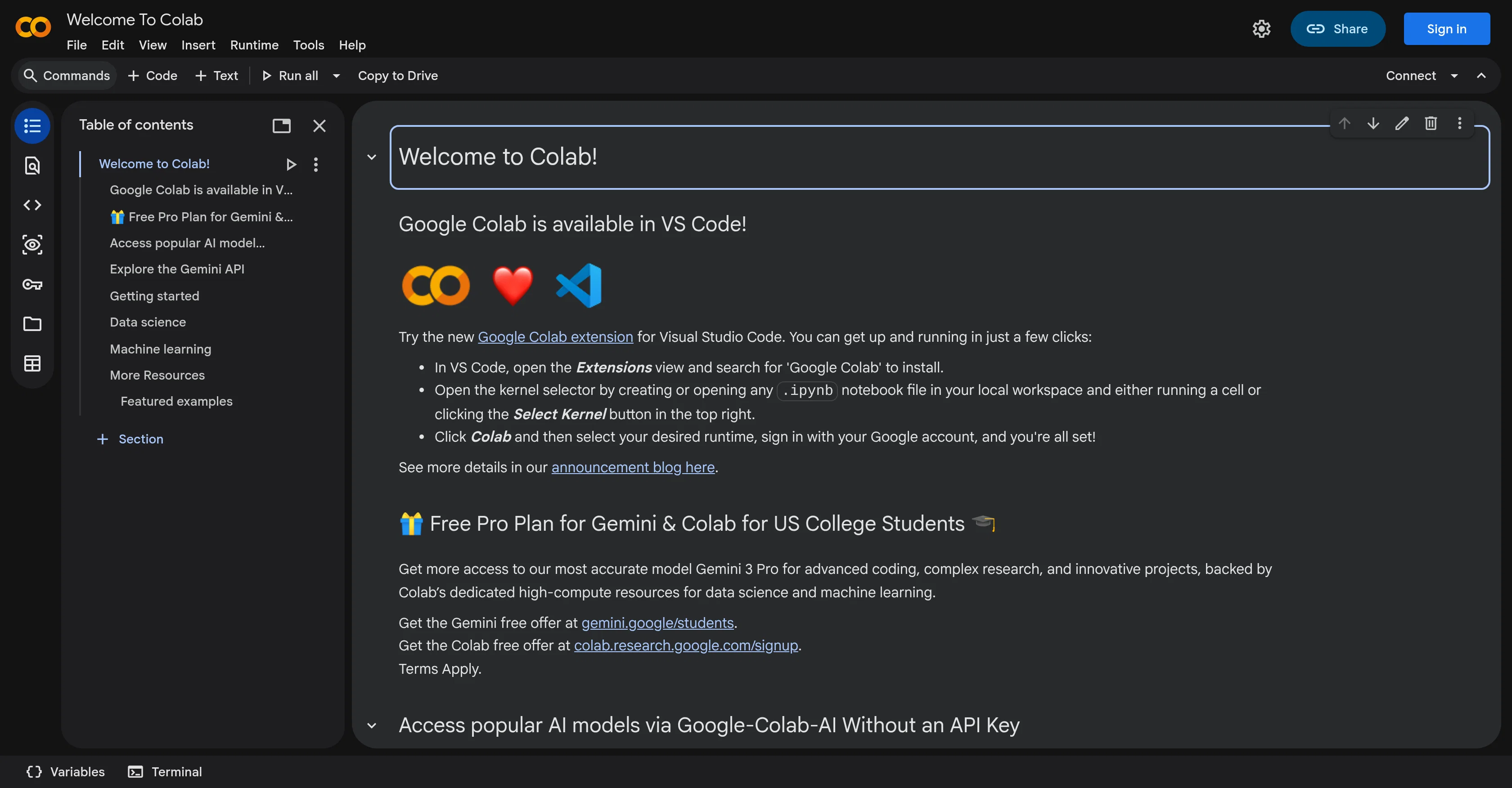
Google Colab is an online platform developed by Google that offers a cloud-based Python programming environment. The tool serves as an interactive notebook allowing collaborative coding and programming based on Jupyter notebooks.
Utilizing Google Colab, developers have access to a free compute environment, enabling them to write and execute code, and share their results. With its integration to Google Drive and several other cloud services, it offers a flexible workspace.
The users can leverage pre-installed machine learning libraries, making it preferred for machine learning and data science applications. Additionally, Colab provides GPU and TPU (Tensor Processing Units) support to accelerate computationally intensive tasks.
While the tool works best with Google's ecosystem, it also supports scripting, markdown, visualizations, forms, widgets, and interactive outputs. It comes with several useful features for prototyping, data analysis and interactive machine learning research, giving a boost to collaborative projects with real-time co-editing and comments.
Furthermore, it simplifies the process of setting up the development environment and promoting reproducible research. However, as it is browser-based, users need internet connectivity for operation.
Google Colab is a comprehensive tool for machine learning development and other data-driven tasks, ideal for both beginners and experts in the field.
Access & connections
Where you can use Google Colab, and what it plugs into.
Platforms
Integrations
Pros & cons
Pros
- Cloud-based Python environment
- Supports Jupyter notebooks
- Free computation environment
- Google Drive integration
- Pre-installed ML libraries
- GPU and TPU support
- Supports scripting
- Supports markdown
Show 11 more
- Data visualization capabilities
- Offers interactive outputs
- Facilitates real-time co-editing
- Promotes reproducible research
- Ideal for prototyping
- Facilitates data analysis
- Great for collaborative projects
- Simplifies dev environment setup
- Interactive ML research features
- Browser-based operation
- Real-time commenting
Cons
- Requires internet connectivity
- Limited to browser-based use
- Dependent on Google's ecosystem
- Limited hours for free GPUs
- No support for other languages
- Restrictive runtime limitations
- Limited file I/O capabilities
- Difficulty in version control
Show 2 more
- Slow for larger datasets
- Lacking comprehensive user interface
Compare alternatives
Similar tools in the catalog — with a clear reason to open each one.

Runcell - Data Science AI Agent in Jupyter ✓
FreemiumAI agent for Jupyter: Generate code, run cells with natural language.
Why look Better fit for coding
Full comparison

PlotStudio AI ✓
Free TrialAI agents that turn data into analytics in minutes.
Free + from $58.33/mo
Full comparison
Jade Note ✓
FreemiumGive your AI a persistent, editable memory.
Why look Offers a public API
Full comparison
DeepJournal ✓
FreemiumThe AI journal that remembers, privately.
Free + from $20.00/mo
Full comparison
Jam SQL Studio ✓
FreemiumAI-native SQL IDE for macOS, Windows, and Linux.
Why look Better fit for coding
Full comparisonReleases 1
FAQ 12
What is Google Colab?
How does Google Colab work?
Can you code collaboratively with Google Colab?
Is Google Colab free to use?
Does Google Colab require internet connectivity?
What programming language does Google Colab support?
Does Google Colab support Jupyter notebooks?
How does Google Colab integrate with Google Drive?
Can I use Google Colab for data science applications?
Does Google Colab support GPU and TPU?
Can Google Colab be used for data visualizations?
Does Google Colab support markdown?
Related tools
Recommended

Automateed ✓
Free TrialCreate eBooks effortlessly with Automateed, the AI-powered writing tool.

DeepSeek ✓
FreeUnravel the mystery of AGI with curiosity

Codeium ✓
FreemiumAI-powered code completion for 20+ languages

Cursor ✓
FreemiumAI-powered IDE for faster coding

PACT | Free Compliance Audit ✓
Free100% Free AI-powered website compliance audits in minutes.

ConsoleX AI ✓
FreemiumThe Agentic AI Workspace Where Conversations Become Actions