

Image to video 2026 Rank: #1444
GeniLoop | AI Image to Video Generator ✓
Transform any photo into stunning dynamic videos.
Verdict
A quick read before you dig into the full page.
- Best if
- Transform any photo into stunning dynamic videos
- Skip if
- Limited to short clips
- Pick this when
- Generates dynamic, visually compelling videos
Considering MojoMake - AI Image to Video Generator instead? Compare side by side
Overview
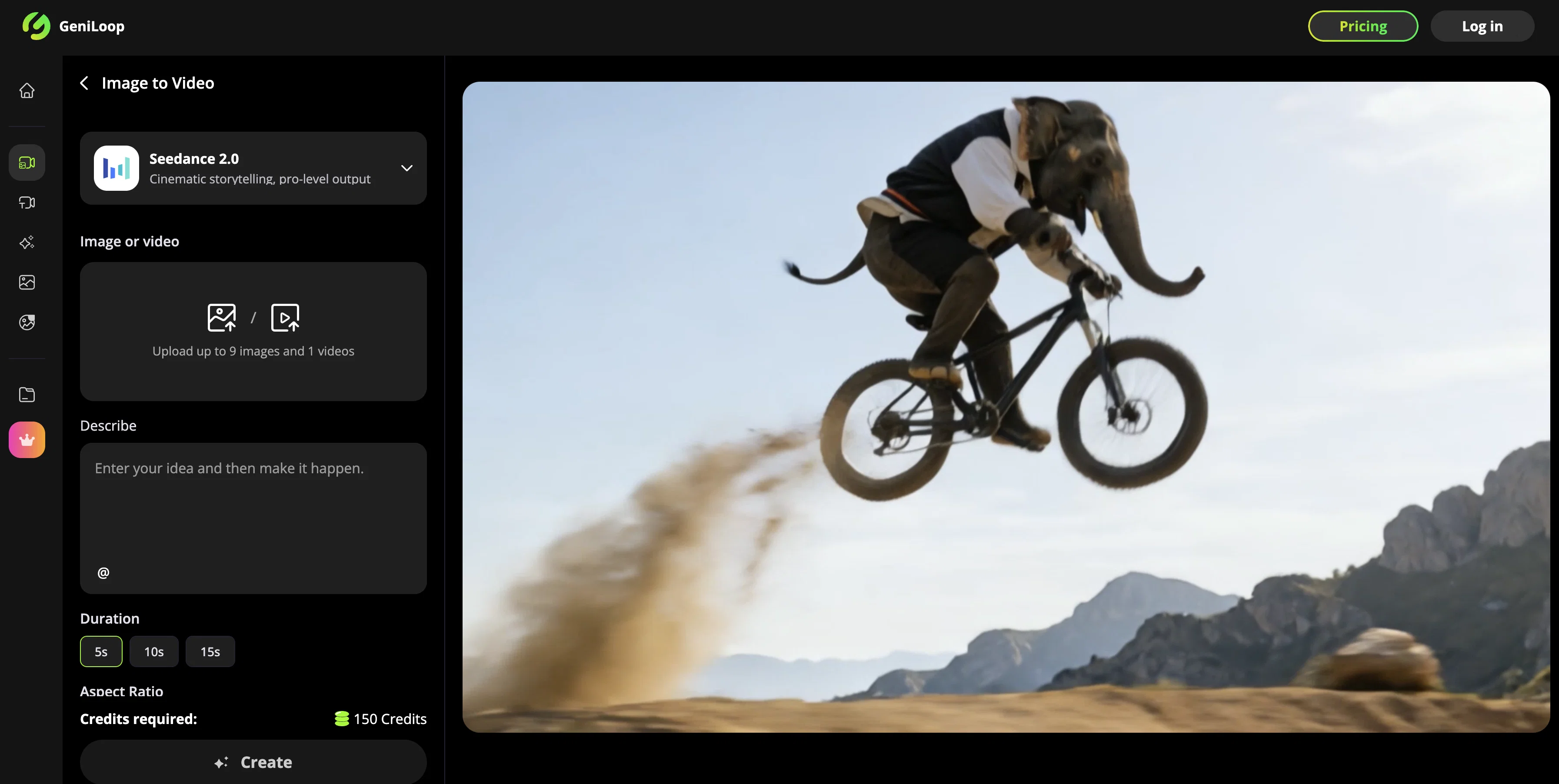
GeniLoop's Seedance 2.0 is an AI-powered Image to Video conversion tool, specializing in creating lively and impressive short clips from static images.
Designed to add natural, cinematic motion to any photo, the tool maintains the integrity of the subject while enriching it with elements of movement and depth.
It intelligently utilizes animations, effects and transformations to transform an image into a dynamic, visually compelling video. Seedance 2.0 excels in creating short, punchy clips, enhanced with subtle head tilts, expressive smiles, looping backgrounds, and trendy transitions.
It also provides a range of artistic motion styles and cinematic aesthetics, such as oil, watercolor, pixel art and more. Communicating a sense of camera craft, it can generate output with parallax depth, rack focus, and dramatic angles.
The tool allows for lighting alteration, imposing grain, bloom, vignette and grading sliders, ensuring high-resolution outputs up to 4K quality. Additionally, the tool ensures that even in styles like anime, low-poly, or impressionist, the key aspects and facial features are preserved.
The process of creating a video from an image is straightforward: users upload an image, select an AI model or motion style, then generate, pick favorites, and adjust the strength of the output video.
It simplifies content creation, freeing users from needing complex software or substantial editing skills.
Access & connections
Where you can use GeniLoop | AI Image to Video Generator.
Platforms
Capabilities
What this tool accepts, produces, and is strongest at.
Input
- Image
- Text
Output
- Video
Highlights
- SOTA
Supported features
- Video Generation
- Video Edit
- Styling
- Visual Creation
Pros & cons
Pros
- Generates dynamic, visually compelling videos
- Creates natural, cinematic motion
- Maintains subject integrity
- Applies trendy transitions
- Offers various artistic motion styles
- Implements cinematic aesthetics
- Generates parallax depth outputs
- Allows lighting alteration
Show 23 more
- Imposes effects like grain, bloom
- 4K high-resolution outputs
- Preserves key aspects, facial features
- Includes styles like anime, low-poly
- Simplifies content creation process
- Upload and select model simplicity
- Focal Changes with rack focus
- Allows strength adjustment for output
- Multiple aspect ratios options
- Preserves consistent look in videos
- Creates short, punchy clips
- Looping backgrounds feature for continuity
- Variety of impressionist styles
- Incorporates grading sliders for output
- Adjustable output video strength
- Broad range of application use
- Facial Feature Preservation
- Trendy transitions options
- Vignette and bloom effects
- Caters for oil, watercolor aesthetics
- Pixel art style supported
- Public visibility options
- Variety of duration options
Cons
- No offline option
- Limited to short clips
- No multi-image support
- Requires credits for use
- No mention of batch processing
- No advanced editing options
- No multiple languages outputs
- Credits required for higher quality
Show 2 more
- No mobile app mentioned
- No clear pricing structure
Compare alternatives
Similar tools in the catalog — with a clear reason to open each one.

MojoMake - AI Image to Video Generator ✓
FreemiumUse every top AI model and 100+ effects in one account.
Why look Freemium alternative
Full comparison
VidFlux - Photo to Video Generator ✓
PaidTransform photos into cinematic videos with AI.
Why look Typically cheaper
Full comparison
Grok Imagine ✓
FreemiumUnleash Your Creativity with Grok Imagine
Why look Freemium alternative
Full comparison
VidFlux - Image to Video AI ✓
PaidTransform any image into stunning videos.
from $9/mo
Full comparison
MindVideo ✓
FreemiumCreate stunning videos from text or images.
Why look Freemium alternative
Full comparison
Releases 1
FAQ 12
Is it possible to choose the duration of the video in GeniLoop's Seedance 2.0?
Does Seedance 2.0 provide different resolution options for the output?
Can I control the strength of the motion effect in GeniLoop's Seedance 2.0?
What does the 'parallax depth' feature in Seedance 2.0 offer?
Can you modify the lighting in the video using GeniLoop's Seedance 2.0?
Does Seedance 2.0 offer options to manipulate the color grading in my video?
What variety of artistic motion styles does GeniLoop's Seedance 2.0 offer?
How does Seedance 2.0 add motion to static images?
Will my facial features be preserved if I transform a portrait image into a video using Seedance 2.0?
Does Seedance 2.0 allow me to make transitions in the video?
Can I create 4K quality videos using Seedance 2.0?
Is it possible to create animation-like effects with GeniLoop's Seedance 2.0?
Related tools
Recommended

Noodle Tomato - Earn with YouTube ✓
PaidGenerate full-length faceless YouTube videos from text and earn

Movie Maker Gemini ✓
FreeGenerate watermark-free AI videos with your Gemini key

AI Builder | Hostinger Horizons ✓
Free TrialBuild web apps and websites without writing any code.

Higgsfield AI ✓
Free TrialAI Video Generator & Image Generator

MotionGen | Make Continues Video with Top Models ✓
Free TrialStart from real examples. Turn one good clip into a full video.

Anijam ✓
Free TrialAI handles your entire animation pipeline.