

Genaraera ✓
Transform data into stunning infographics with AI.
Trial; then from $9.99/mo
Verdict
A quick read before you dig into the full page.
- Best if
- Transform data into stunning infographics with AI
- Skip if
- Limited file size for reference image
- Pick this when
- Transforms raw data into infographics
Considering Infographic Ninja instead? Compare side by side
Overview
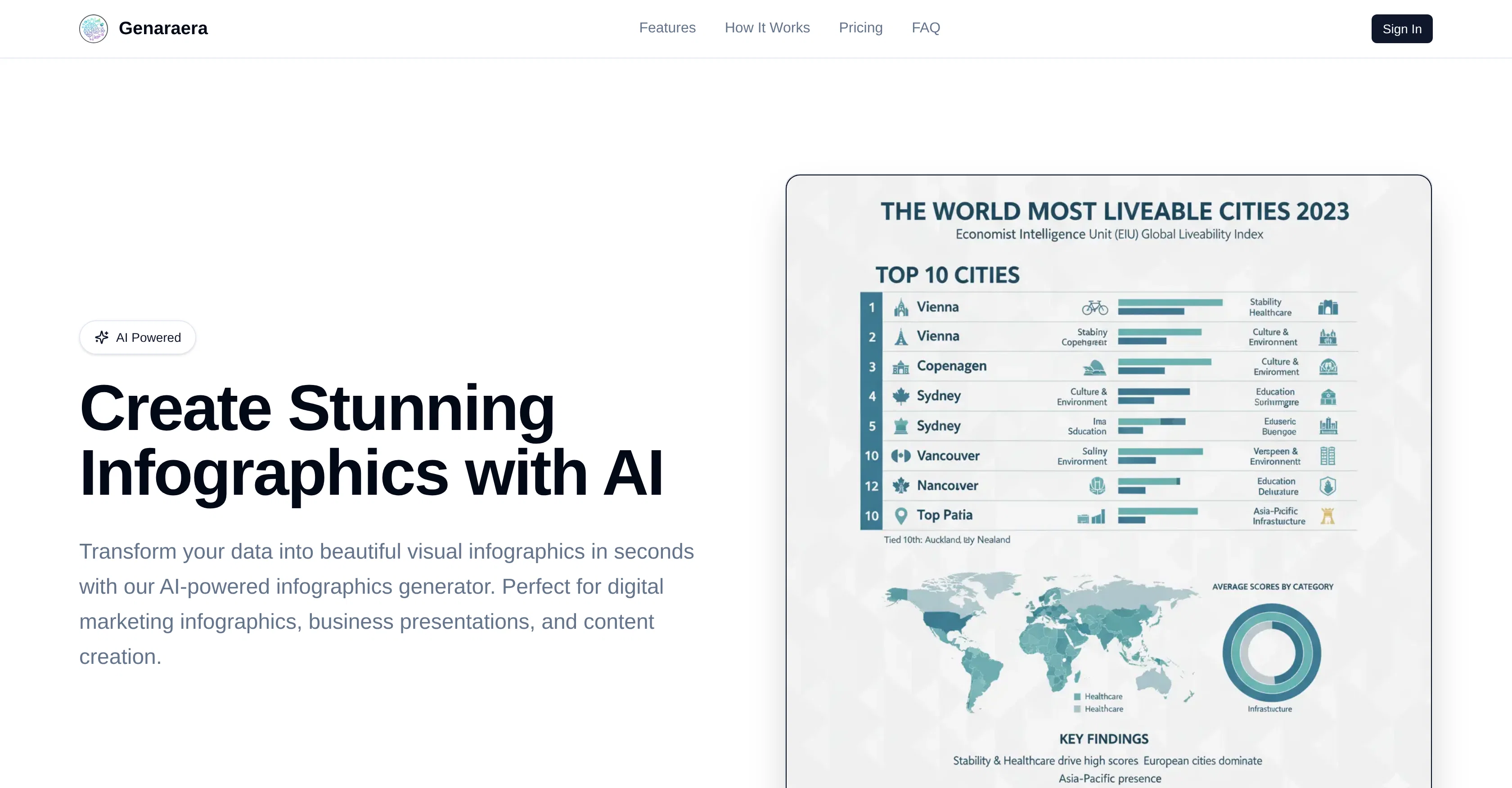
Genaraera is an Artificial Intelligence (AI) powered tool designed for creating professional infographics from raw data. The tool, geared towards digital marketers, data visualization, and content creators, generates high-quality infographics instantly.
Users can determine the type of infographic to design, such as business data visualization, social media statistics, or nutrition charts, and input the requisite data.
The AI then converts this submitted data into visually appealing infographics. The tool has two creation methods, both based on Natural Language Processing (NLP).
In the first method, users simply describe in natural language the type of infographics they want to create, and input the relevant data. The AI then instantly generates professional infographics based on the given specifications.
The second method involves the user uploading a reference image that indicates a desired style. They then input their data, prompting the AI to analyze the reference and generate new infographics in the same visual style, color, and layout.
The tool eliminates the need for templates and graphically adept skills; the AI creates tailored infographics directly based on the user's description.
The final results are professional-grade, suitable for presentations, social media posts, websites, print materials, or digital marketing campaigns.
Access & connections
Where you can use Genaraera.
Platforms
Capabilities
What this tool accepts, produces, and is strongest at.
Input
- API
- Tabular
- Image
- Text
Output
- API
- Image
Highlights
- API
Supported features
- API
- Image Generation
- Image Understanding
- Styling
Pros & cons
Pros
- Transforms raw data into infographics
- Offers two primary methods for creating infographics
- Generates professional-grade infographics
- Automates the creation process
- Doesn't rely on preset templates
- Customized infographics
- Adapts visual style based on user input
- Supports multiple data applications
Show 33 more
- Accepts natural language process for instructions
- Quality and layout maintained from original reference
- High-quality infographics
- Instantly generates infographics
- Capable of creating different types of infographics
- Has built-in multi-resolution support
- Supports uploading reference images for style guide
- Ensures every infographic meets professional standards
- Creates infographics in seconds
- No design skills needed
- Perfect for marketers, educators, and content creators
- Affordable alternative to design agencies
- HD quality output
- Understanding of data visualization
- Custom cool infographics based on simple descriptions
- Professional-quality results
- Time-saving
- Increased social media engagement
- Commercial license available
- Priority processing for Pro users
- 24/7 priority support for Premium users
- Custom branding for Premium users
- Supports various output aspect ratios
- Accepts a wide range of input data types
- Easy data input process
- Supports different infographic types (statistical charts, timelines, etc.)
- Ability to create infographics from text
- Cost-effective
- Supports large file size up to 5MB
- Option to upload a reference image
- Multiple pricing plans available
- Supports ultra-high resolution for professional quality output
- Fast and efficient infographics generation
Cons
- Doesn't support SVG, PDF formats
- Limited to 5000 characters input
- No built-in data normalization
- No real-time collaboration feature
- Doesn't offer integration with data tools
- Credit-based pricing system
- No multi-lingual support
- Limited file size for reference image
Show 2 more
- No auto-saving feature
- No built-in data analytics
Compare alternatives
Similar tools in the catalog — with a clear reason to open each one.

Infographic Ninja ✓
Free TrialGenerate infographics from keywords instantly.
Why look Typically cheaper
Full comparison
AI Infographic Generator ✓
FreemiumAI infographic generator that turns blog posts into link magnets
Why look Better for writing
Full comparison
AI Infographic Generator ✓
FreemiumCreate infographics instantly from text prompts
Free + from $10/mo
Full comparison
Piktochart ✓
FreemiumVisually appealing infographics with ease.
Why look Higher community rating
Full comparison
KnowledgeGraph GPT ✓
FreeTransform unstructured text into knowledge graphs with AI.
Why look Fully free option
Full comparison
Text to Infographic ✓
FreemiumTurn your text into visuals in minutes.
Why look Typically cheaper
Full comparisonReleases 1
Imported reviews 1
Need Credit for use. How Can we spend money without even try?
FAQ 12
How does Genaraera transform raw data into infographics?
What are the two primary methods Genaraera offers for creating infographics?
Does Genaraera support the uploading of a reference image for creating infographics?
How does the Genaraera AI design infographics based on a chosen style?
Do infographics generated by Genaraera always maintain the quality and layout of the original reference image?
Does Genaraera use preset templates for infographic creation?
What kind of professional standards does Genaraera follow while creating infographics?
What is the advantage of using Genaraera over traditional design methods for creating infographics?
Does Genaraera offer multi-resolution support for the created infographics?
How does Genaraera handle aspect ratio adjustments while designing infographics?
Is there a limit to the size or format of data I can input into Genaraera for infographic creation?
What makes Genaraera a good choice for digital marketing, data visualization, and content creation?
Related tools
Recommended

Infography ✓
Free TrialTurn blogs into stunning, shareable infographics.

Thea ✓
FreemiumAI study tools to master material, not just memorize it.

Suno ✓
FreemiumMake music at the speed of your ideas.

DataSquirrel ✓
FreemiumData cleaning & visualization for insights gained.

Mind Map Wizard ✓
FreemiumGenerate mind maps with AI: free, no sign-up, no ads

Otio ✓
FreemiumFastest Way To Read & Write - Your Research Focused AI Workspace