
Graphical abstracts 2026 Rank: #3040
GAAbstract ✓
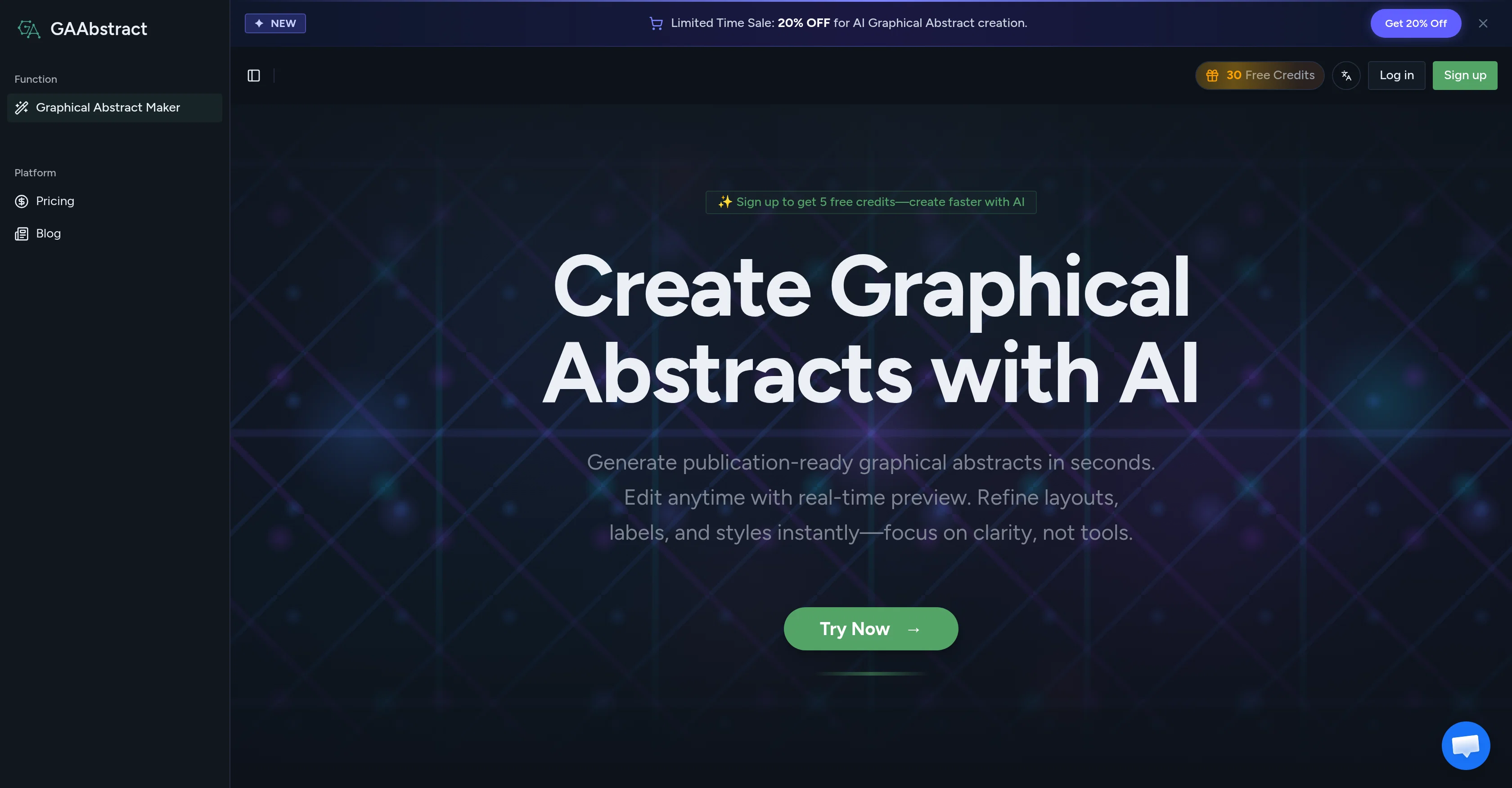
Create publication-ready graphical abstracts with AI in seconds.
Verdict
A quick read before you dig into the full page.
- Best if
- Create publication-ready graphical abstracts with AI in seconds
- Skip if
- Might oversimplify complex research
- Pick this when
- Converts text to graphics
Considering PaperFig instead? Compare side by side
Overview
How it works: Paste your abstract or upload your PDF — the AI analyzes the content, identifies key entities, steps, and relationships, and generates a structured graphical abstract in seconds. Review the result, edit text, labels, layout, and styling as needed, then export in publication-ready formats (PNG, TIFF) at 300 DPI.
Key features:
AI Understanding — Automatically extracts the core message, methods, and results from your paper to build a clear scientific schematic
Seconds to First Draft — Go from a blank canvas to a solid visual in seconds, then iterate instead of redesigning from scratch
Fully Editable — Adjust text, labels, icons, layout, and colors anytime to keep the science accurate and the visuals on brand
Journal-Ready Specs — Built-in presets for Nature, Science, Cell, JACS, ACS Nano, Advanced Materials, and more — output matches exact DPI and dimension requirements
Consistent Lab Style — Reuse colors, typography, and icon styles across papers so every graphical abstract from your team looks cohesive
Multiple Export Formats — Download as PNG, JPG, or TIFF at 300 DPI, ready for journal submission, slide decks, or social media
Who it's for:
PhD candidates and postdocs creating graphical abstracts for journal submissions
Lab managers standardizing visual output across multiple papers and collaborators
Science communicators sharing research findings on social media
Conference presenters building visual summaries for posters and talks
Pricing: Free to start with 5 credits. Paid plans available for more credits, higher quality generation, and team workflows. Daily check-in earns free credits.
Supported languages: English, Spanish, French, Japanese, Chinese (Simplified & Traditional), German, Korean, Portuguese, Russian.
Access & connections
Where you can use GAAbstract.
Platforms
Capabilities
What this tool accepts, produces, and is strongest at.
Input
- Text
Output
- Image
Supported features
- Visual Creation
- Image Generation
- Image Edit
- Styling
- Automation
- Education
Pros & cons
Pros
- Converts text to graphics
- Simple user interface
- Fast graphical generation
- Edit option for drafts
- Multi-export formats
- Clarity in visualization
- Consistent visual language
- Variation and option comparison
Show 20 more
- Efficient workflow support
- Platform sharing capability
- Slide deck creation
- Social media application
- Abstract analysis function
- Academic communication aid
- Real-time preview available
- Clean design hierarchy
- Fast iteration capability
- Fast and efficient system
- Presentation suitable outputs
- Supports academic publishing
- Enables data visualization
- Automated design process
- Aids rapid drafting
- Secured and clear scientific schematic
- Reduce manual designing
- Creates shareable abstracts
- Layout-first approach for hierarchy
- Minimizes redesigning efforts
Cons
- Limited to researchers
- Might oversimplify complex research
- Charged per graphical abstract
- Complex structure might confuse
- Limited style customization
- Editing requires user intervention
- Lacks multi-language support
- Export format constraints
Show 1 more
- Not suitable for non-academic contexts
Compare alternatives
Similar tools in the catalog.

PaperFig ✓
FreemiumAI scientific figures with editable labels, built-in OCR, and 4K
Free + from $120/yr
Full comparison
PaperClaw ✓
Free TrialMake publication-ready scientific figures with AI.
Free + from $13.5/mo
Full comparison
SciFigureAI ✓
Free TrialTurn research ideas into scientific figure drafts.
Free + from $9.90/mo
Full comparison
Figwise ✓
FreemiumAI-generated, journal-ready research figures in minutes.
Free + from $15/mo
Full comparison