

Scientific illustrations 2026 Rank: #2674
Figwise ✓
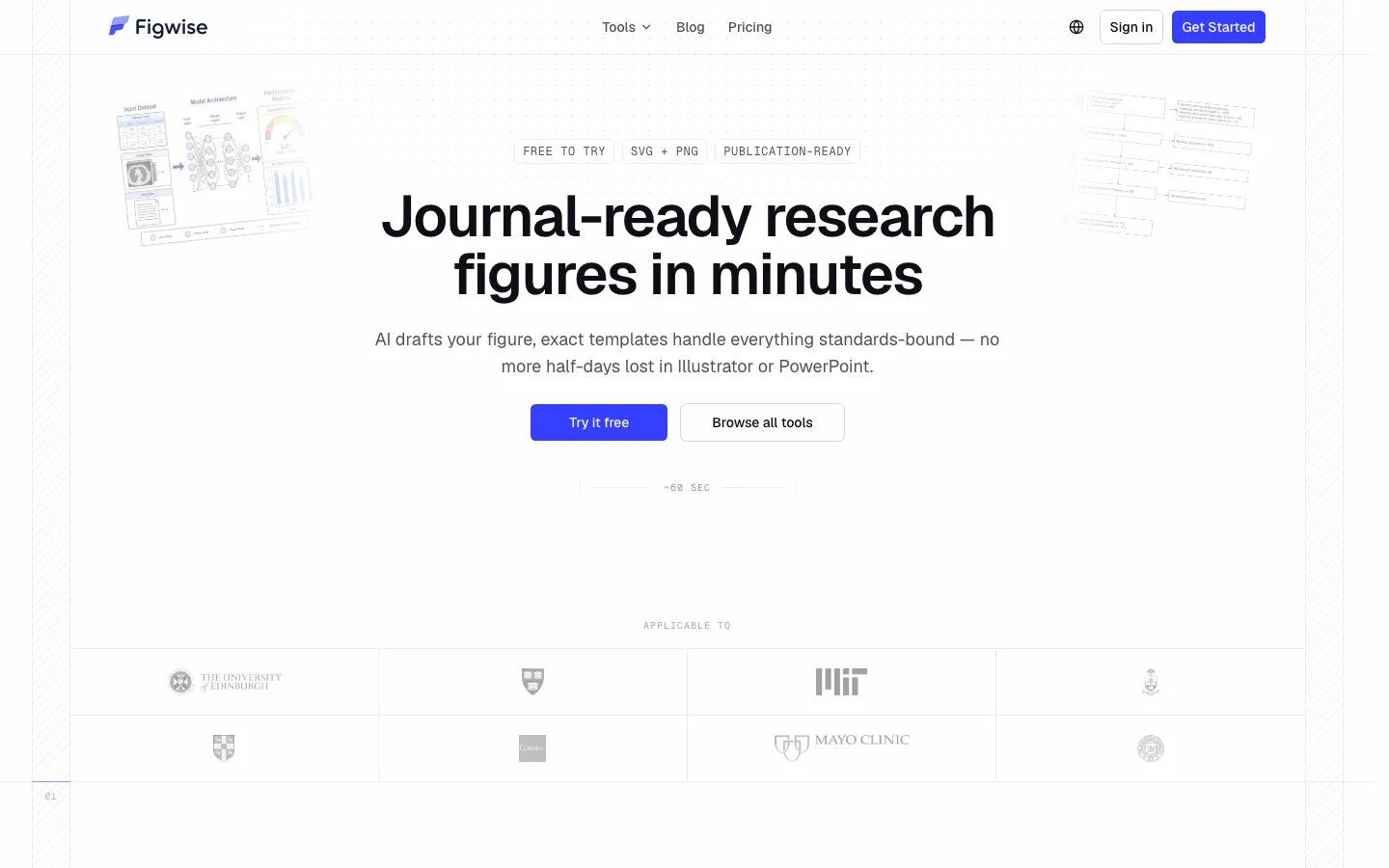
AI-generated, journal-ready research figures in minutes.
Verdict
A quick read before you dig into the full page.
- Best if
- AI-generated, journal-ready research figures in minutes
- Skip if
- Style customisation is limited by design — presets over free canvas
- Pick this when
- Figures built to journal specs, not generic templates
Considering EZFigure instead? Compare side by side
Overview
Each tool is built to one journal standard rather than being a general-purpose canvas. The Graphical Abstract Maker drafts a full layout from a pasted abstract, with editable text labels and Elsevier and MDPI ratio presets. PRISMA 2020 and CONSORT 2010 flow diagrams use the official wording and structure, not an approximation. Statistical plots — volcano, forest, funnel, box, Kaplan-Meier with number-at-risk table and log-rank test, heatmaps, phylogenetic trees — are drawn at publication dimensions from the first render.
Every figure exports as vector SVG alongside PNG, so it stays editable in Illustrator or Inkscape when a reviewer asks for a change. Nothing to install, no template file to track between manuscript versions. Most tools run free without an account.
Access & connections
Where you can use Figwise.
Platforms
Capabilities
What this tool accepts, produces, and is strongest at.
Input
- Tabular
- Text
Output
- Image
Highlights
- SOTA
- No Signup
Supported features
- No Signup
Pros & cons
Pros
- Figures built to journal specs, not generic templates
- Official PRISMA 2020 and CONSORT 2010 wording
- Publisher presets for graphical abstracts (Elsevier, MDPI, Cell)
- True vector SVG — editable in Illustrator after export
- Text labels stay editable, nothing flattened to bitmap
- Drafts a full layout from a pasted abstract
- Survival curves with number-at-risk and log-rank test
- Data parsed in-browser on the plot tools — nothing uploaded
Show 4 more
- Clean exports, no watermark or attribution mark
- Most tools run without an account
- Publication dimensions from the first render
- Covers evidence synthesis and lab-data figures alike
Cons
- Built for authoring solo rather than team review
- 2D figures only
- Runs in the browser, no offline app
- Style customisation is limited by design — presets over free canvas
- No public API yet
Compare alternatives
Similar tools in the catalog — with a clear reason to open each one.

EZFigure ✓
Free TrialPublication-ready scientific figures, effortlessly.
Why look Higher community rating
Full comparison
FigPad ✓
Free TrialTurn your idea into a polished scientific figure
Why look Typically cheaper
Full comparison
Figviz ✓
Free TrialFrom a sentence to a science-ready diagram.
Why look Typically cheaper
Full comparison
Releases 1
FAQ 6
Is there an AI tool that can create graphical abstracts?
🛠️ 3
tools
wrote:
Yes. Paste the abstract you already wrote and the Graphical Abstract Maker drafts a full layout in about a minute, with editable labels and Elsevier or MDPI presets. Treat it as a starting layout, not a finished submission file.
How does Figwise compare to Illustrator, PowerPoint, or BioRender?
🛠️ 3
tools
wrote:
Those are general canvases — they draw anything, but none of them knows what your journal requires. Figwise starts from the requirement: pick a preset and the layout is built at those dimensions from the first render. Less freedom, no wrong-size rejection at upload.
Does a graphical abstract need a figure legend?
🛠️ 3
tools
wrote:
Usually not — Elsevier wants a self-contained panel with no legend baked in, Microchimica Acta forbids legends entirely, ACS allows text only for compound labels. It has to work with no caption, because that is how it appears in a table of contents.
Do I need to cite the PRISMA flow diagram?
🛠️ 3
tools
wrote:
Cite the PRISMA 2020 statement itself — Page MJ, et al. BMJ 2021;372:n71 — as the guideline you followed. You do not need to credit Figwise, and the export carries no watermark or attribution mark.
What are the stages of a PRISMA 2020 flow diagram?
🛠️ 3
tools
wrote:
Identification, screening, and included — with records excluded and the reasons broken out at each step. The generator lays out every box; you supply the counts. It draws what you enter and does not check your arithmetic.
What if the AI draft isn't what I wanted?
🛠️ 3
tools
wrote:
Regenerate with a more specific description — naming your actual variables works better than a general summary. If a generation fails outright, the credits go back automatically.
Related tools
Recommended

ReWave ✓
Free TrialCreate studio-quality music with AI for free.

MagicSlides.app AI PPT Maker ✓
FreemiumCreate Stunning PPTs in Seconds with the AI PPT Maker

GetLogit ✓
FreemiumArtificial intelligence, available for everyone.

ChatGPT ✓
FreemiumAsk anything, create anything, and move from idea to action.

Automateed ✓
Free TrialCreate eBooks effortlessly with Automateed, the AI-powered writing tool.

Kin - Personal AI Advisors ✓
FreePrivacy-first & designed your for mind, and life at work
