

Video editing 2026 Rank: #2818
Frameway ✓
Edit videos with AI. Fine-tune with pro controls.
Verdict
A quick read before you dig into the full page.
- Best if
- Edit videos with AI. Fine-tune with pro controls
- Skip if
- Limited to chat-based editing
- Pick this when
- Professional controls
Considering CapCut Online Creative Suite instead? Compare side by side
Overview
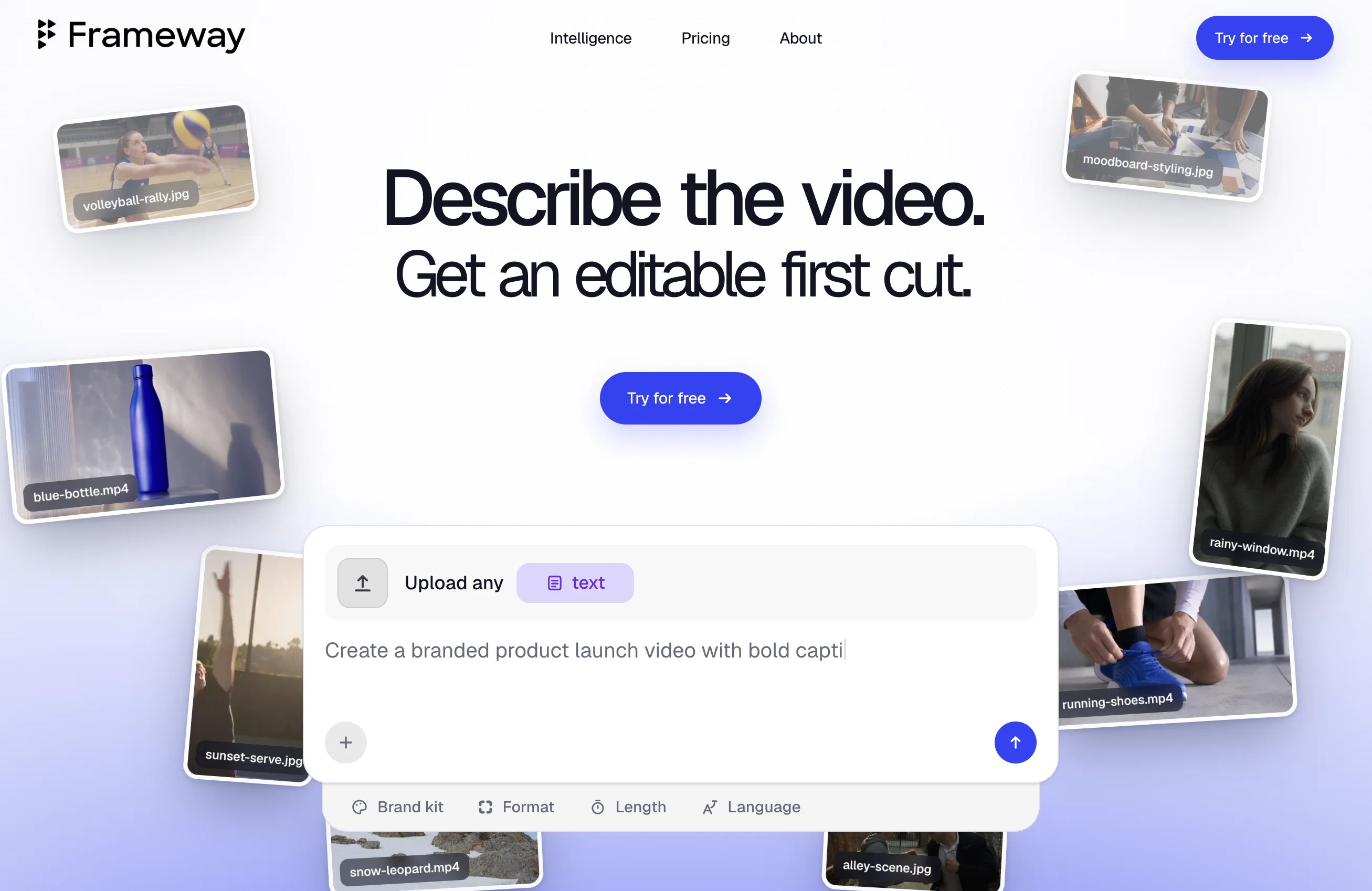
Frameway AI is a chat-first video editing tool designed to automate the video editing process using artificial intelligence (AI). The tool provides professional controls to refine videos ensuring that the output aligns with the user's brand aesthetics.
Frameway uniquely combines AI agents, intent-based editing, and pro-level controls, enabling users to quickly create on-brand videos without sacrificing creative control.
Notable features include AI-powered clipping, chat-based editing, automatic caption creations in over 80 languages, multi-format exports, and team collaboration.
Users can upload a long video and obtain numerous short, social media-ready clips in a matter of minutes based on key moments in the uploaded video. Frameway also allows users to describe what they desire in their videos in simple language and the tool turns their raw assets into a first draft swiftly with no timeline requirements.
The tool also offers customizations such as brand kits, color presets, caption styles, and templates that make the videos resonate with the user's brand.
The tool supports exporting videos in any ratio, making them optimised for social media platforms like TikTok, Instagram, LinkedIn, YouTube, and more.
Another unique feature is the AI agents that carry out various tasks in the background like face tracking, object detection, and mood detection, ensuring that the videos are succinct, engaging, and aesthetically accurate.
An upcoming feature is the MOOD Analysis that will be able to read the emotional arc and energy of a video to select moments that make the most impact.
Access & connections
Where you can use Frameway, and what it plugs into.
Platforms
Capabilities
What this tool accepts, produces, and is strongest at.
Input
- Text
- Video
Output
- Video
Pros & cons
Pros
- Professional controls
- Refines video outputs
- Chat-based editing
- Automatic caption creation
- Supports over 80 languages
- Offers multi-format exports
- Enables team collaboration
- Generates social media-ready clips
Show 23 more
- Custom brand kits
- Advanced color presets
- Different caption styles
- Variety of video templates
- Optimized for multiple platforms
- Object detection feature
- Mood detection in videos
- Upcoming emotional arc analysis
- Energy analysis of videos
- Enables brand resonance
- Optimized for social media
- No timeline requirements
- Allows intent-based editing
- Transforms raw assets swiftly
- Comprehensive customizations
- Brand aesthetics alignment
- Simple language instructions
- Exports in any ratio
- Background task handling
- Offers storytelling understanding
- Automatic face reframing
- Identifies key objects
- Upcoming mood analysis feature
Cons
- Unspecified video upload limits
- Limited to chat-based editing
- Upcoming features not ready
- No explicit quality control
- No mention of pricing
- Requires extensive brand customization
- 80+ languages but unspecified
- No details on export quality
Show 2 more
- Inefficiencies in team collaboration tools
- Unclear about third-party integrations
Compare alternatives
Similar tools in the catalog — with a clear reason to open each one.

CapCut Online Creative Suite ✓
FreemiumUnleash creativity with CapCut's all-in-one online suite
Free + from $28.5/mo
Full comparison
ClipFinder ✓
FreemiumTurn hours of streams and VODs into viral clips automatically.
Why look Offers a public API
Full comparison
Gling - AI Video Editing Software for YouTube ✓
FreemiumAI-powered video editing for YouTube creators.
Free + from $10/mo
Full comparison
Captions ✓
PaidAI-powered creative studio for studio-grade videos.
Why look Offers a public API
Full comparison
Video to Video AI ✓
PaidTransform videos using simple text commands.
from $29.99/mo
Full comparison
Wondershare Filmora ✓
PaidEdit smarter, faster and easier with Filmora’s powerful AI video tools.
Why look Higher community rating
Full comparisonReleases 1
FAQ 12
What is the intent-based editing in Frameway AI?
Can Frameway AI be used for team collaboration?
How does the AI-powered clipping function in Frameway AI?
Can I customize my videos using Frameway AI?
How does the AI of Frameway AI contribute to mood detection?
What is the role of AI agents in Frameway AI?
Does Frameway AI provide automatic caption creation?
Does Frameway AI support multiple languages for caption creation?
Can I create social media-ready clips using Frameway AI?
How does Frameway AI allow exporting videos in different formats?
How does Frameway AI ensure the videos align with the user's brand aesthetics?
Can Frameway AI be used to track faces and objects in the videos?
Related tools
Recommended

Tendem ✓
PaidAI + Human Agent to get tasks done

Seedance ✓
FreemiumMulti-shot video generation from text and image.

VentureVault ✓
FreeDiscover validated startup ideas with AI-powered market analysis.

OpenClaw ✓
UnknownThe AI that actually does things.

Komos - Meet your AI coworker ✓
UnknownEach you AI coworker with a 5-minute screen demo

Team9 - OpenClaw AI Agent ✓
UnknownHire AI Staff and collaborate like real teammates.