

Task automation vv2.5 2026 Rank: #4
Komos - Meet your AI coworker ✓
Each you AI coworker with a 5-minute screen demo
Verdict
A quick read before you dig into the full page.
- Best if
- Each you AI coworker with a 5-minute screen demo
- Skip if
- Limited use-cases presented
- Pick this when
- Automates browser-based tasks
Considering SureThing.io - "OpenClaw" for Beginners instead? Compare side by side
Overview
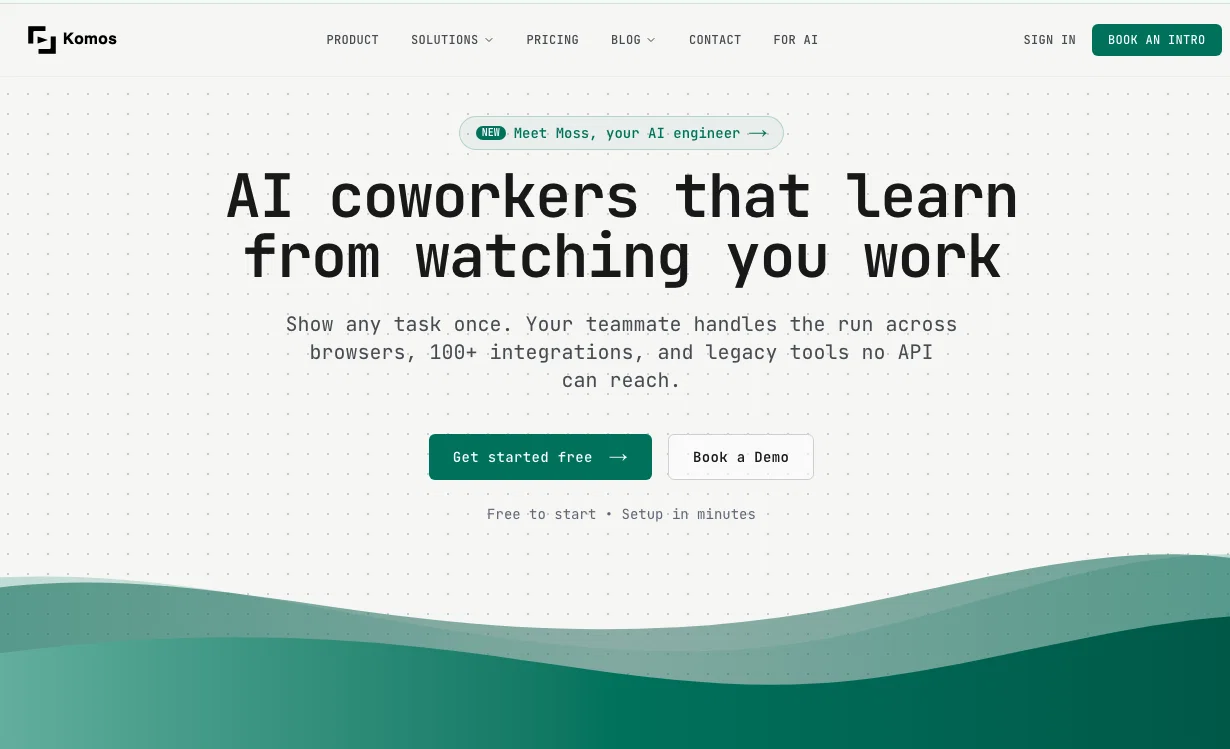
The platform combines browser automation with 100+ native API integrations. The AI decides the fastest path for each step, whether that means navigating a web portal, calling an API directly, or parsing a document. When a website changes or something breaks, the AI detects the issue and fixes it automatically.
Komos handles the full lifecycle: building automations from a conversation, monitoring every run, and adapting when things change. It supports document processing (PDFs, images, spreadsheets), credential vaults for secure login flows, and can be triggered via API, webhook, email, or schedule.
Teams use Komos to automate portal data entry, document filing, compliance audits, report generation, and other repetitive work that currently requires a person at a keyboard.
Best for
Short scenarios where Komos - Meet your AI coworker tends to shine.
-
Each you AI coworker with a 5-minute screen demo
Example outputs 1
Sample generations and before/after results for Komos - Meet your AI coworker.
Access & connections
Where you can use Komos - Meet your AI coworker, and what it plugs into.
Platforms
Integrations
Capabilities
What this tool accepts, produces, and is strongest at.
Input
- API
- Image
- Text
- Video
- Audio
Output
- Tabular
- API
- Text
Highlights
- Agents
- MCP
- Local
- API
Supported features
- Agents
- MCP
- Runs Locally
- API
- Automation
- SOC 2 Compliance
- CV Data
- HR & Recruitment
- Legal
- Web browsing
Pros & cons
Pros
- Automates browser-based tasks
- Translates visual cues
- Turns walkthroughs into workflows
- Offers secure task running
- Detailed logs for each step
- Can process documents
- Extracts structured data
- Works with multiple data formats
Show 41 more
- Identifies key fields
- Data used for form-fill
- Automates data validation
- Automates data uploads
- Secure credential management
- Can be triggered through API
- Supports automation scheduling
- Provides observability
- Sends results via email
- Excel at document processing
- Automatically create structured workflows
- Action narration feature
- High accuracy data extraction
- Invoice and order operations
- Integration with webhooks
- Data export feature
- Turns demos into automation
- Enables control over sequences
- Multi-factor authentication supported
- Secure automation through encrypted vaults
- Runtime guards for workflows
- API integration for trigger, output
- Drag, edit, reorder steps in flow
- Support for If/Else, loops, early-exits
- Workflow versioning and rollback
- Automations run in cloud
- Secure Windows/Mac runners
- Supports TOTP/SMS/email MFA
- Operates in local timezone
- Records operation history
- Eliminates repetitive work
- Google Sheets export
- Enables team task efficiency
- Clear history of changes
- Consistent automation outcomes
- reduces manual changes
- Branch, loop, add function
- Sandbox execution for public website
- Free trial availability
- Can extract data from scans
- Supports KMS-backed encryption
Cons
- One-time walkthrough training
- Data extraction limited to structured formats
- Inflexible regardless of browser updates
- Reliance on screen and voice
- No SDK mentioned
- Limited use-cases presented
Compare alternatives
Similar tools in the catalog.

SureThing.io - "OpenClaw" for Beginners ✓
FreemiumFirst General AI Agency. Designed for long-horizon tasks.
Free + from $30/mo
Full comparison
Raccoon AI ✓
FreemiumThe AI Coworker for Apps, Research, Docs & Everything Else
Free + from $19/mo
Full comparisonPeople also view
Tools that often show up alongside Komos - Meet your AI coworker in collections and comparisons.

Tendem ✓
PaidAI + Human Agent to get tasks done
SureThing.io - "OpenClaw" for Beginners ✓
FreemiumFirst General AI Agency. Designed for long-horizon tasks.
Raccoon AI ✓
FreemiumThe AI Coworker for Apps, Research, Docs & Everything Else

Manus ✓
FreemiumTurn your thoughts into actions with AI

Autopilots by Athena AI ✓
Free TrialAutonomous AI agents that execute tasks for you.

Adapt ✓
PaidThe AI-native Way to Work | Company Brain | Universal AI agent

1-Click OpenClaw | Hostinger ✓
PaidYour 24/7 AI assistant with 1-click setup.

Filently ✓
Free TrialAI filing layer for your existing Google Drive
Releases 4
Meet your new AI coworkers. They take real tasks off your plate, run them across your tools, and hand back finished work. v2.5 turns Komos from a tool you use into a team you ship with.
Create reliable automation with your personal AI Engineer - Moss.
Introducing Moss, your AI engineer
Every Komos account now includes Moss, an AI assistant that builds automations from a conversation. Describe what you need and Moss creates the
automation, picks the right integrations, and tests it. When something breaks, Moss diagnoses the root cause and fixes it.
100+ API integrations
Komos now supports over 100 native integrations (Google Workspace, Slack, Salesforce, HubSpot, and more). The AI agent decides when to use a
direct API call vs browser automation for each step, so your tasks run faster and more reliably.
Other improvements
- Improved execution plan reliability and auto-healing
- Better document parsing for downloaded files
- Self-hosted runner support for Windows and macOS
FAQ 12
What is Komos AI?
🛠️ 1
tool
wrote:
Komos AI is an artificial intelligence tool utilized for automating browser-based tasks.
How does Komos automate browser-based tasks?
What is Komos's key feature?
How does Komos's computer vision AI work?
What types of formats does Komos support for data extraction?
Can I edit the workflow generated by Komos?
How secure is Komos AI tool?
How does Komos handle credential management?
Can Komos be integrated with other apps through webhooks or REST API?
What is meant by a self-healing workflow from Komos?
How can Komos help me in reducing repetitive tasks?
Does Komos provide detailed logging for each step executed?
Related tools
Recommended

Notis ✓
Free TrialThe first WhatsApp assistant that runs on your ChatGPT and Claude subscriptions

TheLibrarian.io ✓
Free TrialYour WhatsApp AI assistant for instant productivity.

Claude ✓
FreemiumBuilding reliable, interpretable AI systems

remio: Your Personal ChatGPT ✓
FreemiumGet Tailored Answer with Your Personal ChatGPT

PrompTessor ✓
FreemiumAI Prompt Workspace for Better AI Results

Recall ✓
FreemiumSummarize Anything, Forget Nothing!