

Animated videos 2026 Rank: #973
FrameCall ✓
Animated videos without After Effects
Verdict
A quick read before you dig into the full page.
- Best if
- Animated videos without After Effects
- Skip if
- Limited to MP4 exporting
- Pick this when
- Efficient video creation
Considering SpeedPainter instead? Compare side by side
Overview
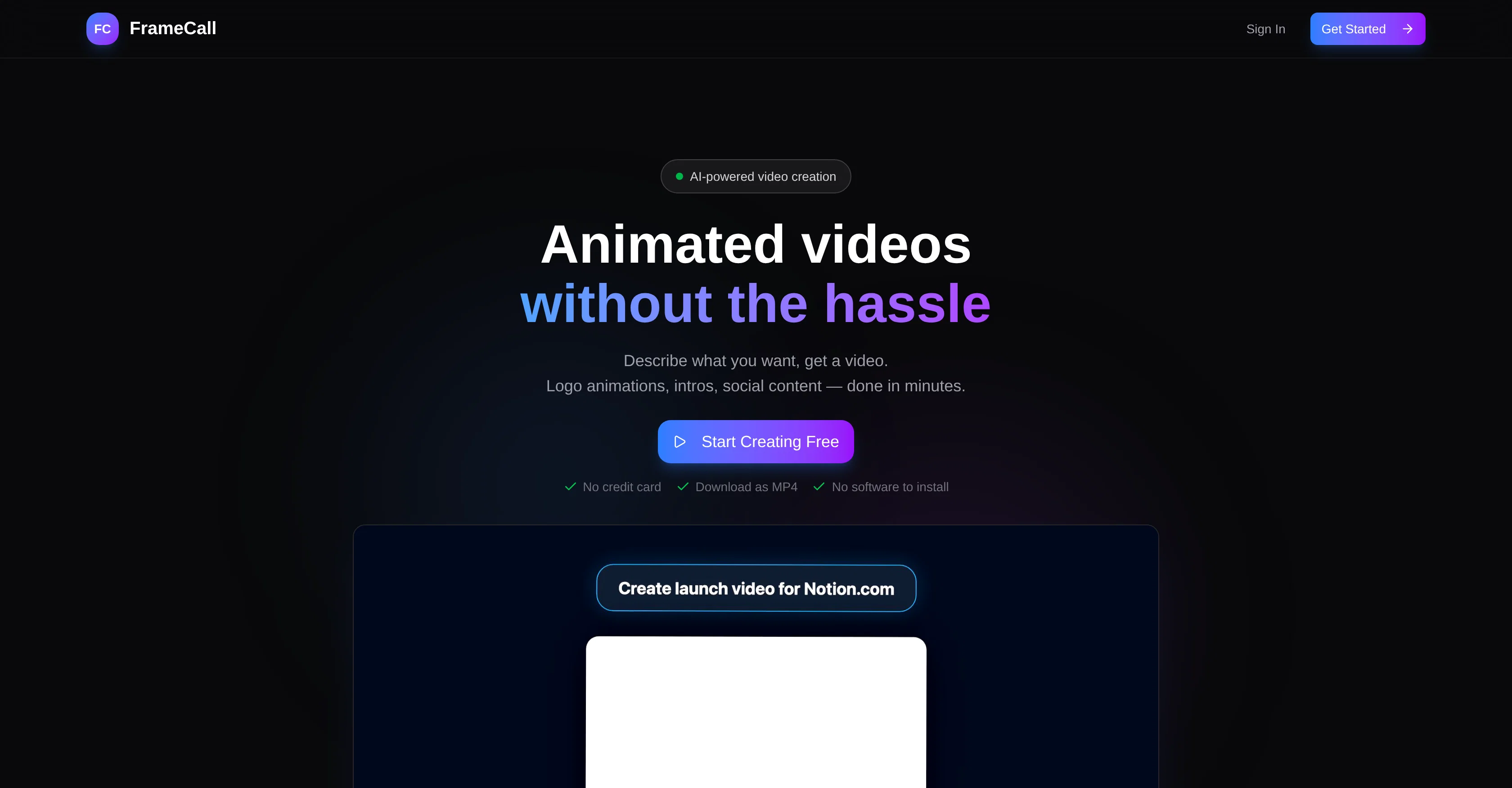
FrameCall is an AI-powered tool designed to simplify the process of creating animated videos. This tool does away with the need for complicated software or outsourced freelancers.
Instead, users simply describe what they want, and the tool provides an animated video in response. FrameCall can be used to create a wide range of content, including logo animations, intros, social content, product launch teasers, Instagram story ads, app feature walkthroughs, investor pitch stats presentations, event openers, customer testimonials, and podcast video intros.
The tool works in three straightforward steps: users input their description in plain English, the tool's AI creates the video in real-time, and users can then preview, tweak, and export the video as an MP4.
With FrameCall, the video creation process becomes considerably more efficient, providing real-time results and the ability to adjust elements using simple commands.
This tool is perfect for various professionals, including YouTube creators, indie developers, marketing teams, and product designers. The first animation is free of charge, enabling users to experience the tool without commitment.
Access & connections
Where you can use FrameCall, and what it plugs into.
Platforms
Integrations
Capabilities
What this tool accepts, produces, and is strongest at.
Input
- Text
Output
- Video
Supported features
- Video Generation
- Video Edit
- Social Media
Pros & cons
Pros
- Efficient video creation
- Real-time video creation
- User description input
- Video preview feature
- Video tweak option
- MP4 export
- Supports various types of content
- Logo animation functionality
Show 40 more
- Social content creation
- Product teaser video creation
- Instagram story ad feature
- App feature walkthrough creation
- Investor pitch presentation creation
- Event opener video creation
- Customer testimonial video creation
- YouTube creators support
- Indie developers support
- Marketing teams support
- Product designers support
- Free first animation
- No software installation required
- No design skills required
- Full YouTube intro package
- Webinar/Event opener creation
- Kinetic Typography creation
- Built-in animation viewer
- MP4 download option
- Plain English commands
- No credit card required
- Works for various professionals
- API explainers video creation
- Release videos feature
- Product demos creation
- No steep learning curve
- Instant video changes
- Free to start
- No software to learn
- Text-based video description
- Real-time preview & export
- Time-saving video creation
- After Effects not required
- Price feature for ads
- Feature callouts for teasers
- Swipe-up CTA for Instagram
- Quote inclusion for testimonials
- Podcast video intro creation
- Works for artistic projects
- Allows for easy changes
Cons
- No advanced editing options
- Limited customization capabilities
- Dependent on description accuracy
- Risk of unclear instructions
- No design skill training
- Could lack originality
- Limited to MP4 exporting
- May not support intricate animations
Show 2 more
- No multi-language support
- Potential waiting time for numerous edits
Compare alternatives
Similar tools in the catalog — with a clear reason to open each one.

SpeedPainter ✓
FreemiumTurn any image into a hand-drawn story video
Why look Stronger for image work
Full comparison
Dramily - AI Short Drama Generator ✓
PaidAll-in-One Al Short Drama Platform, From Spark to Hit Series.
from $49.00/mo
Full comparison
Vireel AI Video Extender ✓
PaidAI-powered video and image generation platform.
Why look Stronger for image work
Full comparison
Motiofy ✓
Free TrialCreate Product and Social Videos Without Filming a Thing
Why look Stronger for image work
Full comparison
Flaq AI | Image to Video ✓
PaidAnimate any image with AI in seconds.
Why look Stronger for image work
Full comparison
Releases 1
Imported reviews 1
Asked it to create an animation. Took a few tries but it managed to create a very good one for the purpose I wanted it to use.
FAQ 12
What is FrameCall?
How does FrameCall work?
What kind of content can FrameCall create?
Who can use FrameCall?
What is the cost of using FrameCall?
Is the first animation really free with FrameCall?
Do I need to know coding to use FrameCall?
How can I tweak my video on FrameCall?
What format will my video be in after using FrameCall?
Can FrameCall be used for creating logo animations?
Can I create Instagram story ads with FrameCall?
Is FrameCall suitable for YouTube creators?
Related tools
Recommended

AI Line Art ✓
PaidCreate professional line art drawings in seconds with AI.

Kin - Personal AI Advisors ✓
FreePrivacy-first & designed your for mind, and life at work

ElevenLabs ✓
FreemiumCreate lifelike AI voices for compelling storytelling.

remio: Your Personal ChatGPT ✓
FreemiumGet Tailored Answer with Your Personal ChatGPT

Supernormal App ✓
FreemiumThe AI assistant app that turns meetings into completed work

AI Image to Image.io ✓
FreemiumTransform images with simple text commands.
