

Line art 2026 Rank: #663
AI Line Art ✓
Create professional line art drawings in seconds with AI.
from $9.99/mo
Verdict
A quick read before you dig into the full page.
- Best if
- Create professional line art drawings in seconds with AI
- Skip if
- Pricing can be expensive
- Pick this when
- Professional line art
Considering Line Drawing Converter instead? Compare side by side
Overview
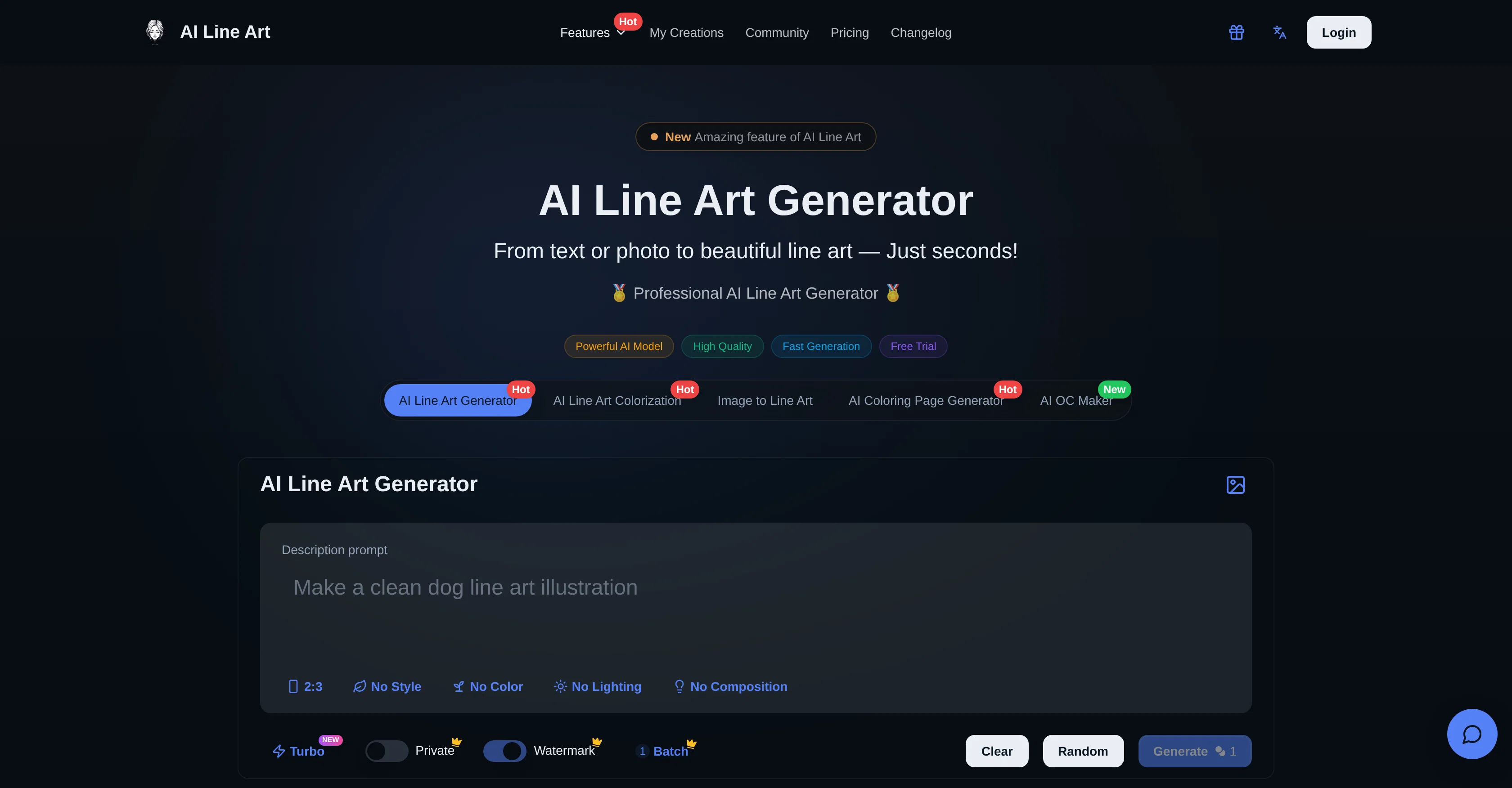
X is a powerful AI-powered tool designed to produce professional line art drawings. Providing multiple style options, the tool allows users to upload their own images and generate high-quality line arts instantly.
The AI system behind X is capable of transforming various types of images into elegant and minimalist line art, 3D line art, colorized line art, and more.
It efficiently simplifies complex sketches and refines them into polished line arts. In addition, it also offers transformation of images into printable coloring pages and character generation.
The tool is user-friendly and guides the users through the steps of uploading the photo, entering prompts (optional), generating the image, and downloading the finalized high-resolution line art image.
X also allows advanced customizations including aspect ratios, composition settings, and lighting options for achieving the best desired results. Its high-speed processing enables users to get their line art generated swiftly, ensuring minimal waiting time.
The innovative tool is trusted and frequently used by artists, designers, illustrators, and professionals who create architectural drawings, tattoo designs, logo sketches, fashion sketches, and more.
Access & connections
Where you can use AI Line Art, and what it plugs into.
Platforms
Integrations
Capabilities
What this tool accepts, produces, and is strongest at.
Input
- Image
Output
- Image
Highlights
- SOTA
- API
Supported features
- 3D Generation
- API
- Image Edit
- Image Generation
- Image Understanding
- Styling
Pros & cons
Pros
- Professional line art
- Various styles
- Supports image uploads
- Fast generation process
- Enter prompt feature
- Supports high-resolution exports
- Line art colorization
- 3D Line Art available
Show 39 more
- Advanced customization options
- Accurate outline extraction
- Transforms photos into line art
- User-friendly interface
- Supports aspect ratios settings
- Composition settings
- Lighting options
- Optimized for quick processing
- Generates printable coloring pages
- Simplifies complex sketches
- One-click generation
- Batch generation available
- Generates minimalist art
- Produces woodcut style
- Supports image-to-art conversion
- Suitable for logo sketching
- Ideal for character generation
- Tool for fashion design
- Supports architectural drawing
- Useful for tattoo design
- Offers a free trial
- Custom prompts for fine-tuning
- Ideal for artists and designers
- Produces clean line art
- No tracing or manual cleanup required
- Optimized for print-ready results
- Cloud storage available
- Private generation for members
- Instantly creates original characters
- Transforms images into 3D line art
- Generates high-contrast line drawings
- Accurately captures garment outlines & folds
- Produces line art with fine details
- Privacy features for uploaded content
- Offers membership for commercial usage
- Provides a commercial usage rights plan
- Quickly refines sketches
- Provides watermark-free downloads for members
- API access on business plan
Cons
- Limited to line art styles
- Doesn't support vector outputs
- No mention of mobile optimized
- No offline mode
- No real-time editing feature
- Free version includes watermarks
- Privacy not ensured for free users
- Multiple features require separate tools
Show 2 more
- No free commercial use
- Pricing can be expensive
Compare alternatives
Similar tools in the catalog — with a clear reason to open each one.

Line Drawing Converter ✓
Free TrialConvert photos into clean line drawings online.
Why look Typically cheaper
Full comparison

ColoringDaily ✓
Free TrialTurn any text or photo into a printable coloring page.
Why look Typically cheaper
Full comparison
Textile Designer AI ✓
PaidAI-powered textile designs ready for production.
from $14.99/mo
Full comparison
PatentFig AI ✓
FreemiumGenerate USPTO-compliant patent figures from photos or sketches with AI.
Why look Freemium alternative
Full comparisonReleases 1
Imported reviews 1
used this to turn a couple of our engagement pics into line drawings for the welcome sign + menu ideas and they came out sooo cute!! the minimal ones looked really clean, especially for wedding stationery. some of the tiny details got a little lost but still gave me a really good starting point!!
FAQ 12
What is the AI Line Art Generator?
How is the AI Line Art Generator used?
What styles does the AI Line Art Generator offer?
What is the 'Enter Prompt' feature of the AI Line Art Generator?
How fast does the AI Line Art Generator process images?
What kind of images are suitable for upload to the AI Line Art Generator?
Can the AI Line Art Generator handle high-resolution exports?
Is there a colorization feature in the AI Line Art Generator?
What additional features does the AI Line Art Generator have besides line art generation?
Can the AI Line Art Generator turn photos into line art?
What professionals find the AI Line Art Generator useful?
Can the AI Line Art Generator be used for social media sharing?
Related tools
Recommended

Pounce ✓
Free TrialGet real followers and engagement in minutes.
AI Hotel Price Checker - BusinessHotels.com ✓
FreeInstant AI-powered hotel price checker for live rates.

FrameCall ✓
UnknownAnimated videos without After Effects

Kin - Personal AI Advisors ✓
FreePrivacy-first & designed your for mind, and life at work

Notis ✓
Free TrialThe first WhatsApp assistant that runs on your ChatGPT and Claude subscriptions

remio: Your Personal ChatGPT ✓
FreemiumGet Tailored Answer with Your Personal ChatGPT