
Object removal 2026 Rank: #1731
Fotor | AI Video Objects Remover ✓
Erase anything from your videos instantly.
Free + from $8.99/mo
Verdict
A quick read before you dig into the full page.
- Best if
- Erase anything from your videos instantly
- Skip if
- May struggle with complex scenarios
- Pick this when
- Maintains original video quality
Considering Pixelfox Objects Remover instead? Compare side by side
Overview
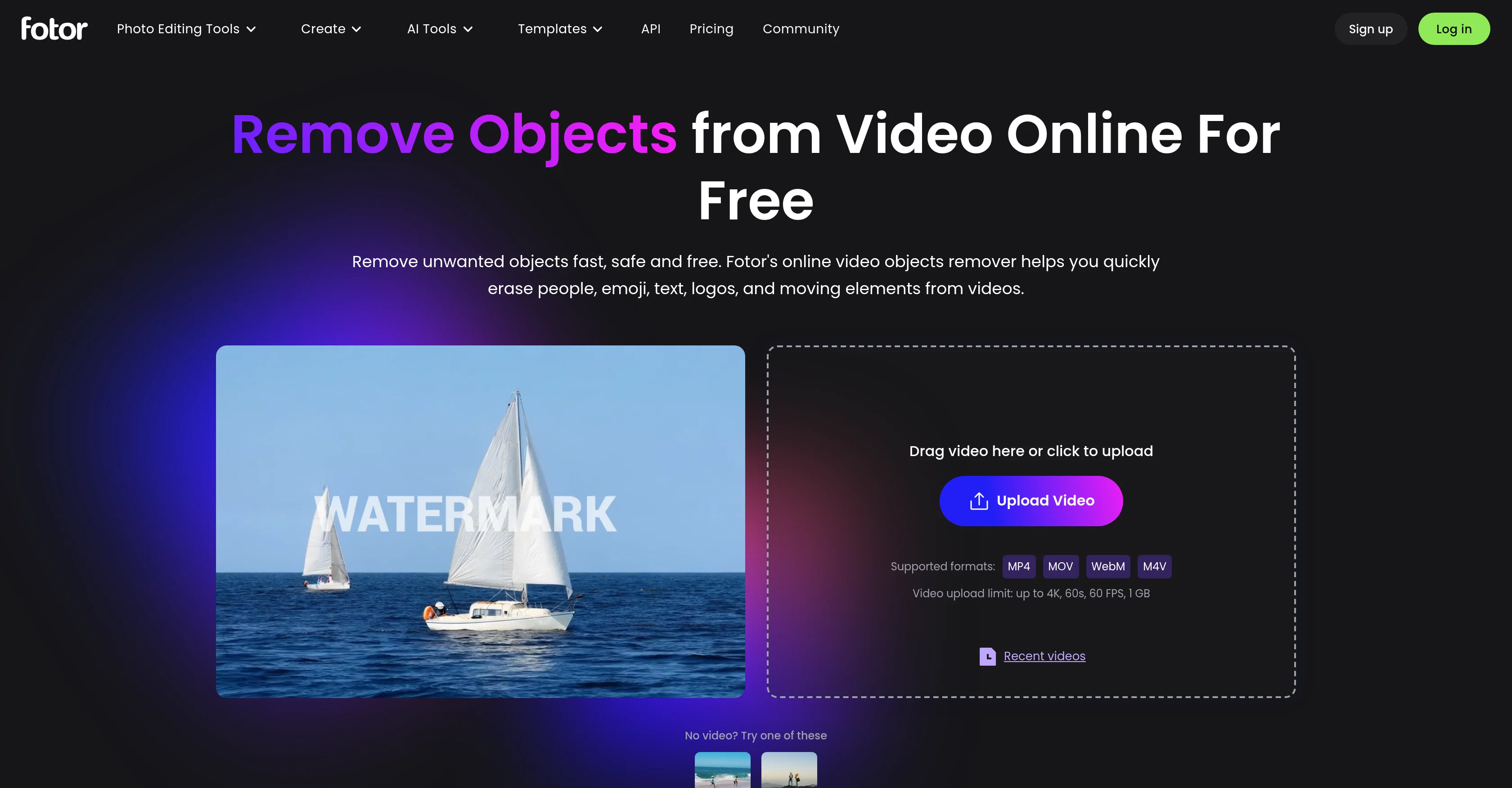
Fotor's AI Video Objects Remover is an online tool designed to assist users in removing unwanted elements from their videos without compromising on quality.
The tool can swiftly and accurately erase a variety of objects, including people, emojis, text, logos, watermarks, backgrounds, and moving elements. It employs advanced artificial intelligence technology to recognize and erase specific aspects, offering a high degree of accuracy even in dynamic environments.
The tool is user-friendly, making video editing accessible to those without prior experience. Users can upload their video, use the brush tool to mark the objects they want to remove, and then simply click to erase.
The tool supports a range of video file formats like MP4 and MOV. Once the objects are erased, the cleaned-up video can be downloaded in MP4 format for any intended use.
In addition to videos, Fotor also accommodates still images, offering quick removal of unwanted elements. Throughout the process, the tool maintains the overall video quality, ensuring a professional-looking output.
Notably, Fotor's AI Video Objects Remover is available for use free of charge.
Access & connections
Where you can use Fotor | AI Video Objects Remover.
Platforms
Capabilities
What this tool accepts, produces, and is strongest at.
Input
- Video
Output
- Video
Pros & cons
Pros
- Online tool
- Maintains original video quality
- Supports multiple video formats
- Available for free
- Enables video editing
- Removes several object types
- Works in dynamic environments
- User-friendly interface
Show 22 more
- No prior experience required
- Downloadable output in MP4
- Still image editing capability
- Transparent with page content
- Drag and drop video upload
- Supports up to 4K videos
- Removes objects in seconds
- Advanced object removal process
- Erase and clean up in single click
- Supports varied device types
- No quality loss after editing
- Removal doesn't cause blur
- Secure and safe removal
- Object removal faster than competitors
- Videos are deleted after 24h
- Versatile objects removal capabilities
- Removes background from videos
- Removes emojis from videos
- Enhances video clarity
- Removes objects from images
- Supports multiple languages
- Complies with GDPR privacy
Cons
- Limited file export format
- Video length and size limitations
- Possible privacy concerns
- Online-only, no offline version
- May struggle with complex scenarios
- No advanced editing options
Compare alternatives
Similar tools in the catalog — with a clear reason to open each one.

Pixelfox Objects Remover ✓
Free TrialErase unwanted objects from photos with AI.
Why look Typically cheaper
Full comparison

Object removing by HitPaw ✓
FreemiumEffortlessly remove objects from photos online.
Free + from $9.99/mo
Full comparison
AniEraser ✓
Free TrialErase watermarks and objects from photos and videos with AI
Why look Typically cheaper
Full comparison
HAMA AI Object Remover, Image Eraser ✓
FreeErase unwanted elements from photos in seconds.
Why look Fully free option
Full comparison
Stillgram ✓
FreemiumMagically remove crowds from travel photos with AI
Why look Typically cheaper
Full comparisonReleases 1
FAQ 12
What is the maximum video upload size for Fotor's AI Video Objects Remover?
How does Fotor's AI technology remove objects from videos?
Can I use Fotor's AI Video Objects Remover for still images?
Are there any charges for using Fotor's AI Video Objects Remover?
What types of objects can be removed with Fotor's AI Video Objects Remover tool?
Is it possible to maintain the overall video quality after removing objects with Fotor's tool?
What video file formats are supported by Fotor's AI Video Objects Remover?
How can I use Fotor to remove unwanted elements from a video?
Can I download the cleaned-up video after removing objects using Fotor?
Are my video files safe after uploading them to Fotor's AI Video Objects Remover?
Does Fotor's AI Video Objects Remover work in dynamic environments?
Do I need prior video editing experience to use Fotor's AI Video Objects Remover?
Related tools
Recommended

CAD Scene ✓
Free TrialAI architectural rendering for professional architects.

AI Detector by Getsolved ✓
FreemiumDetect AI-generated content instantly.

ArchVizr ✓
Free TrialPhotorealistic renders from your CAD file in 20 seconds.

GetLogit ✓
FreemiumArtificial intelligence, available for everyone.

ChatGPT ✓
FreemiumAsk anything, create anything, and move from idea to action.

freebeat AI ✓
FreemiumTurn Music & Ideas into Viral Videos In One Click