
Fotor AI Video Generator ✓
Turn text and images into stunning videos instantly.
Verdict
A quick read before you dig into the full page.
- Best if
- You are social media managers and need: Remove backgrounds from product photos for e-commerce
- Skip if
- Complex prompt engineering required
- Pick this when
- Text to video conversion
Considering freebeat AI instead? Compare side by side
Overview
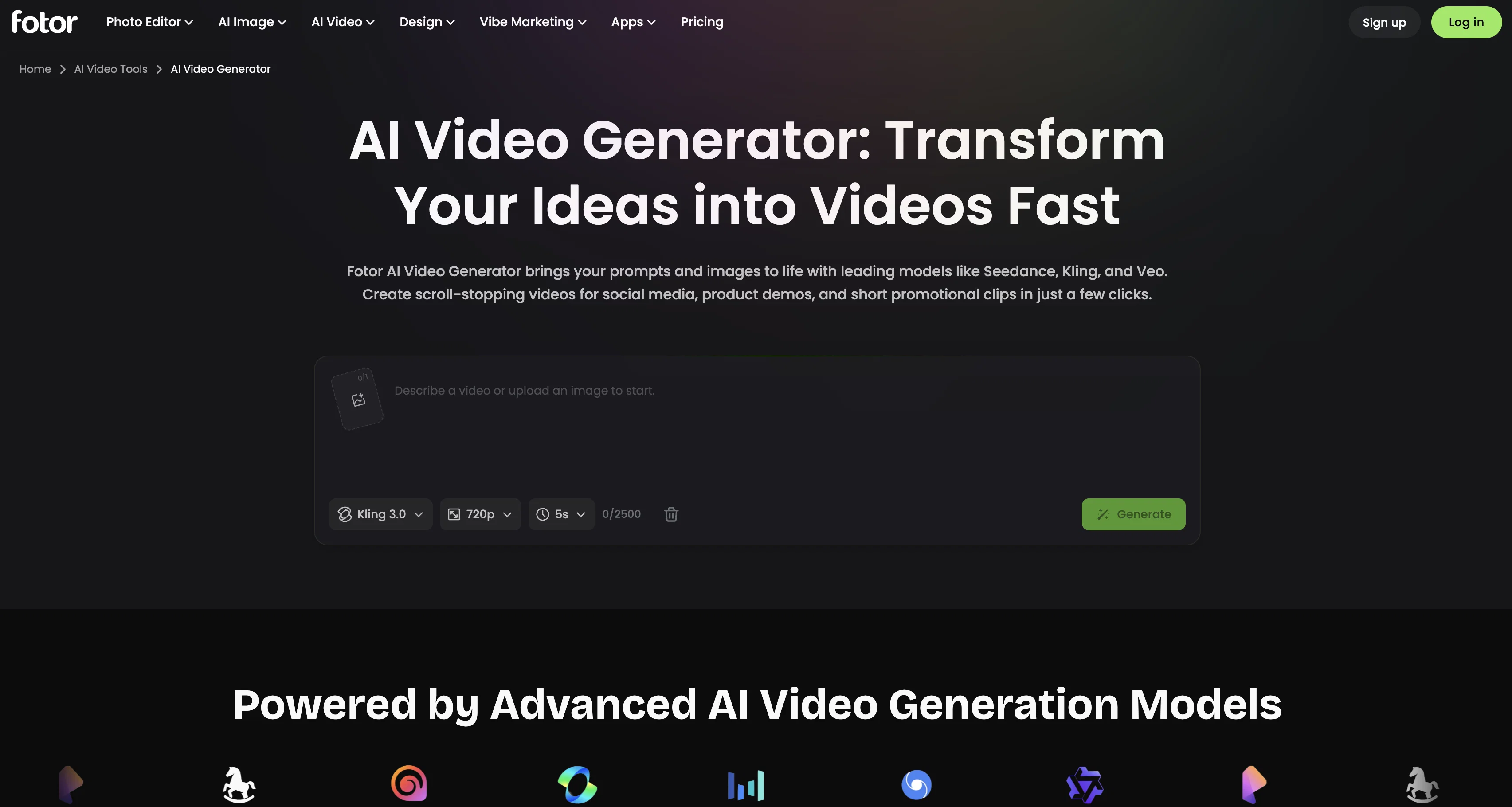
Fotor's AI Video Generator, powered by AI models such as Kling, Seedance, and Veo3, offers a range of video creation and enhancement features. Users can convert text and images into videos, transforming their content into a dynamic format.
This AI-driven tool also allows for the improvement of video quality and changes in video style. The video tools provide diverse functionalities including video background removal, object removal, text removal, and video enhancement.
Additionally, Fotor allows users to upscale videos to a higher resolution, such as 4K. The generator is enhanced with various AI video models, each providing unique strengths.
These include the Kling AI tool for versatile, controlled video creation, Seedance for smooth cinematic transitions, and Hailuo AI for hyper-realistic video generation.
Notably, Fotor's AI Video Generator is part of a broader set of AI-powered tools which includes an AI Image Generator, AI Image Extender, AI Avatar Generator, and a suite of video and image editing tools.
Best for
Short scenarios where Fotor AI Video Generator tends to shine.
-
Remove backgrounds from product photos for e-commerce.
Best for Social media managers
-
Generate unique images for social media content.
Best for Small business owners
-
Unblur old or damaged photos to restore their quality.
Best for Marketing professionals
Example outputs 1
Sample generations and before/after results for Fotor AI Video Generator.
Access & connections
Where you can use Fotor AI Video Generator.
Platforms
Capabilities
What this tool accepts, produces, and is strongest at.
Input
- Image
- Text
Output
- Video
Pros & cons
Pros
- Text to video conversion
- Image to video transformation
- Video background removal
- Object removal from videos
- Text removal from videos
- Video enhancement features
- Video upscaling to 4K
- Seedance for cinematic transitions
Show 27 more
- Video and image editing features
- Turn content into dynamic videos
- Improve video quality
- Modify video style
- Hyper-realistic video creation
- Generate 4K resolution videos
- Versatile video creation with Kling
- Smooth transitions with Seedance
- Video object removal feature
- Text removal from video
- High-resolution video upscaling
- Additional video/image editing tools
- Dynamic content creation
- Short promotional clips generation
- Video extension capability
- Post-production refinement tools
- Simple text prompts for editing
- Realistic motion in image-to-video
- Image and video reference input
- Control of first and last frames
- No coding skills required
- Studio-Level Resolution exporting
- Multiple visual styles
- Native audio generation
- Export in multiple resolutions
- Adaptable to any aesthetic/style
- Control over characters and motion
Cons
- No support for native audio
- No direct video export
- Unclear navigation on dashboard
- Limited range styles
- No batch video processing
- No direct social media posting
- Requires high-resolution for upscaling
- No direct cloud storage integration
Show 2 more
- Only supports 4K upscaling
- Complex prompt engineering required
Compare alternatives
Similar tools in the catalog — with a clear reason to open each one.

freebeat AI ✓
FreemiumTurn Music & Ideas into Viral Videos In One Click
Why look Offers a public API
Full comparison
MagicLight ✓
FreemiumTransform text into captivating videos instantly.
Free + from $8.4/mo
Full comparison
Seedance ✓
FreemiumMulti-shot video generation from text and image.
Why look Stronger for image work
Full comparisonPeople also view
Tools that often show up alongside Fotor AI Video Generator in collections and comparisons.
Seedance ✓
FreemiumMulti-shot video generation from text and image.
MagicLight ✓
FreemiumTransform text into captivating videos instantly.

Kaiber Superstudio ✓
Free TrialAI Video Generation

HeyGen ✓
FreemiumCreate AI spokesperson videos from text
freebeat AI ✓
FreemiumTurn Music & Ideas into Viral Videos In One Click

D-ID ✓
FreemiumCreate AI-generated videos with ease

ResearchMonkey AI | YouTube Summarizer ✓
Free TrialSave Hours of Research in Seconds with 40+ AI Tools

OutlierKit ✓
PaidEnter one channel, see the entire niche.
Releases 1
FAQ 12
What is the Fotor AI Video Generator?
How does Fotor's AI Video Generator change video style?
What are the video enhancement capabilities of Fotor's AI Video Generator?
What does it mean to upscale a video to a higher resolution like 4K on Fotor?
How does the Kling AI tool integrated in Fotor work?
Can Fotor's AI Video Generator remove video background?
What is the Seedance AI model on Fotor used for?
What features does the Hailuo AI offer in Fotor's AI video generator?
How does Fotor convert text and images into videos?
Is it possible to edit video and images with Fotor?
Can Fotor generate AI Avatars?
How versatile is the video creation with Fotor's AI models?
Related tools
Recommended

ChatGPT ✓
FreemiumAsk anything, create anything, and move from idea to action.

PixVerse ✓
FreemiumCreate breath-taking videos with AI

Creative Minds Think Alike ✓
UnknownUnleash creativity through skills and collaboration.

AIReel ✓
Free TrialGenerate AI videos & images from image or text prompt.

Hailuo AI ✓
UnknownCreate short videos from text prompts

Hunyuan Video ✓
UnknownOne-Click Cinematic Video Creation: AIGC by Tencent