

Architectural design 2026 Rank: #524
CAD Scene ✓
AI architectural rendering for professional architects.
Verdict
A quick read before you dig into the full page.
- Best if
- AI architectural rendering for professional architects
- Skip if
- Limited regional editing functionality
- Pick this when
- Three core functionalities
Considering ARCHITEChTURES instead? Compare side by side
Overview



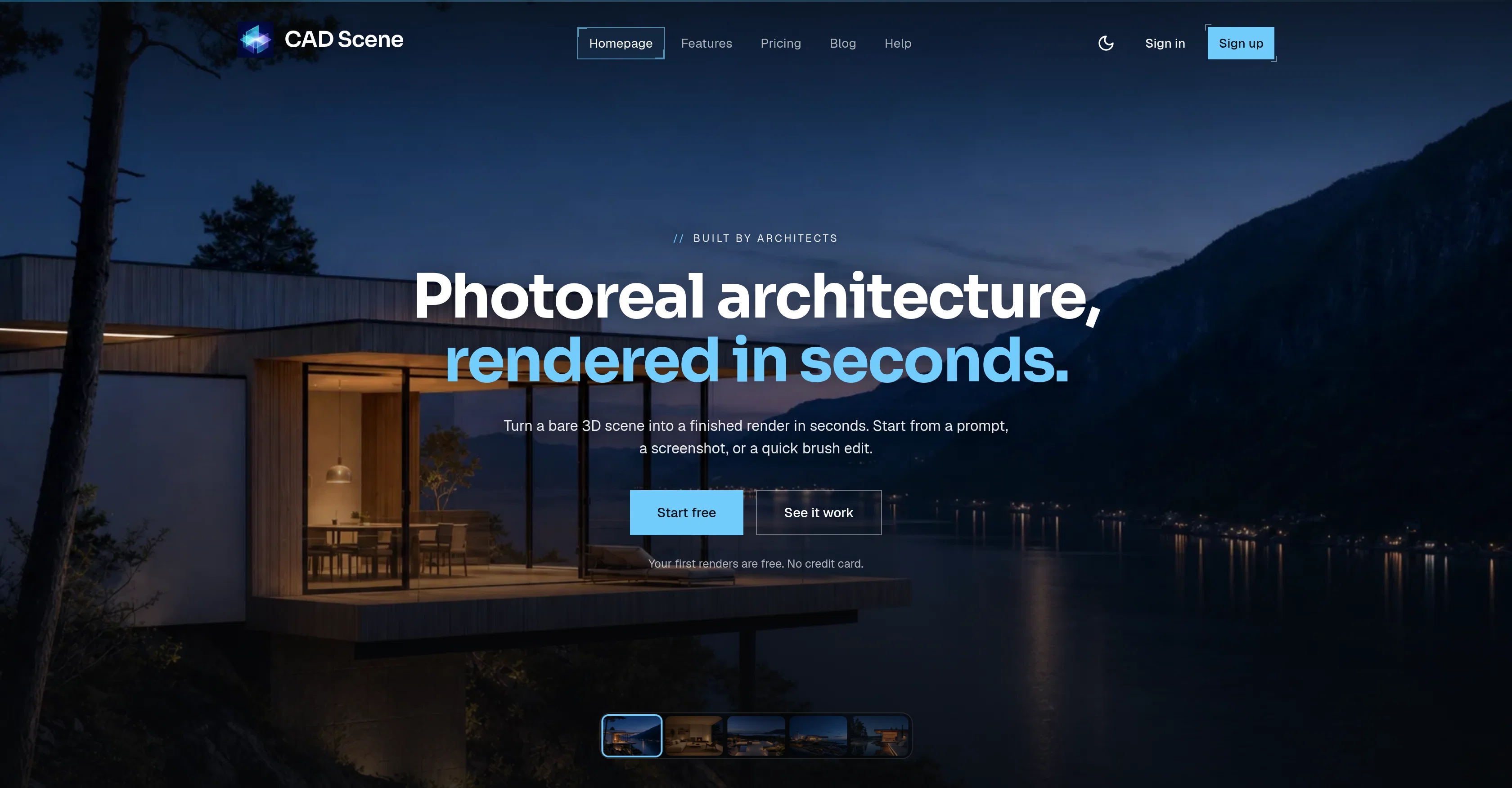
CAD Scene is a rendering workbench designed for professional architects and architecture studios. It enables users to transform basic 3D scenes into sophisticated, photorealistic renders fast and at a low cost.
The tool offers three core functionalities: 'Create', 'Enhance', and 'Edit'. 'Create' helps to build a scene directly from a prompt, offering presentation-ready images swiftly.
'Enhance' allows users to iterate without having to wait for the rendering process. It allows dropping a 3D screenshot and maintaining the same camera angle for quick modifications.
'Edit' enables users to perfect specific details without altering the whole frame by brushing a region and defining the changes. CAD Scene allows rendering from various images imported from popular architectural design software like Rhino, SketchUp, Blender, Revit, and more.
It offers an extensive palette of preset visual styles for rendering that can be customized and re-used across projects. The tool also has capabilities for timeline Render, variations exploration, regional edits, and parallel generation of multiple renders, providing users with various options for their projects.
CAD Scene also features quality and size controls for every render and the ability to run renders in the background even if the tab is closed. Users can organize their design work into projects and studies for easier management.
- Ai-powered Photorealistic Architectural Rendering.
- Screenshot-to-render Workflow.
- Upload Supported 3d Models Directly For Rendering.
- Preserve Original Camera Perspective And Framing.
- 60+ Built-in Architectural Style Presets.
- Create Custom Ai Styles From Reference Photos.
- Fine-grained Ai Prompt Editing.
- In-painting With Region Selection (freehand Or Rectangle Areas)
- Multiple Render Variations Per Generation.
- Region-based Editing For Changing Only Selected Areas.
- Cloud Rendering With No Gpu Required.
- Support For Multiple Architectural And Interior Design Styles.
- Material Enhancement And Automatic Texturing.
- Ai-generated Landscaping And Environmental Improvements.
- Interior And Exterior Rendering Support.
- Project History With Previous Generations Saved.
- Fast Rendering Optimized For Concept Development.
- Works With Supported 3d Model Software Exports.
- Continuous Updates With The Latest Ai Rendering Models.
- Extensive Help Center With Tutorials, Workflow Guides, And Best Practices.
Access & connections
Where you can use CAD Scene.
Platforms
Capabilities
What this tool accepts, produces, and is strongest at.
Input
- 3D
- Tabular
- Image
- Text
Output
- Text
- Image
Highlights
- SOTA
- Use code TAAFT
- 10% OFF
Supported features
- Arhitecture & Interior design
Models
Text
Image
Audio
Video
Coding
Pros & cons
Pros
- Three core functionalities
- Fast photorealistic rendering
- Supports multiple design software
- Preset visual styles
- Timeline Render function
- Variations exploration
- Regional edits
- Generates multiple renders simultaneously
Show 30 more
- Background rendering
- Projects and studies organization
- Control over quality and size
- Architecture-centric features
- Swift scene transformation
- Allows quick modifications
- Edits without frame alteration
- Built-in presets
- Compatible with Rhino, SketchUp
- Compatible with Blender, Revit
- Free first renders
- Integration with various software
- Processes 3D screenshots
- Multiple design styles
- Renders survive tab close
- Explore style variations
- Quality control of renders
- Size adjustment of renders
- Detailed editing option
- Preset rendering styles like Nordic, Bauhaus, Wabi-Sabi
- Project gallery feature
- Composition from photos
- History of preset versions
- 62+ built-in presets
- Resumable renders
- Flexible pricing plans
- Unused credits roll over
- Free 4K render download
- Priority support for Studio plan
- CAD Scene vs competition comparison
Cons
- Only for architects
- Doesn't support all CAD software
- Quality and size constraints
- Paid plans needed for heavy usage
- Limited rendering styles
- Trial renders free only
- No offline access
- Re-rendering might modify settings
Show 2 more
- Limited regional editing functionality
- No mentioned integration with other tools
Compare alternatives
Similar tools in the catalog — with a clear reason to open each one.

ARCHITEChTURES ✓
FreemiumAI-powered design: Months to minutes for buildings.
Free + from $43/mo
Full comparison
ReRender AI ✓
Free TrialInstant photorealistic renders for architectural designs.
Why look Offers a public API
Full comparison
Architect AI ✓
FreemiumArchitectural renderings for design and communication.
Why look Typically cheaper
Full comparison
Archsynth ✓
FreemiumTransform sketches into stunning architectural renders with AI.
Why look Typically cheaper
Full comparison
Releases 1
Imported reviews 3
I was surprised how far one can go with building a SaaS product with coding agents. It works!
very useful tool
Really useful app for architects and real estate !!
FAQ 12
What architectural design software can CAD Scene work with?
🛠️ 2
tools
🙏 53
karma
wrote:
CAD Scene works with images / screenshots from several architectural design software such as Rhino, SketchUp, Blender, Revit, Archicad, 3ds Max, Cinema 4D, Vectorworks, AutoCAD, Lumion, Enscape, Twinmotion to name a few.
What are the distinct features of the 'Create', 'Enhance', and 'Edit' functions in CAD Scene?
Does CAD Scene support rendering styles like Nordic, Bauhaus, Wabi-Sabi?
What exactly is a timeline Render in CAD Scene?
Can I perform parallel generation of multiple renders with CAD Scene?
How does CAD Scene manage quality and size controls?
Is it possible to run renders in the background with CAD Scene?
How does CAD Scene aid in project and studies management?
What are the capabilities of CAD Scene when it comes to real time modifications?
How does the scene enhancement function work in CAD Scene?
Can I edit specific design details in CAD Scene?
Does CAD Scene have any integration with Rhino, SketchUp, Blender, Revit?
Related tools
Recommended

Adkit ✓
Free TrialLet your AI agent run your Meta, Google and TikTok ads

freebeat AI ✓
FreemiumTurn Music & Ideas into Viral Videos In One Click

Fotor | AI Video Objects Remover ✓
FreemiumErase anything from your videos instantly.

AI Detector by Getsolved ✓
FreemiumDetect AI-generated content instantly.

FlyingToast ✓
Free TrialAI social media on autopilot, in your brand voice

GetLogit ✓
FreemiumArtificial intelligence, available for everyone.