

FlyPix ✓
AI-powered geospatial analysis for Earth's surface
Free + from $55.19/mo
Verdict
A quick read before you dig into the full page.
- Best if
- AI-powered geospatial analysis for Earth's surface
- Skip if
- Expensive for higher features
- Pick this when
- Advanced geospatial analysis
Considering Intuo – Your AI geospatial analyst instead? Compare side by side
Overview
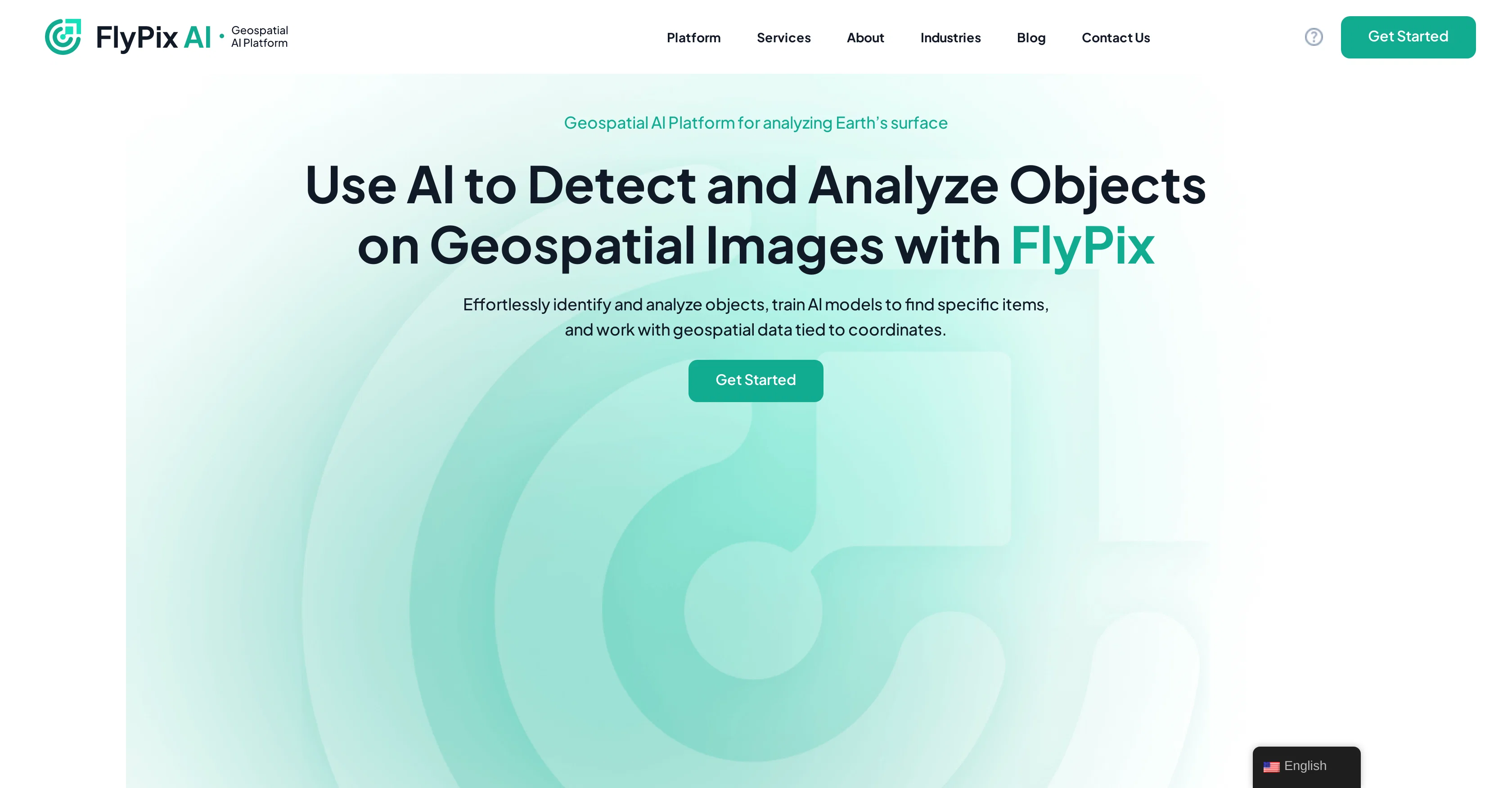
FlyPix is an AI-Enabled Geospatial Solution platform that allows for advanced analysis of the Earths surface. This software is purpose-built for identifying and analyzing objects within geospatial images and provides tools for training AI models to discern and locate specific items within these images.
Furthermore, the AI functionalities of this tool enable it to work with geospatial data that is linked to global coordinates, making it versatile and comprehensive in application.
Its capabilities are demonstrated through its interactive sandbox feature, where users can select any object on a demo map, click Find Similar, and witness how promptly the platform identifies and outlines all matching objects.
FlyPix caters to multiple industries, including construction, agriculture, forestry, government sectors, ecotechnology, port operations and multiple others, defining its wide scope of applicability.
The platform is also adaptable to unique industry-specific needs, and users can train AI models for individualized geospatial analysis. Adding to this, it has a user-friendly interface where custom AI models can be trained without the need for a deep understanding of AI or programming, making it accessible for various levels of technical expertise.
Access & connections
Where you can use FlyPix.
Platforms
Capabilities
What this tool accepts, produces, and is strongest at.
Input
- Image
Output
- Geo
Pros & cons
Pros
- Advanced geospatial analysis
- Tool for object identification
- Works with global coordinates
- Interactive sandbox feature
- Broad industry applicability
- Adaptable to industry-specific needs
- User-friendly interface
- Tracks objects in images
Show 12 more
- Links geospatial data to coordinates
- Analyzes complex/dense scenes
- Adapts to unique needs
- User-defined annotations enabled
- Offers a free trial
- Multispectral data feature
- Analytics dashboard access
- Support chat in professional version
- API Access
- Quality Assurance with GIS experts
- White label availability
- Multilingual support
Cons
- Limited free storage
- Limited free support
- Collaboration features unavailable in low-tier plans
- No real-time support in cheaper plans
- No API access in lower-tier plans
- Tier-based credit system
- Limited GIS expert quality assurance for lower plans
- Expensive for higher features
Show 2 more
- Extra charges for storage and credits
- Does not support all languages
Compare alternatives
Similar tools in the catalog — with a clear reason to open each one.

Intuo – Your AI geospatial analyst ✓
FreeAsk a question about anywhere. Get analyst-grade maps and answers.
Why look Fully free option
Full comparison
Google Earth AI ✓
FreeTransforming Planetary Data into Actionable Intelligence
Why look Fully free option
Full comparison
Raven (formerly GeoSpy) ✓
UnknownTurn any image into actionable intelligence instantly.
Why look Offers a public API
Full comparison
Cybertiks ✓
Free TrialMonitor agriculture fields via satellite AI insights
Free + from $192/mo
Full comparison

Releases 1
FAQ 12
What is the main function of FlyPix?
Which industries can benefit from FlyPix?
How does FlyPix's 'Find Similar' feature work?
What is the role of AI in FlyPix?
Can users train their own AI models on FlyPix?
How user-friendly is FlyPix's interface?
What is geospatial analysis in the context of FlyPix?
How does FlyPix handle geospatial data tied to global coordinates?
What makes FlyPix versatile and comprehensive in application?
Can FlyPix adapt to industry-specific needs?
What level of technical expertise is needed to use FlyPix?
How does FlyPix save time in analyzing geospatial images?
Related tools
Recommended

TurboScribe ✓
Freemium🎯 3 free transcripts every day. 🔥 Unlimited transcription starting at $10/mo.

Marketing Assistant (Elsa AI) ✓
FreemiumDefine your ideal customers and craft a winning marketing strategy with Elsa.

leania.ai ✓
Free TrialMRI scan for Businesses: Find What to Cut, Replace, Automate with AI

Eternity AC ✓
FreemiumCreate and download your digital clone to live forever. Interact with others.

BookAIWriter.com ✓
PaidRevolutionize Your Writing with AI

Deepmotion ✓
Freemium3D animations