

FileGPT ✓
Chat with files using GPT-powered AI for quick answers.
Trial; then from $18/mo
Verdict
A quick read before you dig into the full page.
- Best if
- Chat with files using GPT-powered AI for quick answers
- Skip if
- Limited multimedia support
- Pick this when
- Interacts with multiple file types
Considering DocGPT.io instead? Compare side by side
Overview
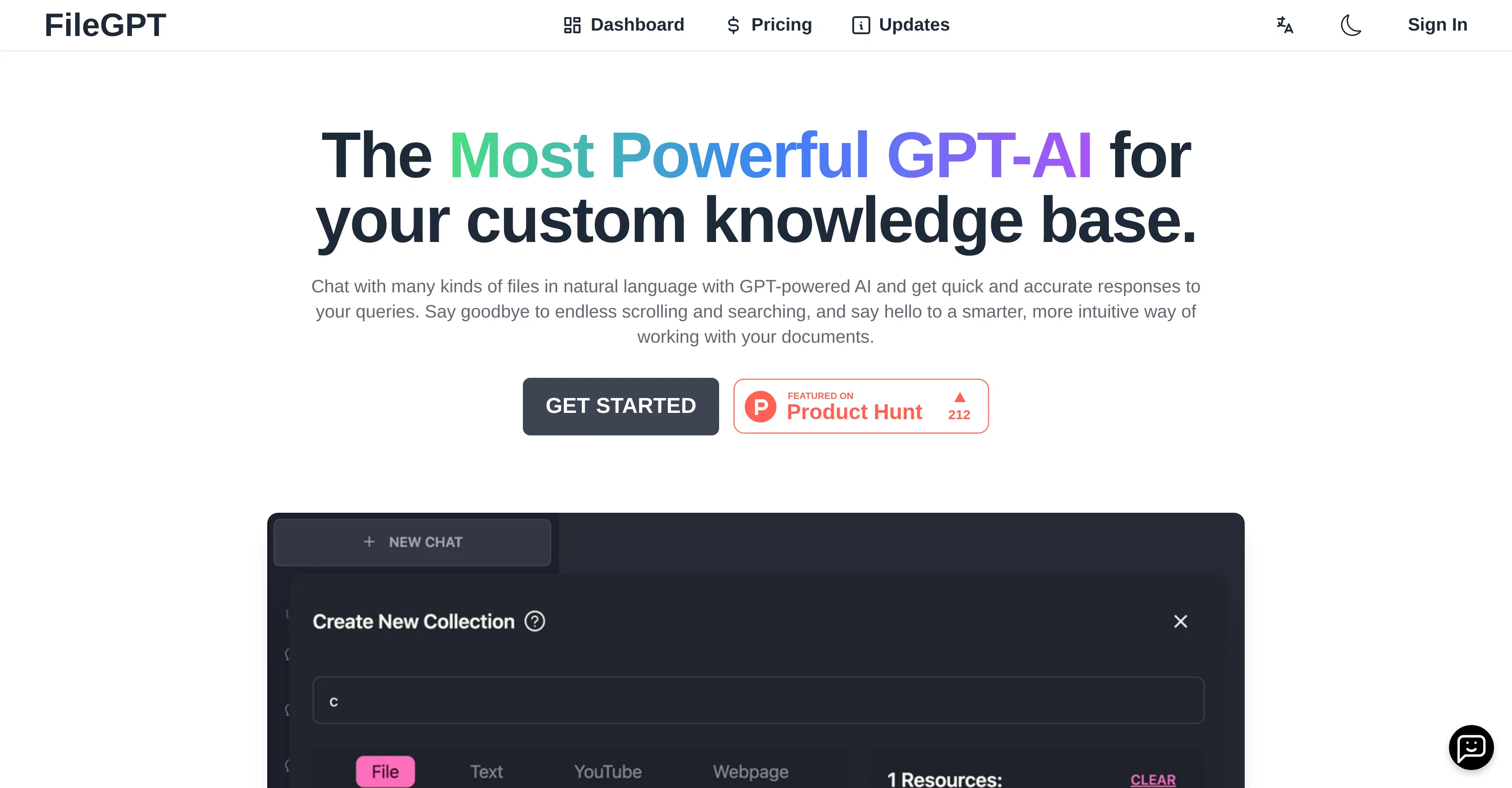
FileGPT is a GPT-powered AI tool designed to interact with various file formats in natural language, providing quick and accurate responses to user's queries.
It aims to improve efficiency in document management, reducing the need for scrolling and searching through files, thus enabling a more intuitive approach to handling documents.
Its key features include support for multiple file formats like PDFs, TXTs, DOCs, and other multimedia such as audio, videos, and webpages. Moreover, there are no size or length constraints as the system supports annotated long texts and large files, ensuring flexibility and convenience.
It is capable of smart content parsing, i.e., it can extract text from handwritten documents and analyze audio and video content. The tool comes with cross-source querying as well, which allows users to query across all files at once, choose relevant sources, ask questions, and receive answers.
Although it's a cost-effective, high-tech solution, FileGPT also offers free trial options for users who wish to test it out first. Additionally, it provides seamless integration between conversations and documents, aiming to advance the user's workflow by a more comprehensive, easier way to handle document-related tasks.
Access & connections
Where you can use FileGPT.
Platforms
Capabilities
What this tool accepts, produces, and is strongest at.
Input
- Image
- Text
- Video
- Audio
Output
- Text
Pros & cons
Pros
- Interacts with multiple file types
- Handles large files
- Supports long texts
- Extracts data from handwriting
- Analyzes audio and video content
- Integrated cross-source querying
- Multi-language support
- Free trial available
Show 15 more
- Easy-to-use dashboard
- Affordable pricing options
- Users verify fast response time
- No scrolling or searching
- Clear document management
- Annotated text support
- Intuitive approach to handling
- Free trial options
- Combines conversations and documents
- Can interact with YouTube
- Queries across all files
- Can select relevant sources
- Smart content parsing
- Seamlessly connected document conversations
- Positive user reviews
Cons
- Limited language options
- No mobile app
- Requires account upgrade
- Handwriting analysis may be incorrect
- Limited multimedia support
- No offline functionality
- Lack of advanced searching
- No open source code
Show 2 more
- No built-in version control
- Lack of collaboration features
Compare alternatives
Similar tools in the catalog — with a clear reason to open each one.

DocGPT.io ✓
Free TrialOnline assistant for creating and analyzing documents.
Why look Typically cheaper
Full comparison
docAnalyzer ✓
FreemiumTurn document overload into work worth putting your name on
Why look Typically cheaper
Full comparison
Ask Your PDF ✓
FreemiumChat with your PDFs and extract valuable insights
Why look Typically cheaper
Full comparison


Humata ✓
FreemiumChat your way through long documents instantly.
Why look Typically cheaper
Full comparisonReleases 1
Imported reviews 1
sucks dont bother
FAQ 12
What is FileGPT?
How does FileGPT assist in interacting with various kinds of files?
Can FileGPT interpret handwritten documents?
How does FileGPT handle large files and extended texts?
In what languages does FileGPT offer support?
How can I upgrade my FileGPT account?
What are the pricing options for FileGPT?
What did users say about FileGPT in their reviews?
How does FileGPT's AI make it efficient for users?
What types of file formats does FileGPT support?
How does FileGPT's content parsing work?
Can FileGPT be used to analyze audio and video content?
Related tools
Recommended

LearningStudioAI ✓
Free TrialAI-powered authoring tool for effortless online course creation.

OpenRead ✓
FreemiumAI-powered interactive papers for faster, intuitive research

Hal9 ✓
FreemiumBuild your AI-Powered Product in 30 Days

What-A-Prompt ✓
FreeSupercharge your ChatGPT prompts for better results.

AI Toolbox for innovators ✓
FreeSupercharge innovation with AI-powered tools

Sudowrite ✓
Free TrialAI writing partner for faster, more creative storytelling