

Markdown 2026 Rank: #3035
file2markdown ✓
Turn any document into Markdown.
Verdict
A quick read before you dig into the full page.
- Best if
- Turn any document into Markdown
- Skip if
- Daily conversion limit
- Pick this when
- Handles wide document range
Considering MD Editor instead? Compare side by side
Overview
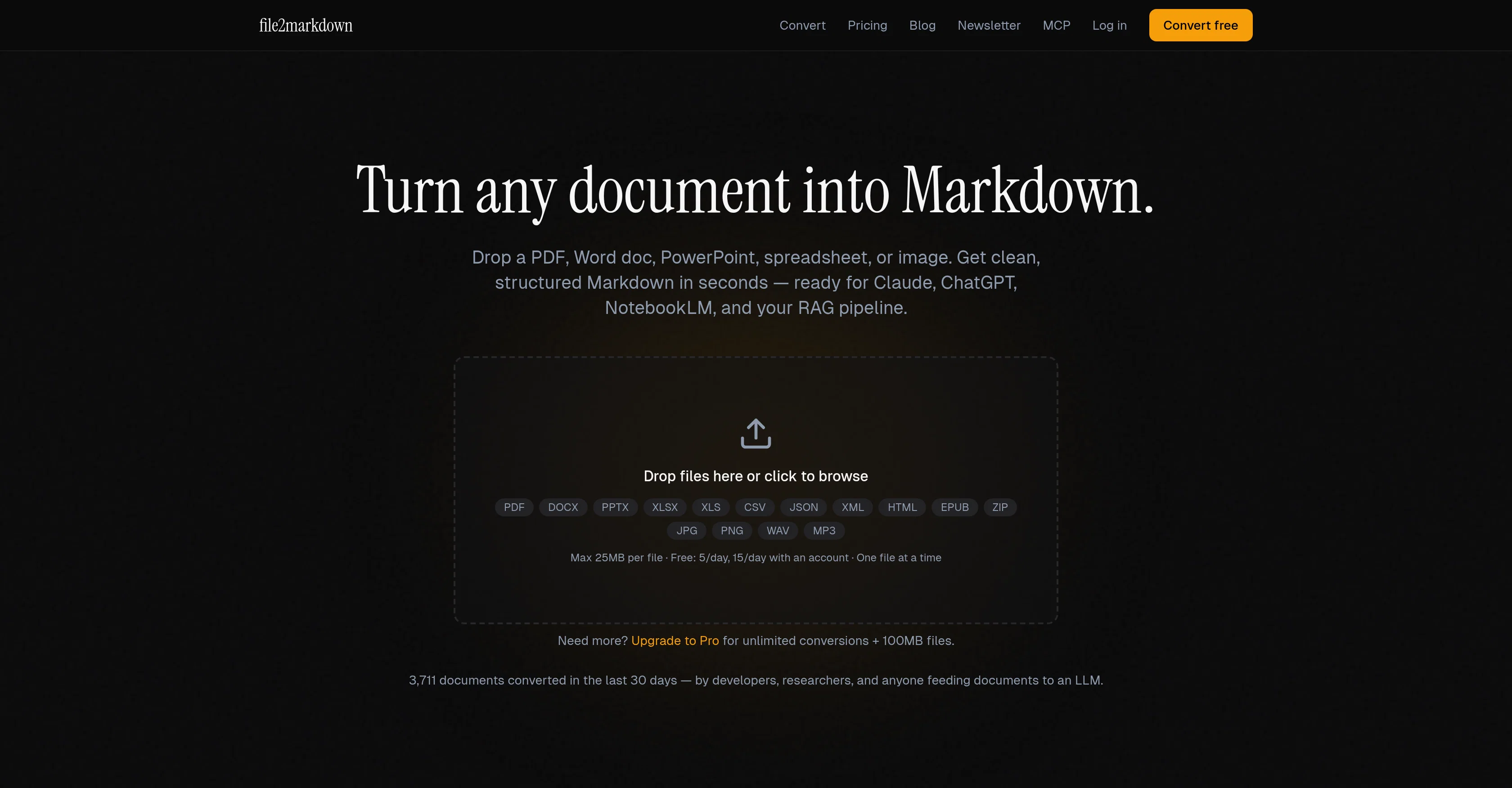
file2markdown is a tool designed to convert a wide range of document types into clean, structured Markdown format. This includes PDFs, DOCX, PPTX, Excel sheets, HTML, EPUB, and image files.
The user can either drag and drop the specified files or select them for conversion, which is done via an extraction engine. This tool is particularly advantageous for developers, researchers, and AI power users, enabling them to readily feed documents into systems like GitHub, blogs, READMEs, static site generators, RAG pipelines, vector databases, chat models like Claude and ChatGPT, and Notebook-like language models.
The formatted markdown can be copied to the clipboard or downloaded as a .md file. A notable feature of the tool is its ability to handle documents behind URLs and scanned PDFs via Optical Character Recognition (OCR).
It's also integrated with a server that allows AI clients to convert documents mid-conversation. The tool offers a free service with a daily limit on conversions or a pro plan with unlimited conversions and additional features.
The conversions respect user privacy, deleting files immediately post conversion. There is also a tool 'PostToSource', which is useful in transforming social posts into hosted sources for Notebook-like models, Claude, and more.
Access & connections
Where you can use file2markdown, and what it plugs into.
Platforms
Capabilities
What this tool accepts, produces, and is strongest at.
Input
- Text
- Image
- Audio
- API
Output
- Text
- API
Highlights
- No Signup
Supported features
- No Signup
Pros & cons
Pros
- Handles wide document range
- Drag and drop functionality
- Structured markdown output
- Facilitates GitHub uploads
- Respects data privacy
- Optical Character Recognition
- Pro plan with extras
- Handles documents behind URLs
Show 39 more
- Markdown downloadable as .md
- Additional tool PostToSource
- Specifically designed for developers
- Supports Excel to Markdown
- Supports PDF to Markdown
- Supports EPUB to Markdown
- Supports DOCX to Markdown
- Supports PPTX to Markdown
- Supports HTML to Markdown
- Supports Image to Markdown
- Free with daily limit
- Unlimited conversions for Pro
- Deletes files post-conversion
- Maximum 25MB per file
- Increases limit with account
- Upgrade to Pro option
- Fits Claude and ChatGPT
- Supports Notebook-like language models
- Helpful for RAG pipelines
- Useful for static site generators
- Allows document conversion mid-conversation
- Integrated with MCP server
- Automated extraction engine
- Transforms spreadsheet to Markdown table
- Transforms CSV data to Markdown
- Formats JSON data as Markdown
- Extracts content from XML
- Strips tags from HTML
- Keeps semantic structure of HTML
- OCR for screenshots and photos
- Handles ZIP archives
- Handles audio files
- Raises conversion limit with account
- Pro allows batch processing
- Can convert without leaving chat
- Recognizes documents behind URLs
- Honors text, tables, document entirety
- Pro provides API keys
- Hosts sources for NotebookLM
Cons
- Daily conversion limit
- Free version has limitations
- Pro version required for batch processing
- Lacks real-time conversion feature
- No offline support
- User data potentially exposed to third party
- Limited OCR capabilities
- Lacks collaborative features
Show 2 more
- No native mobile support
- Deletion of files post conversion
Compare alternatives
Similar tools in the catalog — with a clear reason to open each one.

MD Editor ✓
FreemiumAI-powered Markdown editor for tech writers
Why look Typically cheaper
Full comparison
PDF to Markdown - Markitdown ✓
FreemiumConvert any document to AI-ready Markdown instantly.
Why look Typically cheaper
Full comparison
2markdown ✓
FreemiumConvert anything to Markdown, instantly.
Why look Typically cheaper
Full comparison
PDFtoMD Converter ✓
FreemiumTurn any PDF into clean Markdown instantly.
Free + from $15.9/mo
Full comparison

WebCrawler API ✓
Free TrialTurn docs and websites into clean markdown for AI agents
Why look Offers a public API
Full comparisonReleases 1
FAQ 12
What types of documents can file2markdown convert?
How can I select files for conversion with file2markdown?
What is the extraction engine in file2markdown used for?
Can file2markdown handle documents behind URLs and scanned PDFs?
What benefits does file2markdown offer for developers, researchers, and AI power users?
How can I use the formatted Markdown from file2markdown?
What are the benefits of the pro plan for file2markdown?
How does file2markdown respect user privacy during conversions?
What is the 'PostToSource' tool associated with file2markdown?
Is there a daily limit on conversions with the free version of file2markdown?
Can AI clients convert documents mid-conversation using file2markdown?
Can I use file2markdown with vector databases and Notebook-like language models?
Related tools
Recommended

MagicSlides.app AI PPT Maker ✓
FreemiumCreate Stunning PPTs in Seconds with the AI PPT Maker

GetLogit ✓
FreemiumArtificial intelligence, available for everyone.

ChatGPT ✓
FreemiumAsk anything, create anything, and move from idea to action.

Automateed ✓
Free TrialCreate eBooks effortlessly with Automateed, the AI-powered writing tool.

Kin - Personal AI Advisors ✓
FreePrivacy-first & designed your for mind, and life at work

Aiter.io | Paste a URL. Ship a Campaign That Sounds L... ✓
FreemiumAI marketing that sounds like you, not everyone else.