

Scientific illustrations 2026 Rank: #2801
Figviz ✓
From a sentence to a science-ready diagram.
Verdict
A quick read before you dig into the full page.
- Best if
- From a sentence to a science-ready diagram
- Skip if
- May misinterpret complex requests
- Pick this when
- STEM-focused
Considering EZFigure instead? Compare side by side
Overview
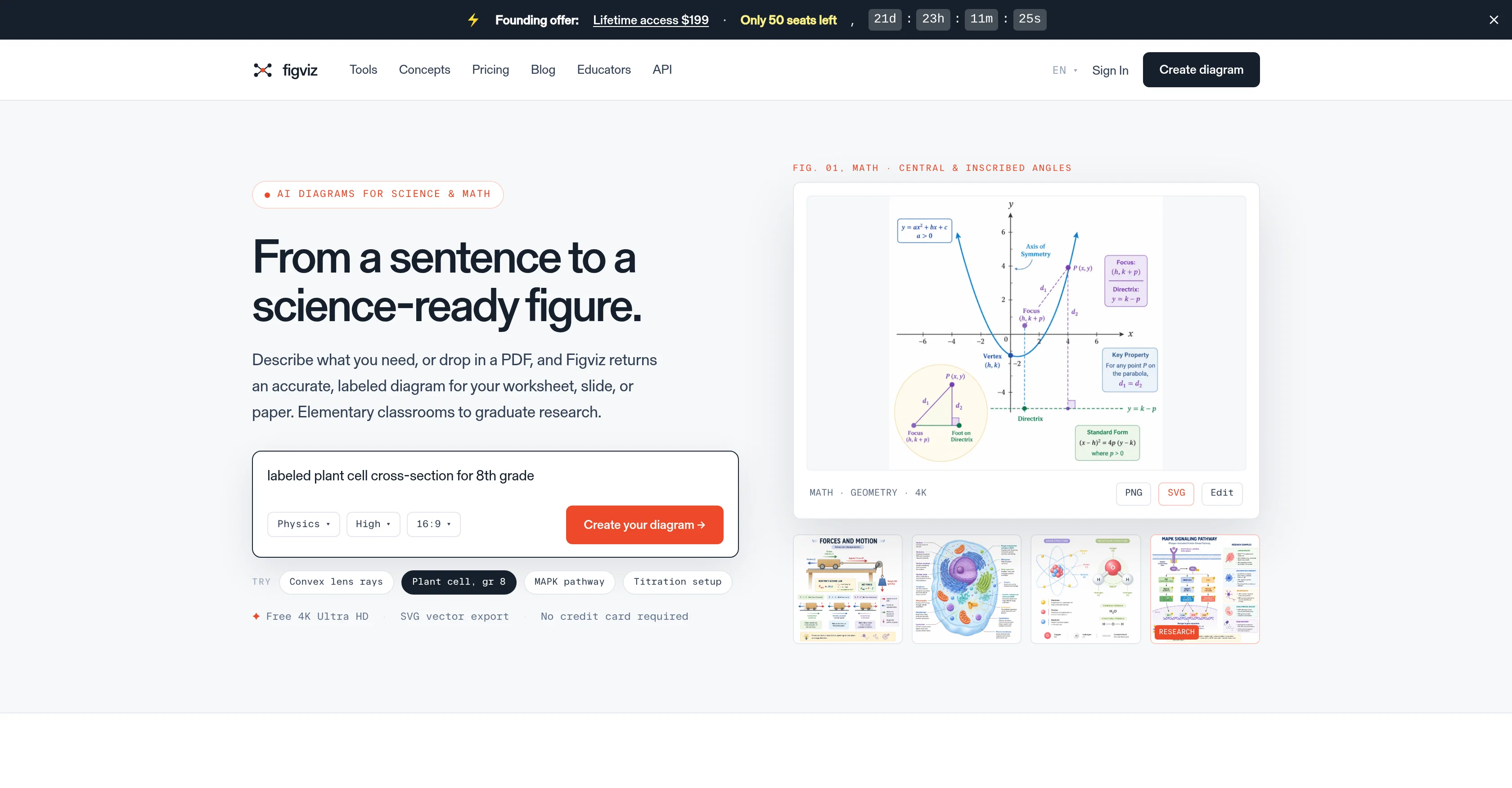
Figviz is a versatile AI-driven diagram generator designed for STEM (Science, Technology, Engineering, Math) educators, students, and researchers. It streamlines the creation of accurate, visually compelling diagrams for a wide array of topics, spanning from elementary to graduate-level content.
Users can generate diagrams by typing a short description or dropping a PDF for reference, making it an efficient tool to create custom visuals for worksheets, slides, or academic papers.
Figviz supports a broad scope of subjects including physics, biology, chemistry, and mathematics. The tool also facilitates diagram creation with presets based on teaching topics and levels, further simplifying the process for users.
Once diagrams are generated, they are projector-ready and possess high clarity with easily readable labels, ensuring suitability for diverse educational and research settings.
Additionally, Figviz allows users to download diagrams in high-resolution PNG format, useful for producing print-ready materials. Despite its advanced capabilities, Figviz prioritizes user-friendliness, guiding users through a straightforward three-step process to generate their desired figures.
Lastly, Figviz provides a robust base of over 150 professional tools for creating specific diagrams, thereby adding to its utility and versatility.
Access & connections
Where you can use Figviz.
Platforms
Capabilities
What this tool accepts, produces, and is strongest at.
Input
- API
- Image
- Text
Output
- API
- Image
Supported features
- Teaching Humans
Pros & cons
Pros
- STEM-focused
- PDF reference import
- Custom diagrams creation
- Presets for teaching
- Projector-ready diagrams
- Label clarity
- High-resolution PNG and SVG
- Three-step creation process
Show 35 more
- 150+ professional tools
- Exports print-ready PNGs
- No subscription required
- Free starting credits
- Suitable for K-12 to University levels
- Downloadable for print materials
- Adaptable to individual working style
- High contrast visuals
- Minimal visual noise
- Edit in Illustrator, Figma, Inkscape
- Supports data visualizations
- 4K Ultra HD export
- Free plan available
- Interactive explore concepts
- Drag-to-explore visualizers
- Cross section diagrams for learning
- Theme-presets for various subjects
- Convenient sign-in process
- In-built single-purpose makers
- Interactive for better understanding
- Exportable interactive diagrams
- Provision of examples
- Offers research grade diagrams
- Publication-ready figures for thesis
- Diverse subject coverage
- Detailed accuracy
- Editable vector export
- Tunes per subject & level
- Guided by user's reference
- Uniform diagram styles
- Saves prep time
- Project and print size optimization
- Subject and grade presets
- Designed for classrooms & labs
- Visual learning approach
Cons
- Requires Internet connection
- May misinterpret complex requests
- No offline functionality
- Tool presets may be limited
- No customisable visual aesthetics
- Limited to STEM subjects
- No multi-language support
- Difficulties with intricate diagrams
Show 2 more
- No live collaboration feature
- Limited free usage
Compare alternatives
Similar tools in the catalog — with a clear reason to open each one.

EZFigure ✓
Free TrialPublication-ready scientific figures, effortlessly.
Why look Higher community rating
Full comparison
FigPad ✓
Free TrialTurn your idea into a polished scientific figure
Free + from $9/mo
Full comparison

Releases 1
FAQ 12
What is Figviz exactly?
Who is Figviz designed for?
What subjects does Figviz support?
Can I use Figviz to create diagrams for elementary-level content?
How does Figviz handle diagram creation based on PDF references?
Is Figviz solely for diagram creation or does it have other functionality?
What is the output format of diagrams created with Figviz?
What kind of presets does Figviz offer for teaching topics and levels?
How user-friendly is Figviz?
How does Figviz ensure high clarity for diagrams produced?
Can you give examples of professional tools available in Figviz's robust base?
How does Figviz streamline the creation of diagrams?
Related tools
Recommended

MagicSlides.app AI PPT Maker ✓
FreemiumCreate Stunning PPTs in Seconds with the AI PPT Maker

GetLogit ✓
FreemiumArtificial intelligence, available for everyone.

ChatGPT ✓
FreemiumAsk anything, create anything, and move from idea to action.

Automateed ✓
Free TrialCreate eBooks effortlessly with Automateed, the AI-powered writing tool.

Kin - Personal AI Advisors ✓
FreePrivacy-first & designed your for mind, and life at work

Aiter.io | Paste a URL. Ship a Campaign That Sounds L... ✓
FreemiumAI marketing that sounds like you, not everyone else.