

Image editing 2026 Rank: #793
editaimg.com ✓
Edit and enhance photos with AI.
Trial; then from $9.9
Verdict
A quick read before you dig into the full page.
- Best if
- Edit and enhance photos with AI
- Skip if
- Upload limit of 8
- Pick this when
- Advanced image editing capabilities
Considering Viyou AI Image Generator instead? Compare side by side
Overview
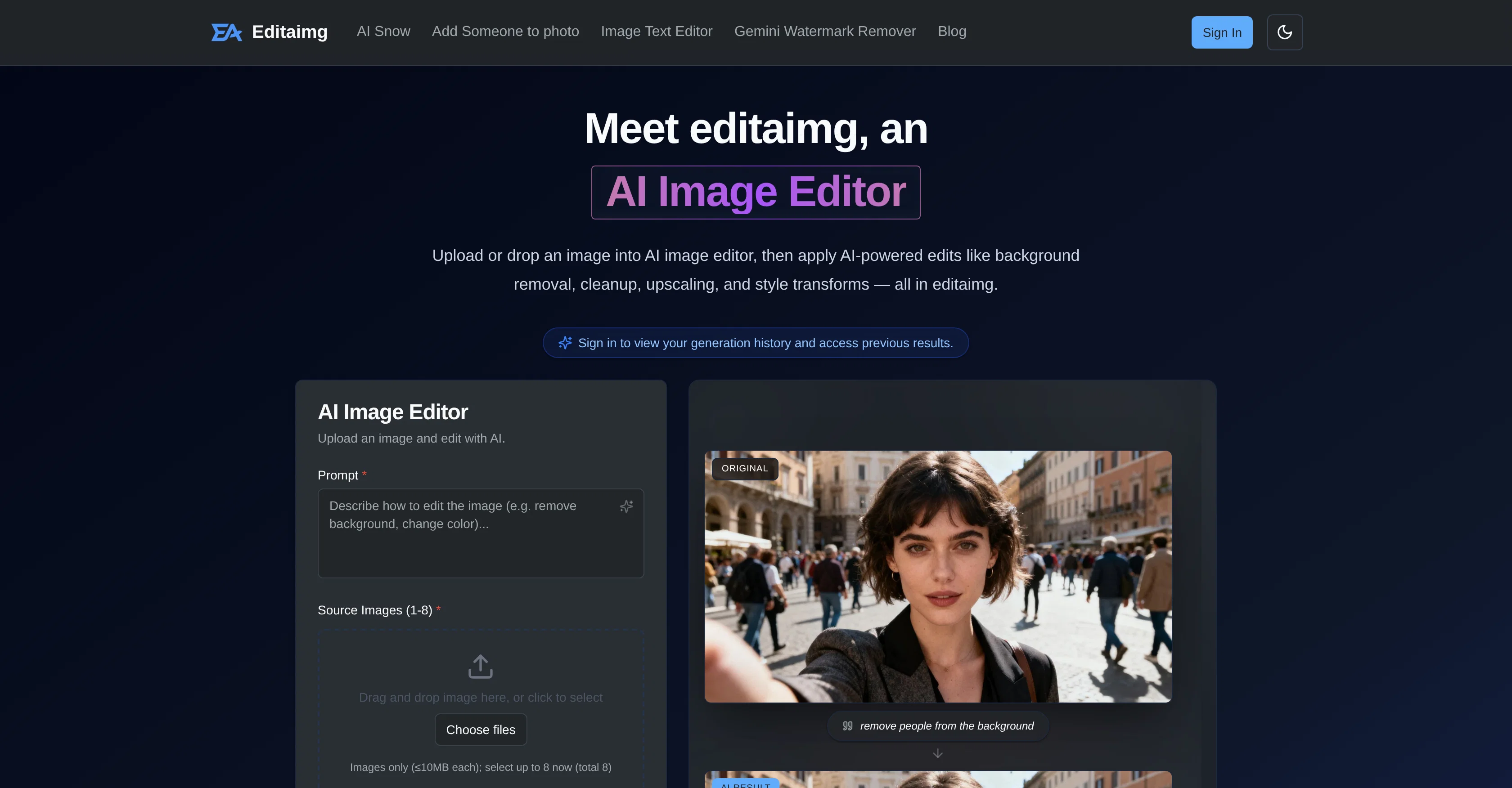
Editaimg is an AI-based image editor designed to enhance and transform digital images. Users can upload images and apply a variety of AI-powered edits, including background removal, image cleanup, upscaling, and style transformations.
The editor is appealing to users with diverse needs, enabling them to add snow or people to images, modify the aspect ratio, and even choose the quality of the image.
Advanced features allow for a more intense and professional editing workflow, with tools like Gemini Watermark Remover for privacy-first exports and an Image Text Editor to alter text while matching fonts, colors, and texture.The tool also provides features for realistic product shots and object replacement, useful for e-commerce and creative pursuits.
To ensure easy object removal, the AI intelligently identifies and removes unwanted objects, effectively reconstructing the image background. This makes it possible to effortlessly remove distractions from images, creating clean and unobstructed final results.
Additionally, a prompt box enables users to communicate their precise vision to the AI for custom edits. Editaimg's benefits extend towards a swift and streamlined workflow.
Users can review results in a clean grid format, then download or share them with a single click. There's an intuitive workflow for users, involving importing of images, description of editing ideas, customized settings, and generation of the final edit.
The platform supports several image formats for easy conversion and caters to users with varied pricing packages.
Access & connections
Where you can use editaimg.com.
Platforms
Capabilities
What this tool accepts, produces, and is strongest at.
Input
- Image
Output
- Image
Highlights
- No Signup
Supported features
- Image Edit
- Styling
- No Signup
Pros & cons
Pros
- Advanced image editing capabilities
- Removes backgrounds efficiently
- Retouches faces
- Edits text on images
- Upscales resolution
- Seamlessly adds/removes objects
- Creates realistic product shots
- 'Gemini Watermark Remover' feature
Show 31 more
- Image Text Editor functionality
- Artistic style transformations
- Color grading and lighting adjustments
- Non-destructive editing process
- Instant previews
- One-click export options
- Easy workflow
- Supports multiple image formats
- Image cleanup capabilities
- Object replacement features
- Customizable editing settings
- Promotes user privacy
- Has aspect ratio modification
- Image quality selection option
- Uses prompt box for custom edits
- Results visible in grid format
- Varied pricing packages
- Provides creative control
- Can add people to images
- Ensures clean exports
- Realistic snowfall addition
- Watermark removal
- Supports text editing on images
- Seamless object replacement
- Professional-grade output
- Efficient workflow efficiency
- Enhances and transforms images
- Upload, edit, view history capabilities
- Various style transformations
- Privacy-first removal of watermarks
- Useful for e-commerce edits
Cons
- Limited image size (10MB)
- Upload limit of 8
- No free version available
- No text rotation feature
- No batch processing
- No offline version
- Lacks multi-language support
- No advanced layer editor
Show 2 more
- No mobile app version
- Limited image format support
Compare alternatives
Similar tools in the catalog — with a clear reason to open each one.

Viyou AI Image Generator ✓
FreemiumTransform text and images into stunning videos and visuals.
Free + from $39.99/yr
Full comparison
Img2Img AI ✓
FreemiumTransform any image with AI in seconds.
Why look Typically cheaper
Full comparison

Photoeditor ✓
PaidEnhanced image editing with object and text removal.
from $9.99/mo
Full comparison
Cleanup pictures ✓
FreemiumRemove unwanted elements from photos instantly.
Why look Typically cheaper
Full comparisonReleases 1
FAQ 12
What is Editaimg AI Image Editor?
How does the 'Gemini Watermark Remover' feature work in Editaimg?
How can I achieve a snowfall effect on my images using Editaimg?
How to remove backgrounds from images using Editaimg?
How does 'Image Text Editor' feature work in Editaimg?
What is the process to edit text on an image in Editaimg?
How can I replace objects in an image using Editaimg?
Can I use Editaimg for creating product shots for e-commerce?
How does Editaimg ensure a non-destructive editing process?
What does instant previews feature in Editaimg mean?
How can I use Editaimg if I'm not a professional?
What are the key features of Editaimg for professional-level results?
Related tools
Recommended

docAnalyzer ✓
FreemiumTurn document overload into work worth putting your name on

ChatGPT ✓
FreemiumAsk anything, create anything, and move from idea to action.

Notis ✓
Free TrialThe first WhatsApp assistant that runs on your ChatGPT and Claude subscriptions

remio: Your Personal ChatGPT ✓
FreemiumGet Tailored Answer with Your Personal ChatGPT

leania.ai ✓
Free TrialMRI scan for Businesses: Find What to Cut, Replace, Automate with AI

Supernormal App ✓
FreemiumThe AI assistant app that turns meetings into completed work