EaseUS VoiceWave ✓
Change your voice in real-time for online platforms.
from $14.95/mo
Verdict
A quick read before you dig into the full page.
- Best if
- You are marketing professionals and need: Create product video ads for ecommerce stores
- Skip if
- Expensive pro version
- Pick this when
- Real-time voice changer
Considering FineVoice AI Voice Changer instead? Compare side by side
Overview
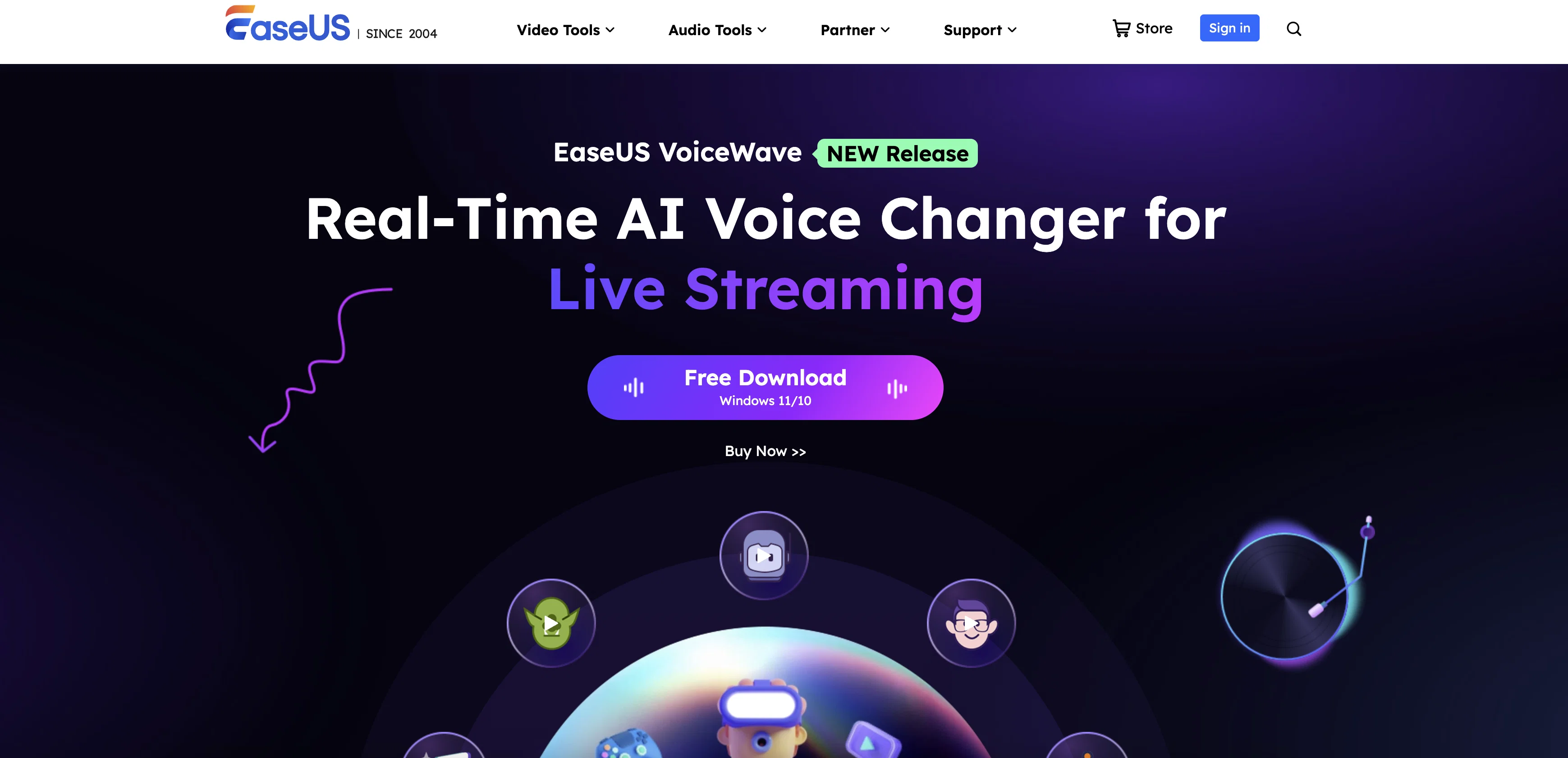
VoiceWave features a wide range of voice effects—from classic pitch shifts to character-based transformations like Darth Vader, Ghostface, Minions, and anime personas. It also includes a robust soundboard with 300+ sound presets, a built-in voice recorder, audio mixer, and noise reducer to improve clarity. Whether you’re a gamer looking to role-play, a streamer aiming to entertain, or a content creator needing post-production tools, VoiceWave adapts to your needs.
Users can record, modify, and export voices in multiple formats, while AI-powered features like voice generation, AI song covers, and text-to-speech offer creative flexibility. VoiceWave runs entirely on Windows (11/10) and stores audio locally, maintaining user privacy. A free version is available with basic functionality, while the Pro version unlocks a larger library of voice effects and advanced features. It’s a comprehensive, user-friendly solution for voice modulation and audio interaction in real time.
Best for
Short scenarios where EaseUS VoiceWave tends to shine.
-
Create product video ads for ecommerce stores
Best for Marketing professionals
-
Make Facebook, Instagram, TikTok, YouTube, LinkedIn, and Snapchat ads
Best for Ecommerce sellers
-
Generate UGC-style videos for social proof and promotions
Best for Social media managers
-
Clone winning ad styles with your own products
Best for Performance marketers
-
Produce avatar spokesperson videos and talking photo content
Best for Ad agencies
-
Turn text, images, or URLs into short marketing videos
Best for Content creators
Example outputs 1
Sample generations and before/after results for EaseUS VoiceWave.
Access & connections
Where you can use EaseUS VoiceWave, and what it plugs into.
Platforms
Capabilities
What this tool accepts, produces, and is strongest at.
Input
- Video
- Audio
Output
- Audio
- Video
Pros & cons
Pros
- Real-time voice changer
- Noise reducer
- 300+ sound presets
- Audio mixer
- 100+ sound effects
- Supports 1000+ games
- Supports 1000+ apps
- Works on Windows 11/10
Show 31 more
- Free version available
- Pro version upgrade
- 7/24 technical support
- Easy to use interface
- Customizable voice effects
- Male to female voice
- Female to male voice
- Robot voice effects
- Ghostface voice effects
- Auto-tune voice effects
- Young lady voice effects
- Riley voice effects
- Darth Vader voice effects
- Minions voice effects
- Transformers voice effects
- Mini robot voice effects
- Supports video files
- Supports audio files
- Exports to 11 formats
- Free updates
- Advanced voice effects
- Standard voice effects
- Voice recorder
- Save format options
- Input format options
- Output format options
- Processor optimization
- RAM optimization
- Graphics optimization
- Disk space optimization
- Internet connection required
Cons
- No Mac support
- Limited free version
- No API access
- Closed source
- Expensive pro version
- Only 7GB free space
- Internet required
- Minimum 4GB RAM
Show 2 more
- No mobile app
- Windows only
Compare alternatives
Similar tools in the catalog — with a clear reason to open each one.

FineVoice AI Voice Changer ✓
FreemiumTransform Your Voice into Any Voice You Like.
Why look Freemium alternative
Full comparison
Altered ✓
FreemiumTransform your voice with AI for professional performances.
Why look Freemium alternative
Full comparison
Dubbing-AI ✓
UnknownChange your voice to any character in real-time.
Why look Higher community rating
Full comparison
MagicMic ✓
FreemiumUnleash your voice with 600+ AI effects.
Why look Freemium alternative
Full comparison
VoiceChanger ✓
FreeTransform your voice with AI-powered effects
Why look Fully free option
Full comparisonPeople also view
Tools that often show up alongside EaseUS VoiceWave in collections and comparisons.
VoiceChanger ✓
FreeTransform your voice with AI-powered effects

Voice Swap ✓
PaidTransform your singing voice with AI.
MagicMic ✓
FreemiumUnleash your voice with 600+ AI effects.
FineVoice AI Voice Changer ✓
FreemiumTransform Your Voice into Any Voice You Like.
Dubbing-AI ✓
UnknownChange your voice to any character in real-time.
Altered ✓
FreemiumTransform your voice with AI for professional performances.

VocalAI ✓
Free TrialAI vocal and audio studio for everyone.

EaseUS Online Video Repair ✓
Free TrialFix corrupted videos online for free in minutes
Releases 1
FAQ 12
What is EaseUS VoiceWave?
How do I change my voice in real-time with EaseUS VoiceWave?
Is EaseUS VoiceWave free to use?
What are the system requirements for EaseUS VoiceWave?
Can I use EaseUS VoiceWave on Mac?
How many voice effects does EaseUS VoiceWave offer?
Can I record and export my voice with EaseUS VoiceWave?
Does EaseUS VoiceWave support online gaming platforms?
Can I use EaseUS VoiceWave for live streaming?
How do I reduce background noise with EaseUS VoiceWave?
What is the difference between the free and paid versions of EaseUS VoiceWave?
Can I customize my own voice effects with EaseUS VoiceWave?
Related tools
Recommended

Scisummary ✓
Free TrialCutting-edge scientific articles summarization.

Mindsmith ✓
FreemiumPlatform for building and sharing eLearning content

Kin - Personal AI Advisors ✓
FreePrivacy-first & designed your for mind, and life at work

PrometAI ✓
FreemiumTurn ideas into viable reality with AI business plan generator.

NotebookLM ✓
FreemiumAI-powered note-taking and research assistant

Eternity AC ✓
FreemiumCreate and download your digital clone to live forever. Interact with others.