

Dubbing-AI ✓
Change your voice to any character in real-time.
Verdict
A quick read before you dig into the full page.
- Best if
- You are gamers and need: Change voice in games like League of Legends, Valorant, and Fortnite
- Pick this when
- Change your voice to any character in real-time
Considering FineVoice AI Voice Changer instead? Compare side by side
Overview
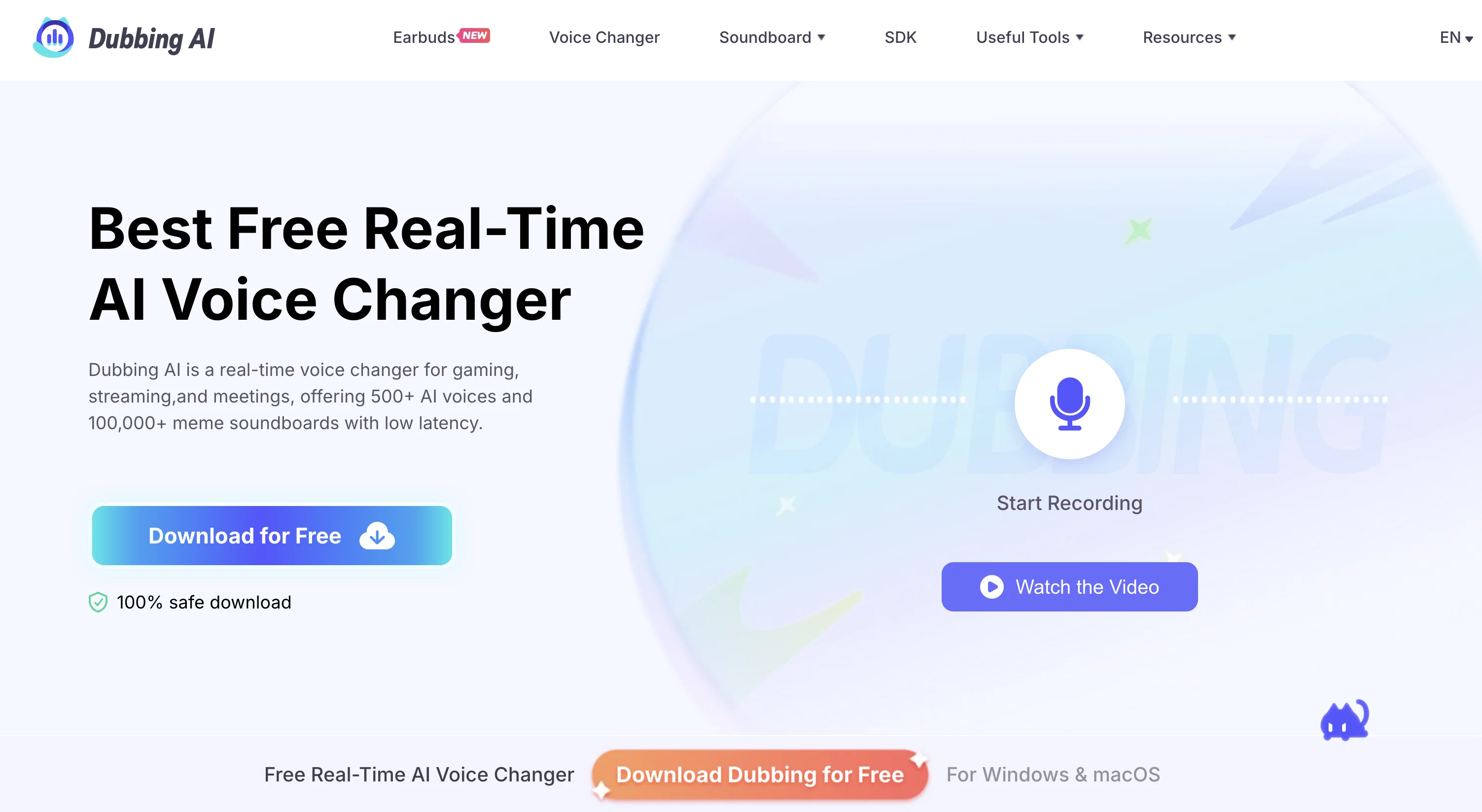
Dubbing AI is a free real-time AI voice changer tool that offers over 1000 distinct AI voices in more than 100 languages. It allows users to speak in any voice of their choice, enabling them to immerse themselves in various chat, social, and role-playing scenarios with their teammates and friends.
The tool provides voice avatars from popular animes, games, and other sources, allowing users to communicate as different characters.With Dubbing AI, users can easily change their voice during live streaming sessions, adding a unique touch to their content and captivating their audience.
The tool offers a one-stop solution for streamers looking to enhance their streaming experiences.To use Dubbing AI, users need to download and install the tool, which requires registration via email.
The utility recommends using headphones for an optimal experience, as using speakers may cause sound interference. Users can set up Dubbing AI with their preferred app or web-based app by selecting the desired voice avatar and enabling the voice changer feature.
Additionally, the tool provides a "Dubbing virtual device" option as the input device in the audio settings of the target app.Dubbing AI supports over 40 languages, including English, German, Portuguese, Arabic, Hindi, Chinese, Japanese, Korean, French, Italian, Spanish, Russian, Dutch, Danish, Finnish, Norwegian, Romanian, Turkish, Indonesian, and Scottish, as well as local dialects.
It also allows for various emotional vocal expressions, such as screaming, sighing, singing, mumbling, and whispering.
Best for
Short scenarios where Dubbing-AI tends to shine.
-
Change voice in games like League of Legends, Valorant, and Fortnite
Best for Gamers
-
Spice up streaming with meme soundboard
Best for Streamers
-
Secure identity in meetings and calls
Best for Content creators
-
Create creative content in real-time for live streams
Best for Online meeting participants
-
Transform voice on mobile devices
Best for Social media users
Example outputs 1
Sample generations and before/after results for Dubbing-AI.
Access & connections
Where you can use Dubbing-AI, and what it plugs into.
Platforms
Capabilities
What this tool accepts, produces, and is strongest at.
Input
- Audio
Output
- Audio
Supported features
- Dubbing
- Song dubbing
Compare alternatives
Similar tools in the catalog.

FineVoice AI Voice Changer ✓
FreemiumTransform Your Voice into Any Voice You Like.
Free + from $5.99/mo
Full comparison
Altered ✓
FreemiumTransform your voice with AI for professional performances.
Free + from $1/mo
Full comparison
Vozard ✓
Free TrialTransform your voice with AI-powered effects
Free + from $13.5/mo
Full comparisonPeople also view
Tools that often show up alongside Dubbing-AI in collections and comparisons.
Vozard ✓
Free TrialTransform your voice with AI-powered effects

VoiceChanger ✓
FreeTransform your voice with AI-powered effects

Voice Swap ✓
PaidTransform your singing voice with AI.

MagicMic ✓
FreemiumUnleash your voice with 600+ AI effects.
FineVoice AI Voice Changer ✓
FreemiumTransform Your Voice into Any Voice You Like.
Altered ✓
FreemiumTransform your voice with AI for professional performances.

VocalAI ✓
Free TrialAI vocal and audio studio for everyone.

Free AI Therapist ✓
UnknownFree AI therapist to talk about your problems.
Releases 1
Imported reviews 4
Can't get it to open. I've installed it, created an account with a gmail address, been taken to web page confirming the account has been created and received an email confirming the account has been created, but then I'm stuck. If I try to open the app, whether from the "account created" page or from my PC, I just get asked to create an account again, in an endless loop.
I really hope you can work on making the ai less robotic, but I'm glad that there are many voices one can used I recommend this ai
Unfortunately, it crashes every time I try to use it
Really close to real voice, lots of voices free to try.
Related tools
Recommended

IllumiChat ✓
FreemiumFrom Ticket Backlog to Instant Answers Powered by AI

CapCut Online Creative Suite ✓
FreemiumUnleash creativity with CapCut's all-in-one online suite
Free AI Therapist ✓
UnknownFree AI therapist to talk about your problems.

Mobirise ✓
Free TrialAutomates design generation for website creation.

LearningStudioAI ✓
Free TrialAI-powered authoring tool for effortless online course creation.

TutorAI ✓
FreemiumInstant knowledge on any topic