

Audio separation 2026 Rank: #2041
AI Stem Splitter ✓
Turn any song into clean isolated tracks.
Verdict
A quick read before you dig into the full page.
- Best if
- Turn any song into clean isolated tracks
- Skip if
- Limited file type support
- Pick this when
- Separates song into tracks
Considering Seply instead? Compare side by side
Overview
AI Stem Splitter is an online tool that leverages deep learning models to separate and isolate tracks from a finished, mixed-down song. With the ability to recognize and separate vocals, drums, bass, piano, guitar, and other sounds, the tool effectively analyzes spectrograms and estimates masks for each instrument to rebuild isolated audio.
The AI model is trained on substantial libraries of separated tracks, which allows it to effectively distinguish amongst the spectral and temporal characteristics of different instruments and a human voice.
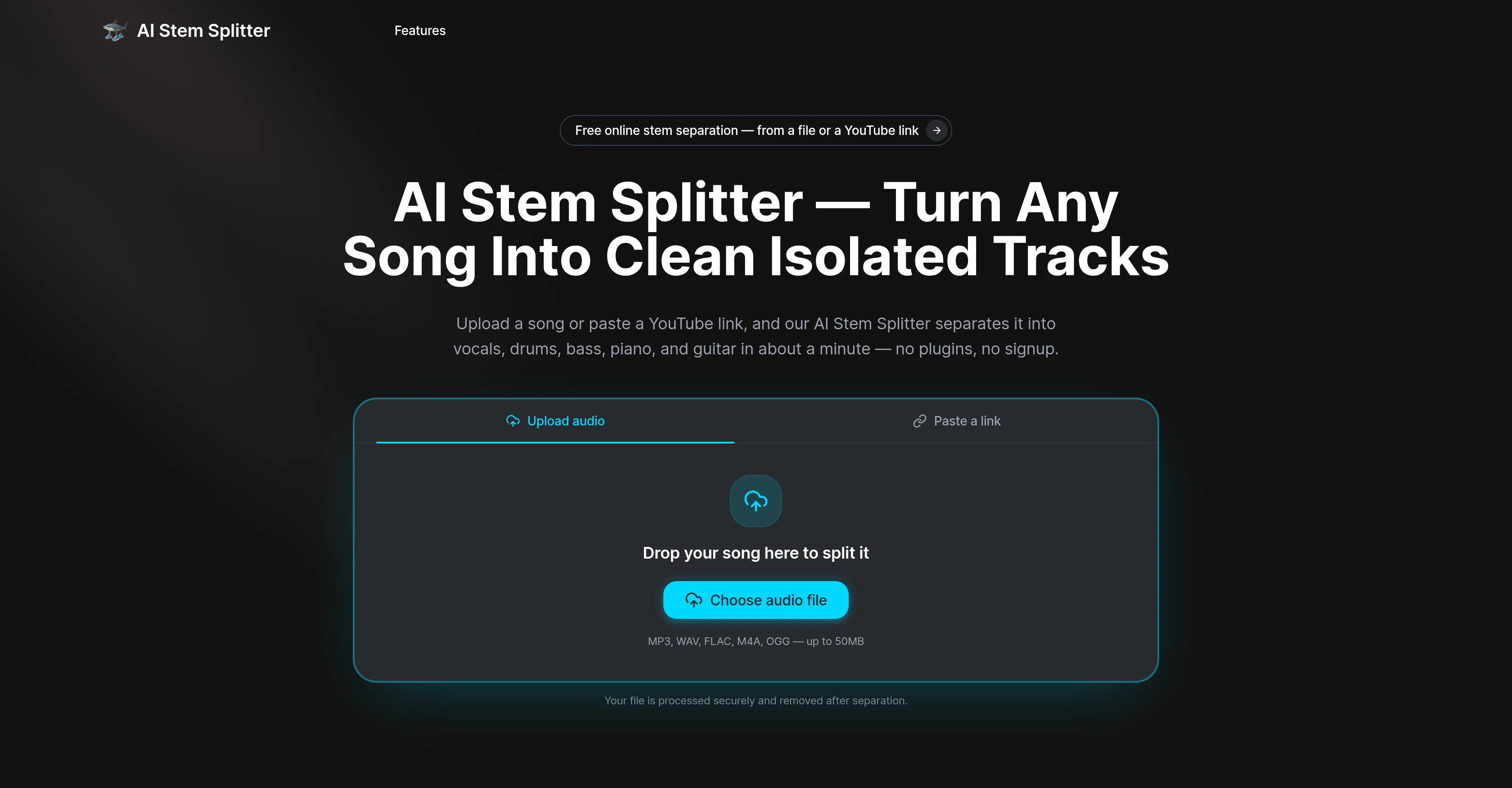
The tool supports various file types, including MP3, WAV, FLAC, M4A, OGG, up to a size limit of 50MB. The AI Stem Splitter is user-friendly, requiring no installation, sign-up or advanced audio-engineering skills, and completes the separation process typically within a minute.
Beyond isolation, users can also preview each separate track directly within the tool before downloading their preferred stems. Files are processed securely and are automatically deleted post-processing.
AI Stem Splitter is ideal for a variety of users, such as producers, DJs, educators, and content creators who need isolated tracks from a finished song.
Access & connections
Where you can use AI Stem Splitter.
Platforms
Capabilities
What this tool accepts, produces, and is strongest at.
Input
- Video
- Audio
Output
- Audio
Highlights
- No Signup
Supported features
- Sound Creation
- No Signup
Pros & cons
Pros
- Separates song into tracks
- Analyzes spectrograms
- High-bitrate lossless audio
- Browser-based tool
- No installation required
- Supports MP3, WAV, FLAC, M4A, OGG
- YouTube link audio splitter
- Preview tracks on-page
Show 38 more
- Stems downloadable post-separation
- Secure file processing
- Automatic file deletion
- User-friendly interface
- Fast processing time
- Trained on diversified libraries
- Advanced instrument recognition
- Multiple file type support
- Real-time track isolation
- Supports files up to 50MB
- Privacy-centric
- No sign-up required
- Ideal for diverse users
- Download stems individually
- Removes vocals
- Processes up to six stems
- Split directly from YouTube
- Quality scales with input
- Private file processing
- Audio separation from video
- No plugins, DAW required
- Listens to separated tracks before downloading
- Free to try
- Handles workflow in browser
- Supports lossless WAV/FLAC
- Repeatable, consistent output
- Fast multi-instrument split
- Minimal audio-engineering skill required
- Suitable for music educators, producers
- Ideal for podcasters, video editors
- Perfect for remixers and beatmakers
- Helps DJs prep acapellas
- Fosters cover artists' practice
- Allows single instrument isolation
- Reduced background music for podcasts
- Tracks separated in one pass
- Needs minimal setup
- Quick track processing (~1 min)
Cons
- Limited to 50MB files
- No API
- Limited to six stems
- Accuracy dependent on source quality
- Limited file type support
- Auto-deletion of files
- Doesn't support all musical instruments
- Requires high-bitrate or lossless audio
Compare alternatives
Similar tools in the catalog.


Singify AI Vocal Remover ✓
FreemiumSplit any song into vocals and instrumentals instantly.
Free + from $8.99/mo
Full comparison
Vosko AI ✓
Free TrialAI Video Localization & Dubbing Engine with Emotion & Voice Preservation.
Free + from $28.83/mo
Full comparison


Releases 1
FAQ 12
What does AI Stem Splitter do?
How does AI Stem Splitter work?
What file formats does AI Stem Splitter support?
Can AI Stem Splitter split a song from a YouTube link?
How long does the separation process take with AI Stem Splitter?
What instrumentation can AI Stem Splitter separate?
Is there a file size limit when using AI Stem Splitter?
How secure is the processing and file deletion with AI Stem Splitter?
Is installation required to use AI Stem Splitter?
What improvements does a high-bitrate or lossless audio contribute to the output of AI Stem Splitter?
How is AI Stem Splitter beneficial for DJs?
Can AI Stem Splitter be used for podcasting?
Related tools
Recommended

Song Lyrics Review ✓
Free TrialMaster song lyrics review with AI-powered analysis tools.

MP3 to Text.org ✓
FreemiumConvert MP3 to text online instantly with AI.

MagicSlides.app AI PPT Maker ✓
FreemiumCreate Stunning PPTs in Seconds with the AI PPT Maker

Claude ✓
FreemiumBuilding reliable, interpretable AI systems

MySpec ✓
UnknownTurn vague ideas into robust technical specifications.

Whacka ✓
Free TrialTurn ideas into real apps from your phone.