
EaseUS Online Video Repair ✓
Fix corrupted videos online for free in minutes
Trial; then from $8.9/mo
Verdict
A quick read before you dig into the full page.
- Best if
- Fix corrupted videos online for free in minutes
- Skip if
- Size limit 500MB
- Pick this when
- Free service
Considering Video Repair by Onerecovery instead? Compare side by side
Overview
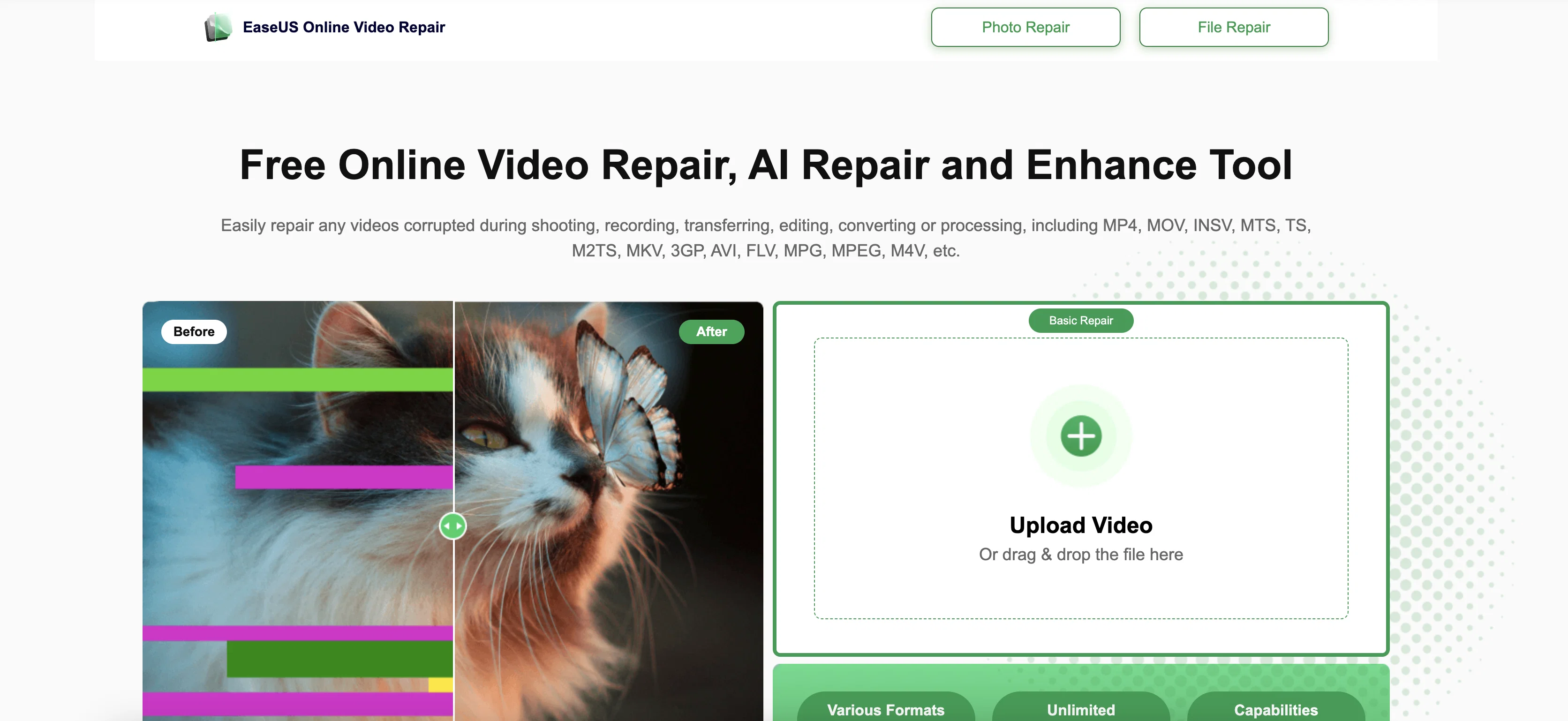
Compatible with a wide range of formats including MP4, MOV, MTS, AVI, MKV, FLV, and more, it can fix issues like stuttering playback, missing audio or subtitles, blurry visuals, and audio-video sync errors. The tool supports video files from various devices, such as cameras (GoPro, Canon, Sony, DJI), smartphones, and storage cards.
The repair process is straightforward: upload your file, let the AI-powered engine scan and fix it, then preview and download the restored version. No file size limits apply in the advanced version, while basic repair is free for smaller files. All uploads remain secure and private—EaseUS does not store user content beyond the repair session.
For users needing additional functionality, EaseUS also offers downloadable desktop software with advanced features and support for photo, document, and PDF repair. Ideal for professionals and everyday users alike, it’s a reliable solution to recover video content quickly and efficiently.
Access & connections
Where you can use EaseUS Online Video Repair.
Capabilities
What this tool accepts, produces, and is strongest at.
Input
- Video
Output
- Video
Pros & cons
Pros
- Free service
- MP4 support
- MOV support
- M2TS support
- Unlimited video size
- Unlimited videos
- Batch repair
- Fast repair
Show 17 more
- Photo repair
- PDF repair
- Word repair
- Excel repair
- Advanced algorithms
- Video stabilization
- Error correction
- Content creation
- Faster repair
- Any size repair
- Multiple formats
- No watermarks
- Secure upload
- Preview before save
- Auto repair
- Easy interface
- No expertise required
Cons
- Only MP4 free
- Size limit 500MB
- One video per day
- No photo repair
- No PDF repair
- No office repair
- Limited formats
- No batch repair
Show 2 more
- No technical assistance
- Upload required
Compare alternatives
Similar tools in the catalog.

Video Repair by Onerecovery ✓
PaidAI-powered video repair for any corruption issue.
from $24.95/mo
Full comparison
Recoverit ✓
PaidAI-powered recovery for deleted files and documents.
from $127.49/mo
Full comparison
PIQAPART ✓
Free TrialFrom video or photos to a manual in seconds.
Free + from $317/mo
Full comparisonReleases 1
Imported reviews 1
Keeps giving me an error, no good
FAQ 12
What is EaseUS Online Video Repair?
How does EaseUS Online Video Repair work?
What formats does EaseUS Online Video Repair support?
Can I repair MP4 videos with EaseUS Online Video Repair?
Is EaseUS Online Video Repair free to use?
How many videos can I repair per day with EaseUS Online Video Repair?
What is the maximum video size that EaseUS Online Video Repair can handle?
Can I repair corrupted videos from my SD card with EaseUS Online Video Repair?
How do I fix a blurry video with EaseUS Online Video Repair?
Does EaseUS Online Video Repair support photo repair?
Can I repair Word documents with EaseUS Online Video Repair?
Does EaseUS Online Video Repair offer premium technical assistance?
Related tools
Recommended

Mind Map Wizard ✓
FreemiumGenerate mind maps with AI: free, no sign-up, no ads

AI YouTube Title Generator ✓
Free TrialGenerate eye-catching YouTube titles that boost views and engagement.

Noiz ✓
FreemiumSummarize YouTube videos with AI in one click

RewriteSomething ✓
FreeCreate product descriptions that sell with AI

Free AI Video Upscaler ✓
FreeUpscale videos or images with AI for free, right in your browser

Noiz - AI PDF Summarizer ✓
FreeSummarize any PDF quickly and for free.