
Free + from $11/mo
Verdict
A quick read before you dig into the full page.
- Best if
- You are content creators and need: Generating realistic voiceovers for videos
- Skip if
- Limited speech styles
- Pick this when
- 300+ human-like voices
Considering freebeat AI instead? Compare side by side
Overview
Key Features:
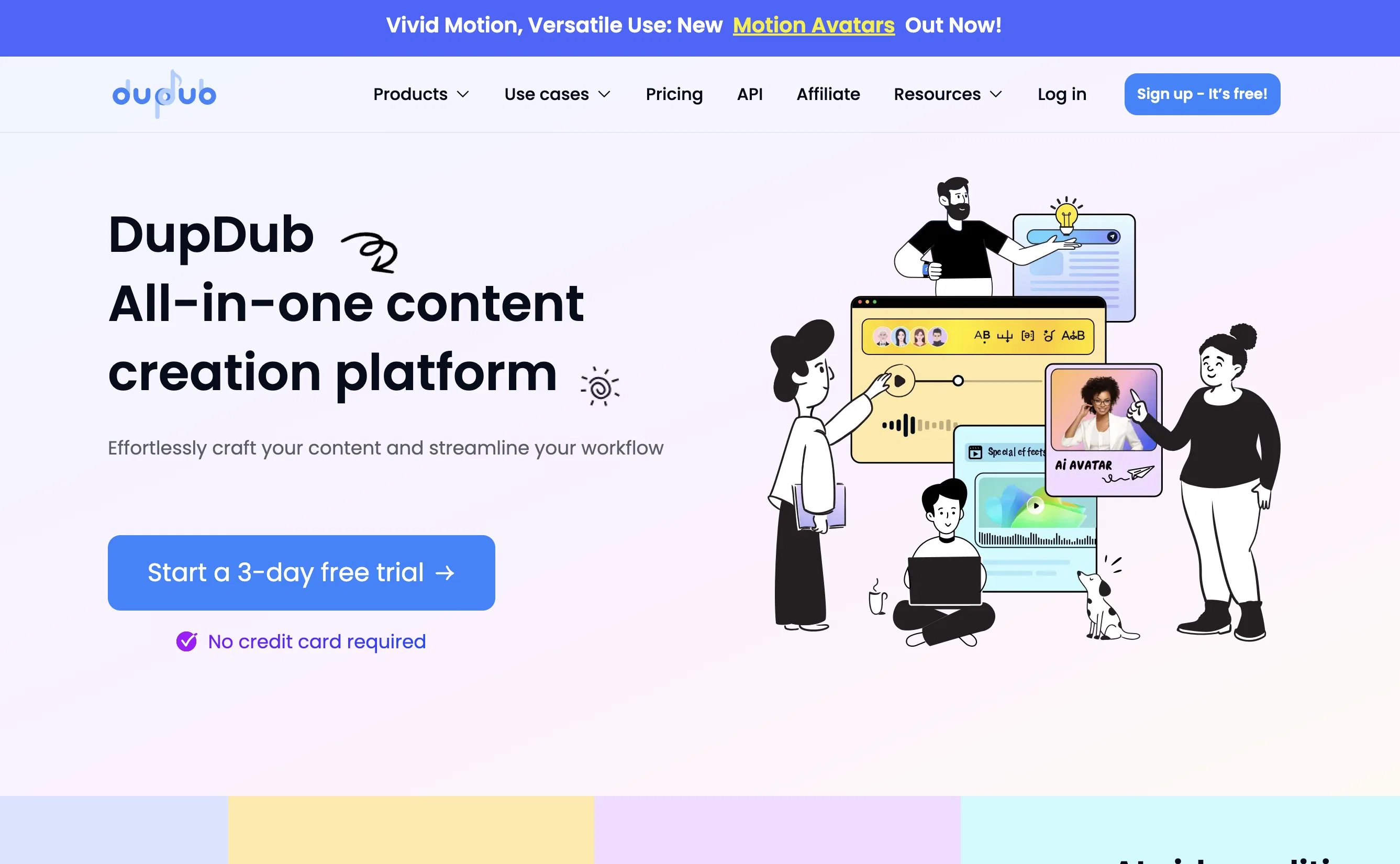
1. Advanced Text-to-Speech (TTS): DupDub AI's TTS technology stands out with its extensive library of over 500 voices in more than 50 languages, enabling users to create highly engaging and diverse audio content. This feature is perfect for developing personalized voiceovers for marketing videos, e-learning modules, and interactive storytelling.
2. AI Avatar video generation: A standout feature in the industry, DupDub AI's AI Avatar technology allows for the creation of multiple avatars in a single scene, offering unparalleled realism in lip-syncing and character interaction. This unique capability is particularly beneficial for producing dynamic and engaging explainer videos, marketing presentations, and virtual training sessions.
3.AI Writing Assistant: This tool transforms basic ideas into captivating narratives, ideal for content creation across various domains.
4. Seamless Video Editor: Integrating TTS and Talking Photo functionalities, this editor facilitates professional-grade video production, catering to users with varying levels of editing experience.
5. Comprehensive Toolkit: DupDub AI includes tools for high-accuracy transcription(over 50 languages), subtitle alignment for perfect synchronization, and easy video downloading from various sources. These tools enhance the efficiency and quality of content production.
The platform simplifies converting scripts into professional videos, featuring customizable styles, background music, and HD outputs. Its intuitive interface suits all skill levels, and the product is praised for its innovative features and realistic avatars.
Best for
Short scenarios where Dupdub tends to shine.
-
Generating realistic voiceovers for videos
Best for Content creators
-
Creating AI avatars
Best for Video editors
-
AI writing assistant
Best for Marketers
-
AI design tools
Best for Animators
-
AI animation creator
Best for Designers
-
AI creative suite
Best for Writers
Example outputs 1
Sample generations and before/after results for Dupdub.
Access & connections
Where you can use Dupdub.
Platforms
Capabilities
What this tool accepts, produces, and is strongest at.
Input
- Text
Output
- Audio
- Video
Pros & cons
Pros
- 300+ human-like voices
- 400+ voice styles
- Multiple languages and accents
- Advanced audio features
- Alias feature
- Phoneme feature
- Say As feature
- Emphasis feature
Show 41 more
- Multiple Speakers feature
- Rhythm feature
- Pause feature
- Background music feature
- MP3 and WAV export
- MP4 export with/without subtitles
- Export with corresponding SRT files
- Transcription tool
- Translation tool
- Subtitle Alignment tool
- Video Download tool
- Engaging voiceovers creation
- 3-day free trial
- 14-day refund policy
- Superfast synthesis speed
- High quality voiceovers
- Supports a variety of emotions
- Real time text audio
- User-friendly interface
- Multiple editing features
- Integrations for video creators
- Supports commercial use
- Voice Cloning service
- Mobile and web compatibility
- Continued addition of voices
- Applicable in diverse industries
- Multiple productivity tools
- Effective for social media videos
- Popular for YouTube and TikTok
- Supports different global accents
- Instant cursor text to audio
- Quality voices and editing features
- Subscription-based models
- Excellent customer reviews
- Flexibility in voice selection
- User friendly interface for non-technicals
- Sound quality optimization
- Custom speed and pitch adjustment
- Multi-punctuation pause setting
- Batch mode editing
- Multi-functional text to speech service
Cons
- Requires Google Chrome
- Limited export formats
- May require subscription
- No mention of SDK
- Limited languages support
- No voice customization
- Limited speech styles
- No API for integration
Show 2 more
- No offline usage
- Three-day trial period only
Compare alternatives
Similar tools in the catalog — with a clear reason to open each one.

freebeat AI ✓
FreemiumTurn Music & Ideas into Viral Videos In One Click
Why look Typically cheaper
Full comparison
MagicLight ✓
FreemiumTransform text into captivating videos instantly.
Why look Typically cheaper
Full comparison
Seedance ✓
FreemiumMulti-shot video generation from text and image.
Why look Stronger for image work
Full comparisonPeople also view
Tools that often show up alongside Dupdub in collections and comparisons.
freebeat AI ✓
FreemiumTurn Music & Ideas into Viral Videos In One Click

Videnly ✓
PaidCreate & Publish AI Videos Automatically

Image to Video by PixNova ✓
FreemiumTurn images into videos with one click.
Seedance ✓
FreemiumMulti-shot video generation from text and image.
MagicLight ✓
FreemiumTransform text into captivating videos instantly.

Kaiber Superstudio ✓
Free TrialAI Video Generation

HeyGen ✓
FreemiumCreate AI spokesperson videos from text

D-ID ✓
FreemiumCreate AI-generated videos with ease
Releases 1
Imported reviews 1
awesome tools
FAQ 12
What is DupDub?
What languages and accents does DupDub support?
What are the specific audio features provided by DupDub?
How many voices does DupDub offer?
What are the export formats available in DupDub?
Does DupDub offer a free trial and a refund policy?
What productivity tools does DupDub offer for video creators?
What makes DupDub the best online AI voice generator?
Can I use DupDub for creating TikTok videos or YouTube content?
Does DupDub have any specific requirements for the web browser?
How fast can DupDub synthesize audio from text?
How can DupDub be used for creating voiceovers?
Related tools
Recommended

Lumen5
PaidAI-powered video creation platform for easy and quick video content generation.

ElevenLabs ✓
FreemiumCreate lifelike AI voices for compelling storytelling.

Wonder - AI Art Generator ✓
FreemiumAn app allowing unique artwork creation on mobile.

Fineshare ✓
FreemiumAn online all-in-one AI voice generator for everyone
Voice AI ✓
FreemiumTransform your voice instantly with AI.
Colossyan
PaidAI video generator for creating videos quickly with AI actors and voices.