

DopeDoc ✓
AI-powered terminal PDF reader for interactive document queries.
from $3
Verdict
A quick read before you dig into the full page.
- Best if
- AI-powered terminal PDF reader for interactive document queries
- Skip if
- Terminal interface only
- Pick this when
- Terminal interface accessibility
Considering DocGPT.io instead? Compare side by side
Overview
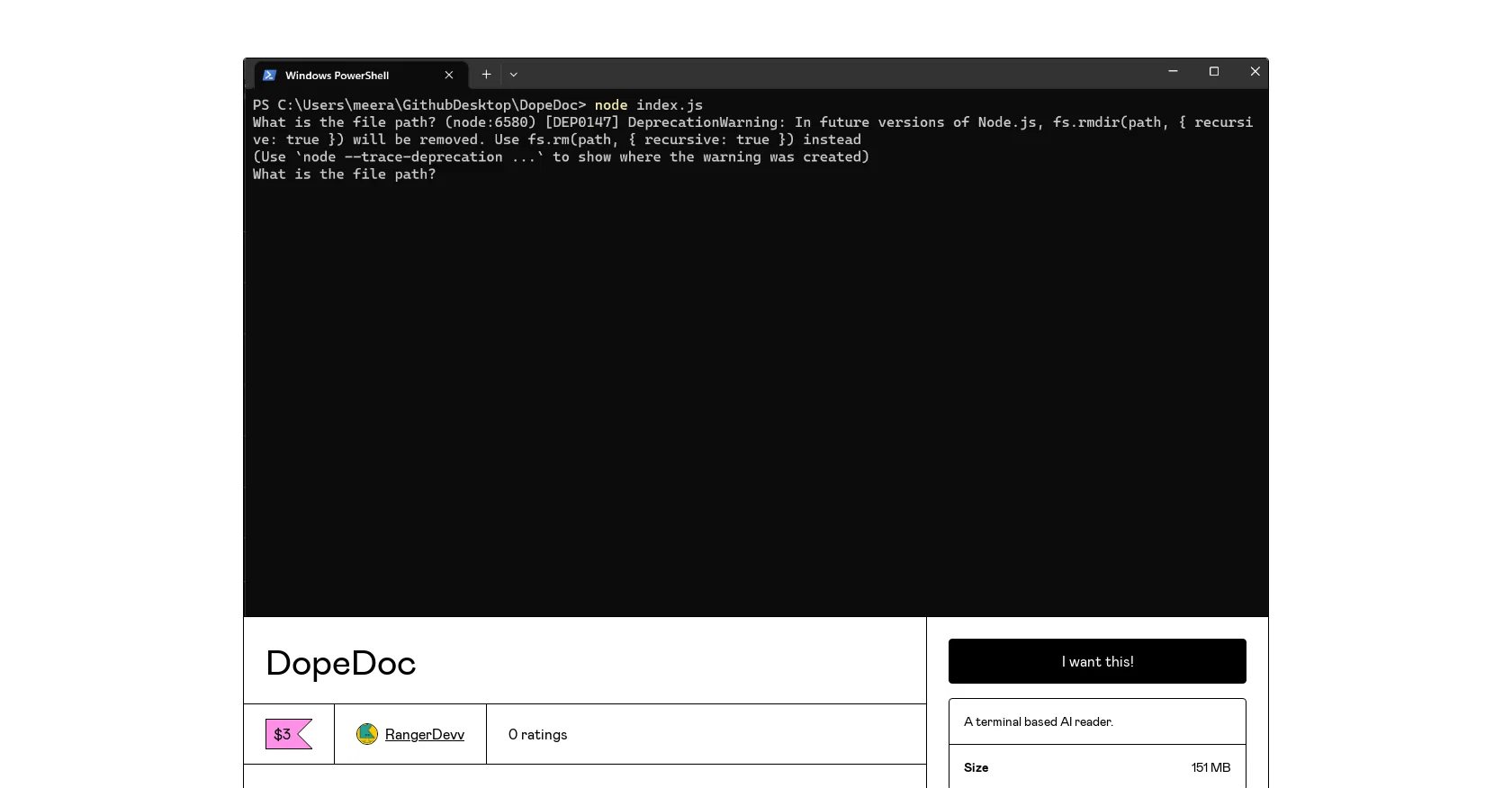
DopeDoc is a PDF reader that utilizes artificial intelligence to allow users to converse with their PDF documents. It is accessible through a terminal interface and runs on JAVASCRIPT.
The tool uses GPT-3.5 Turbo for its AI capabilities. With DopeDoc, users can ask questions and receive answers from their PDF documents, making it a useful tool for researchers, students, and professionals who need to quickly find information within their documents.
DopeDoc's AI-powered feature makes for a unique and efficient method of reading and interacting with PDFs. The tool is available for purchase through Gumroad and comes from the developer RangerDevv.
The size of DopeDoc is 151 MB. It is recommended that users enable JAVASCRIPT in their browser settings before purchasing the product. DopeDoc may be helpful for those who need to quickly search large documents, but it is important to note that the tool's effectiveness may vary depending on the quality of the document itself.
Overall, DopeDoc's AI-powered PDF reader is an innovative tool that can offer a new way of interacting with PDFs.
Access & connections
Where you can use DopeDoc.
Platforms
Capabilities
What this tool accepts, produces, and is strongest at.
Input
- Text
- Tabular
Output
- Text
Pros & cons
Pros
- Terminal interface accessibility
- Runs on JavaScript
- Employs GPT-3.5 Turbo
- Interactive Q&A with PDFs
- Suitable for researchers, students, professionals
- Unique PDF reading method
- Available on Gumroad
- Developer - RangerDevv
Show 7 more
- Product size - 151MB
- Efficient search in large documents
- Innovative interaction with PDFs
- Communicative PDF reader
- JavaScript requirement for purchase
- Variability depending on document quality
- Q&A chat with documents
Cons
- Terminal interface only
- Large file size
- Requires JavaScript
- Depends on document quality
- Only reads PDFs
- Powered by GPT-3.5 Turbo
- No mobile application
- Purchase through Gumroad only
Show 2 more
- Single developer support (RangerDevv)
- Variability in tool's effectiveness
Compare alternatives
Similar tools in the catalog — with a clear reason to open each one.

DocGPT.io ✓
Free TrialOnline assistant for creating and analyzing documents.
Free + from $4.99/mo
Full comparison
docAnalyzer ✓
FreemiumTurn document overload into work worth putting your name on
Why look Freemium alternative
Full comparison
Ask Your PDF ✓
FreemiumChat with your PDFs and extract valuable insights
Why look Freemium alternative
Full comparison

DocsGPT ✓
FreemiumInstant answers from your documents.
Why look Freemium alternative
Full comparison
Humata ✓
FreemiumChat your way through long documents instantly.
Why look Freemium alternative
Full comparisonReleases 1
FAQ 12
What is DopeDoc?
What are some of the key features of DopeDoc?
How does DopeDoc utilize AI in its functionality?
What type of AI model does DopeDoc use?
What is the interface that DopeDoc works on?
Who can benefit most from using DopeDoc?
Where can I purchase DopeDoc?
Who are the developers of DopeDoc?
What is the size of DopeDoc?
Why is enabling JavaScript necessary for using DopeDoc?
Can DopeDoc be used to search large documents?
Does the effectiveness of DopeDoc depend on the quality of the PDF document?
Related tools
Recommended

ChatDOC ✓
FreemiumChat with documents for instant, cited answers.

Docuchat ✓
Free TrialGet instant answers from AI chatbots trained on your content

Hyperis ✓
FreemiumOrganized task prioritization.

HeyScience ✓
FreemiumAI-powered study assistant for research and writing

PDFPeer ✓
FreemiumChat with any PDF in seconds

LightPDF ✓
PaidChat with documents instantly in 100+ languages.