

Doclime ✓
AI-powered research assistant for academics
from $12/mo
Verdict
A quick read before you dig into the full page.
- Best if
- You are students and need: Quickly find answers in textbooks, research papers, and legal documents
- Skip if
- Limited functionality for non-academic use
- Pick this when
- Extracts information from PDFs
Considering DocGPT.io instead? Compare side by side
Overview
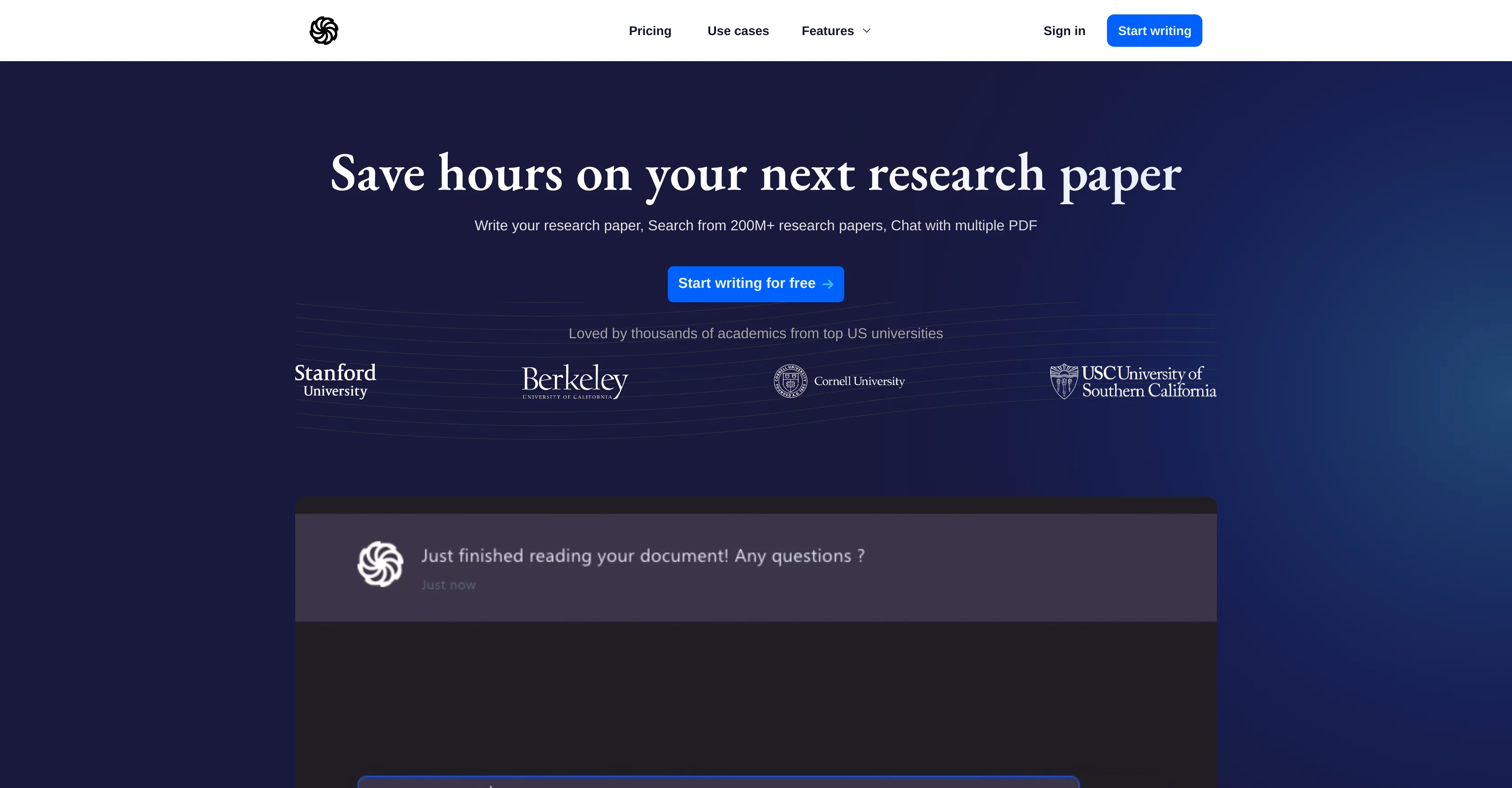
Doclime is a tool designed to assist researchers throughout their entire research journey. Positioned as an all-in-one tool, it aids in brainstorming, understanding and writing research papers.
It leverages Artificial Intelligence to generate research ideas and questions, search among vast sets of scientific papers, summarize research documents, run semantic searches, create Q&A and extract references.The tool aids researchers in writing papers by suggesting sentences based on the provided context, generating outlines, paraphrasing, and offering various text improvements, all aimed to streamline the writing process and combat writer's block.
Doclime also provides semantic search functionality, which helps to find the most relevant information within multiple papers to answer the researcher's questions.Doclime's intuitive chat feature allows users to chat with multiple PDFs simultaneously, receive document summaries, automatically create Q&A, extract facts and citations.
The feature is designed to dramatically save researchers' time.Doclime also aids in finding relevant academic literature by giving access to extensive databases of academic papers.
It simplifies the process of searching from hundreds of millions of reputable scientific papers, including those from PubMed and Semantic Scholars.It is built to be user-friendly and does not require advanced technical skills to be operated.
It offers a free account creation for new users to start their research process.
Best for
Short scenarios where Doclime tends to shine.
-
Quickly find answers in textbooks, research papers, and legal documents.
Best for Students
-
Summarize chapters of documents.
Best for Researchers
-
Identify obligations under specific sections of documents.
Best for Professionals
-
Write lesson plans based on textbook content.
Best for Lawyers
Example outputs 1
Sample generations and before/after results for Doclime.
Access & connections
Where you can use Doclime.
Platforms
Capabilities
What this tool accepts, produces, and is strongest at.
Input
- Tabular
- Image
- Text
Output
- Tabular
- Text
Supported features
- Instant file search
Pros & cons
Pros
- Extracts information from PDFs
- Automatically generates answers
- Quick response time
- User-friendly interface
- Provides page number citations
- Unlimited questions
- Unrestricted number of uploads
- Secure data storage on AWS S3
Show 28 more
- Assistants researchers in their work
- Multi-document interaction
- Semantic search functionality
- Writing suggestions based on context
- Paper summarization
- Paraphrasing tool
- Combat writer's block
- Chat function with documents
- Extensive academic database access
- No advanced technical skills required
- Free account creation
- Summarizes research papers
- Automatically creates Q&A
- Extracts facts and citations
- Generates research ideas
- Helps find relevant literature
- Aids writing process
- Generates research questions based on topic
- Refines research questions
- Provides related paper suggestions
- Full PDF access
- Document download availability
- Multiple PDF chat
- Automatic outline generation
- Text improvement suggestions
- Offers varying writing suggestions (simplify, lengthen etc.)
- Choose writing tone
- Answers based on top relevant papers
Cons
- Limited to text PDFs
- Stores data on AWS
- No offline use
- Limited functionality for non-academic use
- Requires active internet connection
- Not applicable for image data
- No explicit version control
- No multilingual support
Show 2 more
- Not suitable for confidential documents
- Can't generate questions for non-research topics
Compare alternatives
Similar tools in the catalog — with a clear reason to open each one.

DocGPT.io ✓
Free TrialOnline assistant for creating and analyzing documents.
Why look Typically cheaper
Full comparison
docAnalyzer ✓
FreemiumTurn document overload into work worth putting your name on
Why look Freemium alternative
Full comparison
Ask Your PDF ✓
FreemiumChat with your PDFs and extract valuable insights
Why look Freemium alternative
Full comparison
DocsGPT ✓
FreemiumInstant answers from your documents.
Why look Freemium alternative
Full comparison
Humata ✓
FreemiumChat your way through long documents instantly.
Why look Freemium alternative
Full comparisonPeople also view
Tools that often show up alongside Doclime in collections and comparisons.
docAnalyzer ✓
FreemiumTurn document overload into work worth putting your name on
Humata ✓
FreemiumChat your way through long documents instantly.
DocsGPT ✓
FreemiumInstant answers from your documents.
DocGPT.io ✓
Free TrialOnline assistant for creating and analyzing documents.

ChatPDF ✓
FreemiumChat with any PDF instantly
Ask Your PDF ✓
FreemiumChat with your PDFs and extract valuable insights

Recall ✓
FreemiumSummarize Anything, Forget Nothing!

OpenParser AI ✓
Free TrialAsk questions. Get answers from your documents instantly.
Releases 1
FAQ 12
What is DocLime?
How does DocLime extract information from PDF documents?
Is there a limit to the number of documents I can upload on DocLime?
Does DocLime support non-text PDFs?
Where are my documents stored on DocLime and how secure is it?
How does DocLime aid in academic writing?
What are the features of DocLime's chat functionality?
Can DocLime pull information from multiple documents at once?
Does DocLime offer a paraphrasing tool?
How does DocLime's semantic search functionality work?
What databases does DocLime use for sourcing academic papers?
Does DocLime generate an outline for my research paper?
Related tools
Recommended

ChatDOC ✓
FreemiumChat with documents for instant, cited answers.

OpenRead ✓
FreemiumAI-powered interactive papers for faster, intuitive research

AcademicGPT ✓
FreemiumAI-powered academic writing assistant.

Explainpaper ✓
FreemiumDemystify academic papers with AI-powered explanations.

Cody ✓
Free TrialIntelligent AI employee trained on your specific business

LearningStudioAI ✓
Free TrialAI-powered authoring tool for effortless online course creation.