Detail.co ✓
Record and edit engaging video faster.
Verdict
A quick read before you dig into the full page.
- Best if
- Record and edit engaging video faster
- Skip if
- Limited customization options
- Pick this when
- Available for iOS and macOS
Considering CapCut Online Creative Suite instead? Compare side by side
Overview
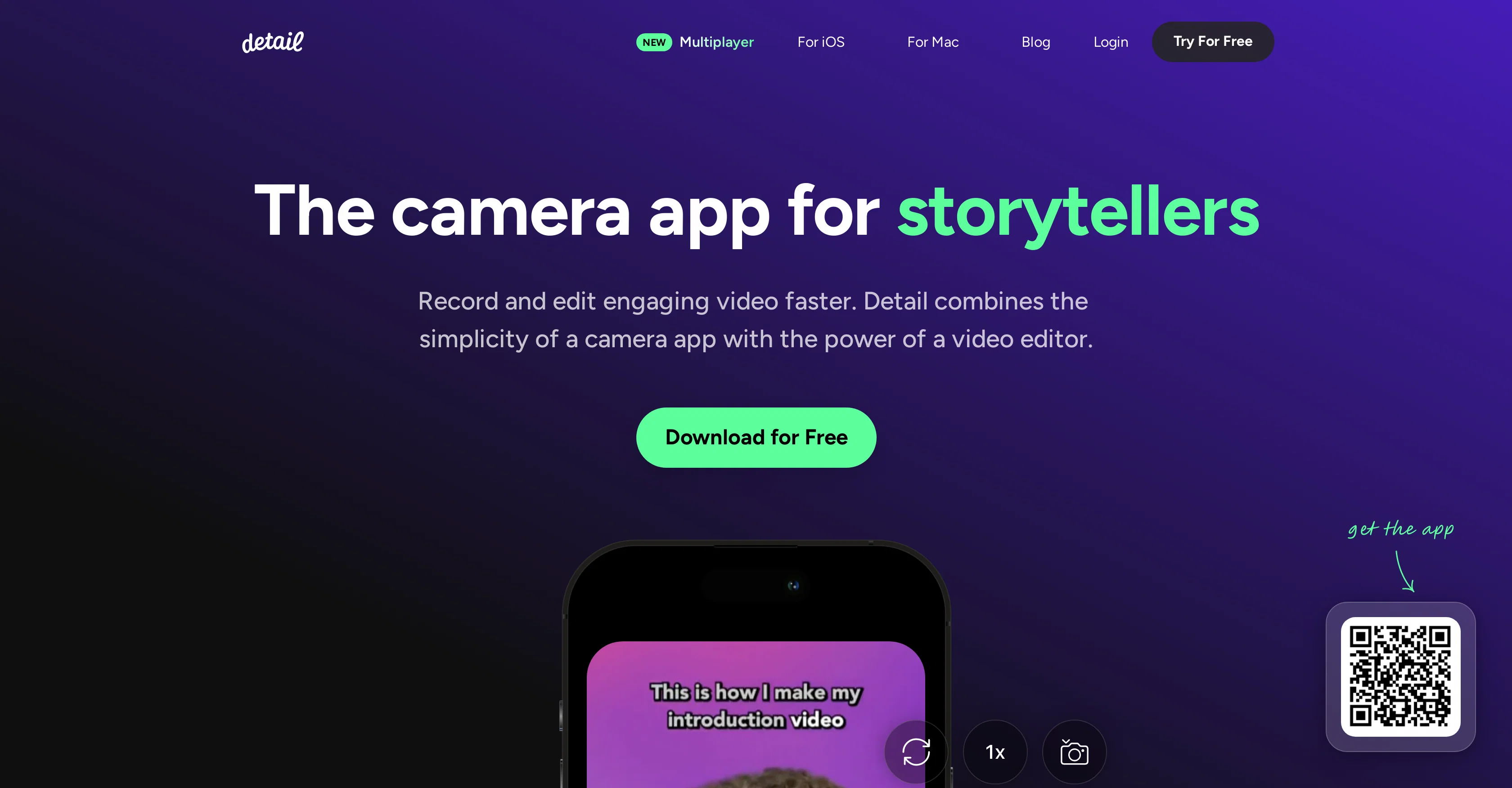
Detail is a camera application designed for storytellers, enabling them to record and edit video content efficiently. Available for iOS and macOS, the tool offers the user-friendly interface of a camera app coupled with the feature set of a video editor.
It facilitates dual camera recording, which allows users to capture video from both front and back cameras simultaneously. Another unique feature is the ability to connect two iPhones remotely or within the same room for collaborative recording, all without requiring any cables.
Detail also offers a quick solution for creating reaction videos using any recorded footage or the rear camera as a backdrop.In addition, the app provides a suite of editing tools that help users add an individual touch to their content.
This includes a range of creative captions and backgrounds, allowing users to modify and stylize their content before and after recording. Furthermore, Detail incorporates a live green screen editor which enables users to easily replace their video background.
To assist with content creation, the app incorporates an automated caption generator and a teleprompter tool, lending itself well for use in creating diverse content such as podcasts, tutorials, online courses, and music videos.
Overall, Detail positions itself as a comprehensive resource for creating and editing engaging video content quickly and efficiently.
Access & connections
Where you can use Detail.co.
Capabilities
What this tool accepts, produces, and is strongest at.
Input
- Video
Output
- Video
Pros & cons
Pros
- Available for iOS and macOS
- User-friendly interface
- Dual camera recording feature
- Remote collaboration option
- Cable-free setup
- Fast reaction videos creation
- Suite of editing tools
- Creative captions
Show 14 more
- Customizable backgrounds
- Live green screen editor
- Automated caption generator
- Built-in teleprompter tool
- Facilitates diverse content creation
- Supports creating podcasts
- Supports creating tutorials
- Supports online courses and music videos
- Efficient recording and editing
- Simultaneous recording and script reading
- Video background alteration
- Collaborative recording without cables
- Multiple iPhones connectivity
- Rear camera as video backdrop
Cons
- Only available on iOS, macOS
- Cannot record remotely android
- Limited customization options
- Missing advanced editing features
- No explicit multi-device support
- Manual dual camera setup
- No offline features mentioned
- Collaboration requires same operating system
Show 2 more
- Unable to import 3rd party materials
- No free version available
Compare alternatives
Similar tools in the catalog — with a clear reason to open each one.

CapCut Online Creative Suite ✓
FreemiumUnleash creativity with CapCut's all-in-one online suite
Free + from $28.5/mo
Full comparison
ClipFinder ✓
FreemiumTurn hours of streams and VODs into viral clips automatically.
Why look Offers a public API
Full comparison
Gling - AI Video Editing Software for YouTube ✓
FreemiumAI-powered video editing for YouTube creators.
Free + from $10/mo
Full comparison
Captions ✓
PaidAI-powered creative studio for studio-grade videos.
Why look Offers a public API
Full comparison
Video to Video AI ✓
PaidTransform videos using simple text commands.
from $29.99/mo
Full comparison
Wondershare Filmora ✓
PaidEdit smarter, faster and easier with Filmora’s powerful AI video tools.
Why look Higher community rating
Full comparisonReleases 1
FAQ 12
What is Detail?
What platforms is Detail available on?
What unique features does Detail offer for recording videos?
How does the dual camera recording feature work in Detail?
How can two iPhones be connected for collaborative recording in Detail?
What solutions does Detail offer for creating reaction videos?
What kind of editing tools does Detail provide?
How can I modify and stylize my videos before and after recording in Detail?
How does the live green screen editor in Detail work?
How does Detail help with adding captions to my videos?
What is the teleprompter tool in Detail?
What kind of content is Detail suitable for creating?
Related tools
Recommended

AutoCut ✓
Free TrialAI-powered video editing for Premiere Pro.

TensorPix ✓
FreemiumOnline Video & Image Quality Enhancer

Scisummary ✓
Free TrialCutting-edge scientific articles summarization.

Eightify
UnknownAI-powered YouTube video summarizer extracting key ideas for quick content assessment.

ChatGPT ✓
FreemiumAsk anything, create anything, and move from idea to action.

Fineshare ✓
FreemiumAn online all-in-one AI voice generator for everyone