

Cutout.Pro ✓
AI-powered visual design platform for efficient creation
Free + from $2.99/mo
Verdict
A quick read before you dig into the full page.
- Best if
- You are e-commerce businesses and need: Removing backgrounds from product photos for e-commerce
- Skip if
- Limited integration options
- Pick this when
- Automated background removal
Considering Viyou AI Image Generator instead? Compare side by side
Overview
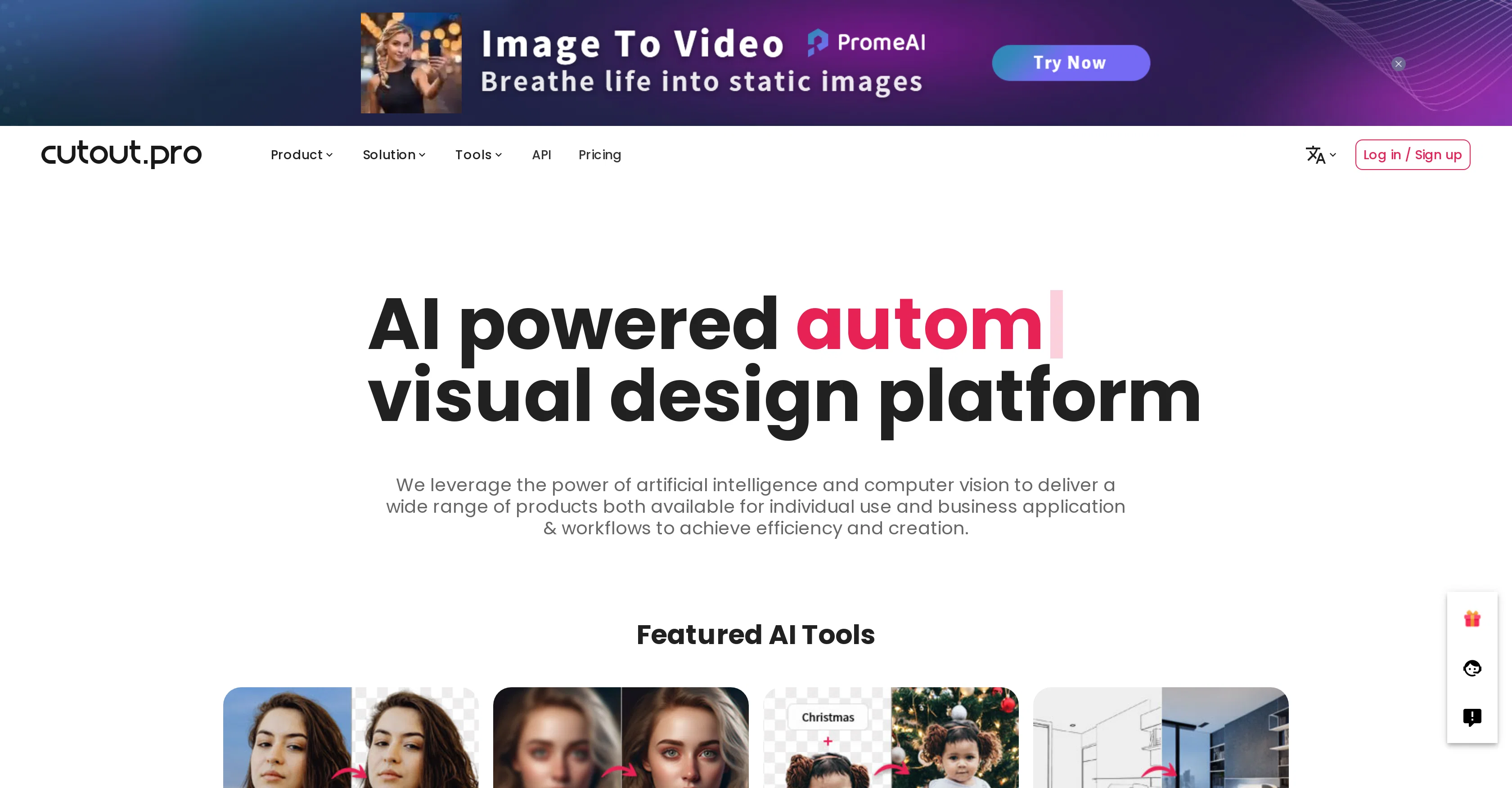
Cutout.Pro is a comprehensive visual design platform that leverages the power of artificial intelligence and computer vision for various photo and video editing purposes.
This platform offers a series of AI tools including image background removal, photo enhancing, upscaling, and background diffusion. It also hosts a variety of special features such as AI art generation, photo colorizing, portrait cartooning, and a passport photo maker tool.
Cutout.Pro makes it possible to remove unwanted objects or backgrounds from images and videos automatically, without the need for a green screen or any manual editing.
Users can enhance and restore details in photos and 4K videos, convert black and white photos into color, animate portraits, and create professional passport photos with the proper sizes.
With the Cutout.Pro API, developers can integrate these AI capabilities into their applications for efficient and scalable visual content generation. Furthermore, Cutout.Pro is equipped with photo restoration features which can restore old family photos, and the platform also supports e-commerce image design, accommodating a wide range of uses for both individuals and businesses.
Best for
Short scenarios where Cutout.Pro tends to shine.
-
Removing backgrounds from product photos for e-commerce
Best for E-commerce businesses
-
Enhancing old family photos
Best for Photographers
-
Creating passport photos
Best for Graphic designers
-
Generating AI art
Best for Marketing professionals
-
Removing unwanted objects from images
Best for Videographers
-
Creating marketing materials
Best for Print-on-demand businesses
Example outputs 1
Sample generations and before/after results for Cutout.Pro.
Access & connections
Where you can use Cutout.Pro.
Platforms
Capabilities
What this tool accepts, produces, and is strongest at.
Input
- API
- Image
- Text
- Video
Output
- Video
- API
- Text
- Image
Highlights
- SOTA
Supported features
- Video Edit
- Visual Creation
- Image Edit
- Inpainting
Models
Text
Image
Audio
Video
Pros & cons
Pros
- Automated background removal
- Image restoration capabilities
- Content generation features
- Photo enhancing and upscaling
- Background diffusion options
- Photo colorizer
- Passport Photo creator
- Old Photo Restoration
Show 35 more
- E-commerce image design
- Customized printing support
- Video XR features
- Cartoon selfie generation
- Blur background tool
- Free images search engine
- API capabilities
- Trusted by 25,000+ businesses
- 98%+ uptime guaranteed
- Unwanted objects removal
- Animated portraits creator
- Secure and reliable
- Efficient and scalable
- Improves workflow efficiency
- Supports high-volume processing
- Facilitates batch automatic editing
- Facilitates image libraries
- Supports variety of applications
- One-stop integration
- Supports virtual change in ID photos
- Overlay product images preview
- Supports video background change
- Removes need for green screens
- Supports multitude of visual content
- Optimized for different purposes
- Dedicated premium customer support
- Generates professional passport photos
- Supports creation of special assets
- Restores old family photos
- Supports automatic image and video processing
- Removes need for manual editing
- Massive amounts of images and videos processing
- Improves media apps
- Supports product customization
- Supports Precision Segmentation
Cons
- High dependability on internet connection
- Limited offline functionality
- Possible data security concerns
- No free version available
- No 3D modelling tools
- Limited video editing capabilities
- Potential quality loss in upscaling
- Limited integration options
Show 2 more
- Reliant on API for developer functions
- No built-in collaboration features
Compare alternatives
Similar tools in the catalog — with a clear reason to open each one.

Viyou AI Image Generator ✓
FreemiumTransform text and images into stunning videos and visuals.
Free + from $39.99/yr
Full comparison
Img2Img AI ✓
FreemiumTransform any image with AI in seconds.
Why look Offers a public API
Full comparisonPeople also view
Tools that often show up alongside Cutout.Pro in collections and comparisons.
Viyou AI Image Generator ✓
FreemiumTransform text and images into stunning videos and visuals.

Photoeditor ✓
PaidEnhanced image editing with object and text removal.
Img2Img AI ✓
FreemiumTransform any image with AI in seconds.

Creen AI ✓
Paid40+ AI models for video, image and art. Free, no sign-up.

Cleanup pictures ✓
FreemiumRemove unwanted elements from photos instantly.

MF0.ai ✓
PaidEvery top AI in one chat. Real memory. No subscription.

LineArt ✓
Free TrialTurn one photo into a whole coloring book.

Kyukoma ✓
Free TrialTurn your stories into manga pages with AI.
Releases 1
Imported reviews 1
Their AI Photo Edit Background feature is extraordinary as it can be used as an unlimited tool to outpaint and uncrop your pictures! Just add a transparent background that goes beyond its canvas size, upload it, click original and use their Eraser to erase within the transparent area, then use a prompt that tells it what you want the extended area to be filled with.
And that's it! I'll give you 4 great options of uncrops, this feature alone deserves 5 stars, though of course they have many other useful features too!
FAQ 12
What is Cutout.Pro?
How does the image background removal feature in Cutout.Pro work?
What is the image resolution supported by Cutout.Pro for photo enhancing?
How does the photo colorizer tool in Cutout.Pro function?
What features does the cartoon selfie tool in Cutout.Pro provide?
What sizes are supported by the passport photo maker in Cutout.Pro?
What is the role of Cutout.Pro API for developers?
What kind of AI tools does Cutout.Pro offer for image design?
How does Cutout.Pro improve e-commerce images?
How does Cutout.Pro help with old photo restoration?
How is Cutout.Pro useful for customized printing?
What is Video XR in Cutout.Pro?
Related tools
Recommended

Magic Eraser ✓
FreemiumRemove unwanted things in seconds.

Stockimg AI ✓
PaidGenerated images and text for design ease.

Photo AI ✓
PaidCreate beautiful AI photos and videos of real people

Looka ✓
PaidAI-powered logo and brand identity design

Midjourney ✓
PaidExpand human imagination through AI-powered visuals.

Fineshare ✓
FreemiumAn online all-in-one AI voice generator for everyone
