

Looka ✓
AI-powered logo and brand identity design
From $20 One-Time Purchase
Verdict
A quick read before you dig into the full page.
- Best if
- You are entrepreneurs and need: Designing a logo for a new business
- Skip if
- Limited template options
- Pick this when
- Custom brand identity creation
Considering Logodiffusion instead? Compare side by side
Overview
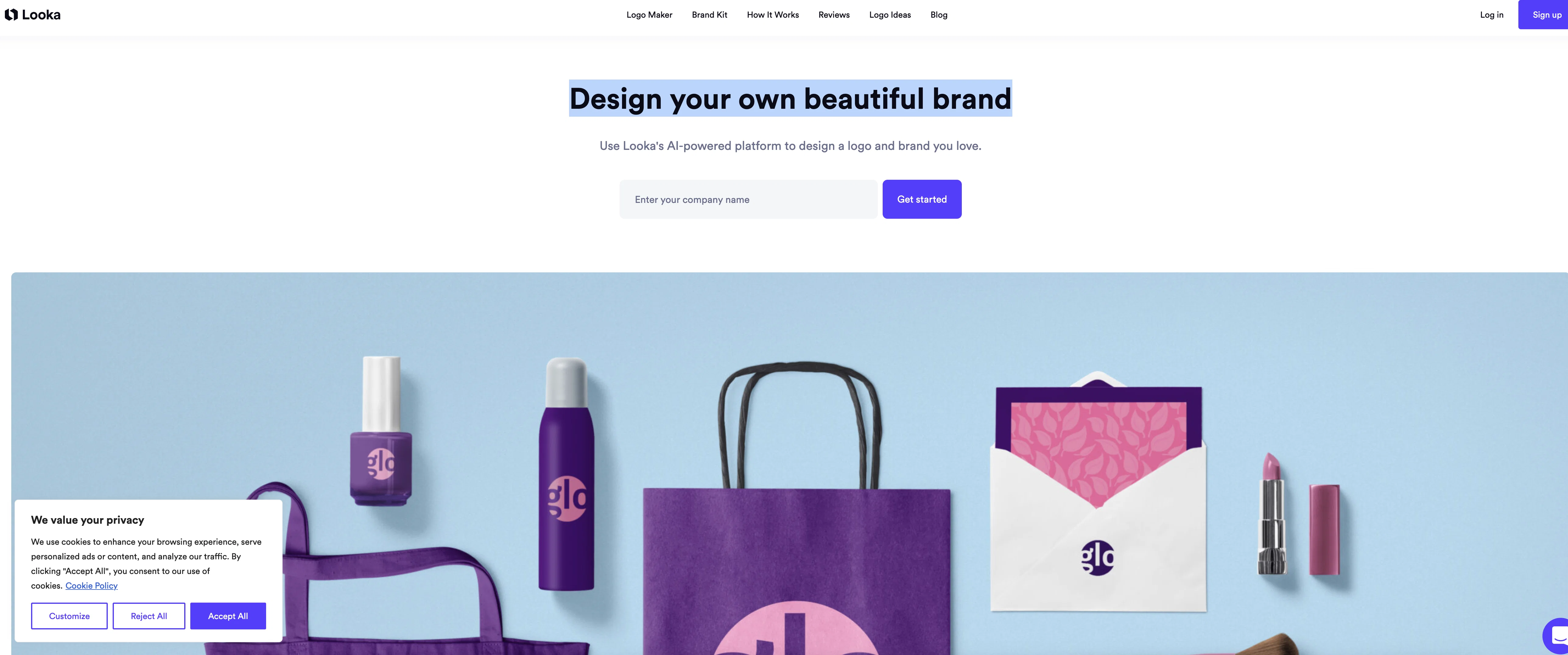
Previously known as Logojoy, Looka is an AI-powered platform used for designing logos and developing brand identities. With no need for design skills, Looka specializes in enabling users to create an individualized logo that matches their vision.
Using AI, Looka provides a plethora of design options that can be easily tweaked according to the user's requirements. Once the logo design is finalized, Looka's Brand Kit feature allows users to instantly generate marketing materials in-line with their brand's colors, fonts, and logo.
The materials range from business cards to social profiles and email signatures, all customizable with an easy-to-use editor. Looka's Brand Kit also provides ready-to-use variations of your logo suitable for various social media platforms.
To ensure a consistent brand image, Looka offers multiple versions of your logo file including high-res formats such as SVG, PNG, EPS & PDF, and variations for different backgrounds.
In addition to this, the platform also houses a 'Getting Started' guide that details the best uses for your different logo file types. Looka aims to streamline the process of creating a professional-quality brand identity, offering users complete creative control while leveraging the power of artificial intelligence.
Best for
Short scenarios where Looka tends to shine.
-
Designing a logo for a new business
Best for Entrepreneurs
-
Creating branded marketing materials
Best for Small business owners
-
Generating social media content
Best for Startups
-
Designing business cards
Best for Marketing professionals
Example outputs 1
Sample generations and before/after results for Looka.
Access & connections
Where you can use Looka, and what it plugs into.
Platforms
Integrations
Capabilities
What this tool accepts, produces, and is strongest at.
Input
- Text
Output
- Image
Supported features
- Brand Strategy
- SVG
Pros & cons
Pros
- Custom brand identity creation
- Hundreds of logo mockups
- Easy customization options
- Instant generation of brand materials
- Wide range of templates
- Social media ready logos
- Multiple high-res file types
- Logo usage guides
Show 30 more
- Live chat and email support
- No design skills required
- Automated design process
- Robust brand kit
- Versatile logo variations
- Editable social profiles
- Ready-to-use logo files
- In-depth getting started guide
- Helpful Brand Identity 101 resources
- Enables creative control
- Clean and user-friendly interface
- Business card designs
- Customizable email signatures
- 300+ branded templates
- Exclusive partner offers
- High-quality graphics
- Memorable brand creation
- Ideal for entrepreneurs
- Saves time and effort
- Seamless branding across mediums
- Fast brand material generation
- Cost-effective solution
- Detailed logo file uses
- T-shirt logo mockups
- Consistent brand image
- Easy-to-use editor
- Specific social media templates
- Helpful customer success team
- Transparent background logo variations
- Instantly generated logo mockups
Cons
- Limited customization options
- No collaborative features
- No option to import media
- Doesn't support layering
- No print services included
- No offline functionality
- No Android app available
- Limited template options
Show 2 more
- No free trial offered
- Support only via chat and email
Compare alternatives
Similar tools in the catalog — with a clear reason to open each one.

Logodiffusion ✓
PaidDesign custom logos instantly with AI.
Why look Stronger for image work
Full comparison
BrandCrowd | AI Logo Generator ✓
FreemiumAI generates perfect logos in seconds.
Why look Typically cheaper
Full comparison
Design.com | AI Logo Generator ✓
FreemiumGenerate beautiful logos with advanced AI in seconds.
Why look Typically cheaper
Full comparison
LogoCreatorAI ✓
Free TrialAI-powered logo creation for startups and solopreneurs
Why look Typically cheaper
Full comparisonPeople also view
Tools that often show up alongside Looka in collections and comparisons.

Namecheap Free Logo Maker ✓
FreeCreate custom logos for free in minutes
Logodiffusion ✓
PaidDesign custom logos instantly with AI.
LogoCreatorAI ✓
Free TrialAI-powered logo creation for startups and solopreneurs

LogoAi ✓
PaidAI-powered branding in seconds.
Design.com | AI Logo Generator ✓
FreemiumGenerate beautiful logos with advanced AI in seconds.
BrandCrowd | AI Logo Generator ✓
FreemiumAI generates perfect logos in seconds.

StarterPilot ✓
Free TrialValidate ideas, name your business, create logos, and build websites in minutes

Logo Background Remover ✓
FreemiumMake logos transparent in seconds.
Releases 1
Imported reviews 1
I am not satisfied with looka.
FAQ 12
What does Looka specialize in?
Can I use Looka without any design skills?
How does the AI in Looka work to generate logo designs?
What is the Brand Kit feature in Looka?
What marketing materials can be designed using Looka?
How can I customize my social media profiles using Looka?
What file formats does Looka provide for logo designs?
What resources does Looka provide to help me get started?
What does the Brand Identity 101 guide in Looka feature?
How can Looka help me maintain a consistent brand image?
How does Looka leverage the power of AI to design logos?
What variations of my logo can I get from Looka?
Related tools
Recommended

VenturusAI ✓
FreemiumBusiness idea analysis and reporting.

LearningStudioAI ✓
Free TrialAI-powered authoring tool for effortless online course creation.

Stunning ✓
PaidBuild AI-powered websites in seconds

Stratup.ai ✓
FreemiumInnovative idea generation for businesses.

Stockimg AI ✓
PaidGenerated images and text for design ease.

GPTExcel ✓
FreemiumGenerate spreadsheet formulas with AI