

Faceless videos 2026 Rank: #1587
CueTheScene ✓
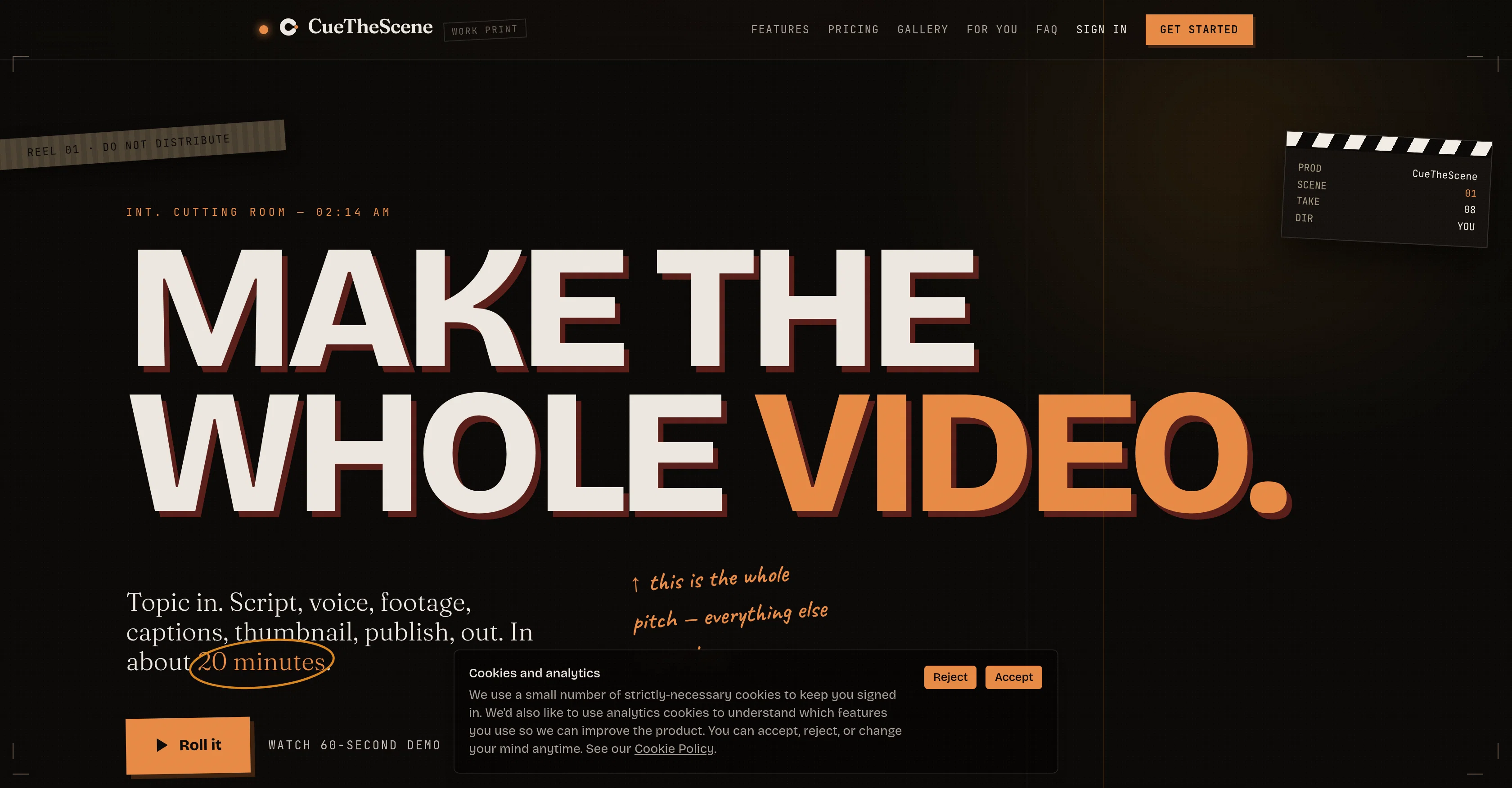
Finish a YouTube video in 20 minutes. Not 8 hours.
Verdict
A quick read before you dig into the full page.
- Best if
- Finish a YouTube video in 20 minutes. Not 8 hours
- Skip if
- Limited video format compatibilities
- Pick this when
- Scripting support
Considering Blipix instead? Compare side by side
Overview
The parts that set it apart from clip generators: a separate critic AI reads every script before voiceover and flags the AI-isms, so you ship the second draft rather than the first. Footage is actually watched before it lands in the cut, not keyword-matched, so the clip that belongs beats the clip that almost works. Any single scene can be regenerated in place (swap a clip, re-read a line, change a caption) without re-rendering the whole video. Thumbnails come as four scored options, judged on mobile readability, focal point and emotional pull. Publishing suggests the title, description, tags and schedule in one click, and each render also produces three Shorts cut from the same video.
The pipeline shows its working throughout, so you can step in and correct anything before the final render, or let it run start to finish on its own.
- Youtube Content Creator
- Text To Video Generation
- Advanced Script Generation
- Ai Voiceover
- Thumbnail Concept Generator
- Captions With Karaoke-style Word Highlighting
Best for
Short scenarios where CueTheScene tends to shine.
-
Finish a YouTube video in 20 minutes. Not 8 hours.
Example outputs 1
Sample generations and before/after results for CueTheScene.
Access & connections
Where you can use CueTheScene.
Platforms
Capabilities
What this tool accepts, produces, and is strongest at.
Input
- Image
- Text
Output
- Video
- Text
- Image
Highlights
- SOTA
- Agents
- Hard Paywall
Supported features
- Agents
- Assistant
- Automation
- Deep Research
- Image Generation
- Image Understanding
- Social Media
- Digital Personas
- Integrations
- Video Generation
Show 8 more
- Text Generation
- Speech API
- Realism
- TTS
- Video Understanding
- Visual Creation
- Video Edit
- Thumbnails
Models
Text
Image
Audio
Video
Pros & cons
Pros
- Scripting support
- Voiceover assistance
- Footage selection help
- Built-in captioning
- Thumbnail selection support
- Automated publishing to YouTube
- Clip context verification
- Recutting of individual scenes
Show 10 more
- Four thumbnail options
- Thumbnail evaluation for mobile readability
- Focal point and emotional pull assessment
- Title, description, and tags suggestions
- One-click scheduling
- Three different shorts generation
- Live updates during video creation
- Supports off-camera creators
- Multi-niche video creation
- Saves video creation time
Cons
- Limited to YouTube videos
- Doesn't support live video editing
- No options for custom thumbnails
- Lack of manual video splitting
- Can't adjust timing of captions
- Only English language support
- No integrated translation service
- Limited to off-camera creators
Show 2 more
- No explicit support for music
- Limited video format compatibilities
Compare alternatives
Similar tools in the catalog — with a clear reason to open each one.

Vadoo AI ✓
PaidGenerate videos from prompts and scripts.
Why look Typically cheaper
Full comparison
AutoReels ✓
PaidCreate captivating faceless videos in minutes with AI.
Why look Typically cheaper
Full comparison
VideoPal AI ✓
FreemiumCreate viral faceless videos with AI
Why look Freemium alternative
Full comparison
Renderfire ✓
PaidAutomate faceless videos for YouTube and TikTok.
Why look Typically cheaper
Full comparisonPeople also view
Tools that often show up alongside CueTheScene in collections and comparisons.

Vsub ✓
PaidCreate faceless videos in seconds with AI
VideoPal AI ✓
FreemiumCreate viral faceless videos with AI
Vadoo AI ✓
PaidGenerate videos from prompts and scripts.
Renderfire ✓
PaidAutomate faceless videos for YouTube and TikTok.

Blipix ✓
PaidCreate viral faceless videos in one click.
AutoReels ✓
PaidCreate captivating faceless videos in minutes with AI.

TubeTube ✓
Free TrialTurn lyrics or a story into a finished, fully edited video

GoFaceless ✓
Free TrialTurn any idea into a finished faceless video.
Releases 1
Related tools
Recommended

Rizzle ✓
PaidTransform text into engaging videos in minutes.

SureThing.io - "OpenClaw" for Beginners ✓
FreemiumFirst General AI Agency. Designed for long-horizon tasks.

BeatMV ✓
Free TrialTurn any song into scroll-stopping videos in minutes with AI-directed scripts and

Unframe AI ✓
UnknownThe Managed AI Delivery Platform

Marketeze ✓
FreemiumGo viral faster!

LIA - AI Music Assistant ✓
FreemiumControl your DAW with natural language, in any language, from any device.