
3D objects 2026 Rank: #1552
Crisp3D ✓
From text or image to 3D print, instantly.
Trial; then from $15.92/mo
Verdict
A quick read before you dig into the full page.
- Best if
- From text or image to 3D print, instantly
- Skip if
- Limited material previews
- Pick this when
- Designed for 3D printing
Considering 3D AI Studio instead? Compare side by side
Overview
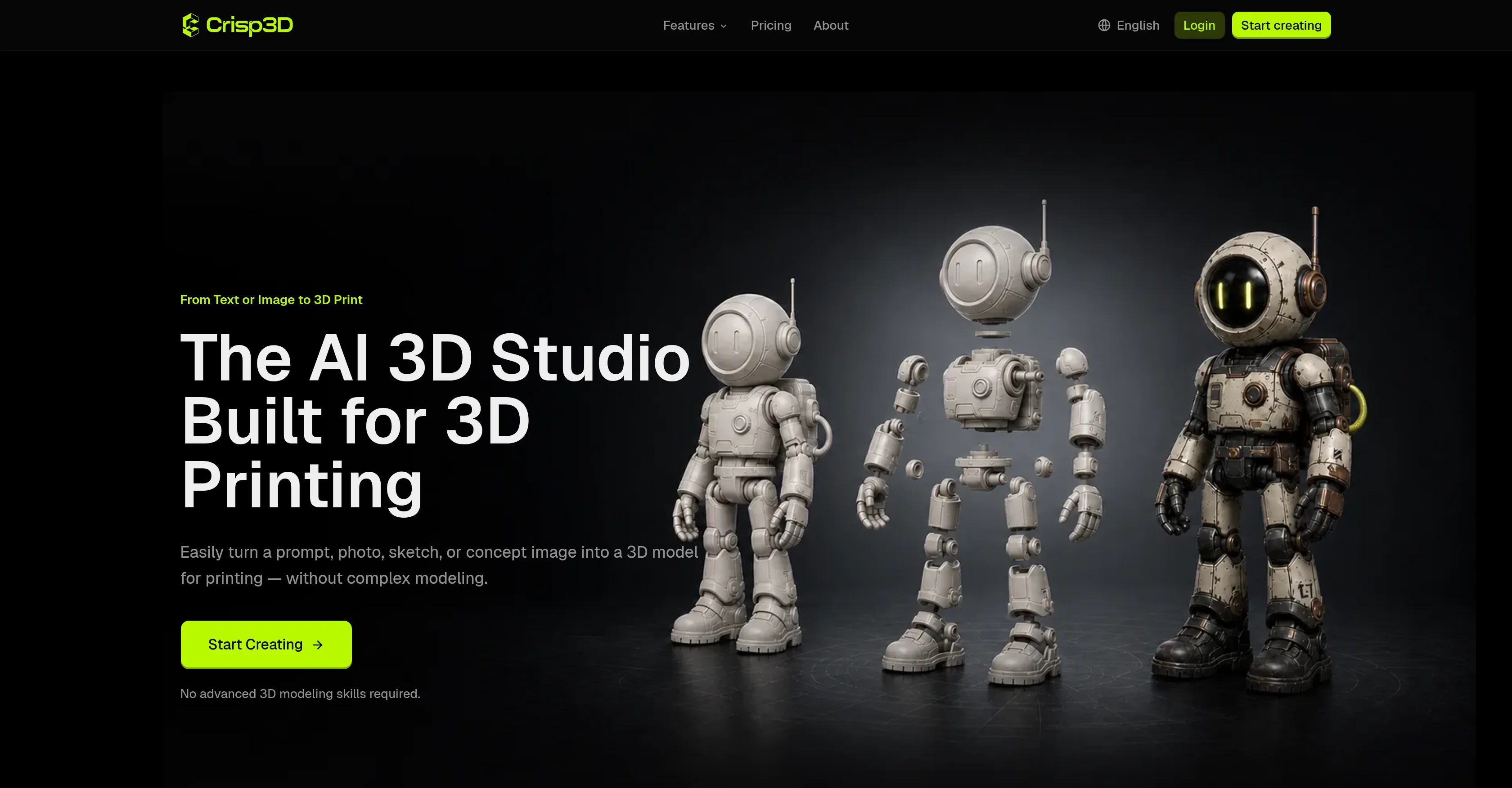
Crisp3D is an AI 3D Model Generator designed specifically for 3D printing. It enables creators to generate 3D models from text prompts or reference images effortlessly.
It eliminates the requirement for advanced 3D modeling skills, offering a simplified workflow that incorporates all necessary features within one platform.
The tool can transform text prompts, photos, or sketches into 3D models, which can be used for a variety of purposes such as creating miniatures, collectibles, props, prototypes, among others.
Crisp3D also allows users to explore colors, materials, and painted finishes before printing or post-processing the model. It contains features like 3D Segmentation and AI Retopology that help to split large or complex models into printable parts for easier printing, painting, and assembly, and create a cleaner, lighter mesh while preserving profound details and shape.
This tool streamlines the process from the AI generation to preparing the model with built-in tools, and sending it directly to the preferred slicer in a connected workflow.
The Crisp3D platform can be used by hobbyists, miniature artists, product designers, model sellers, and print studios to convert ideas into physical creations faster and more efficiently.
Access & connections
Where you can use Crisp3D.
Platforms
Capabilities
What this tool accepts, produces, and is strongest at.
Input
- Image
- Text
Output
- 3D
Pros & cons
Pros
- Designed for 3D printing
- Generates from text prompts
- Generates from reference images
- No advanced modeling skills
- Incorporates all features
- Transforms photos into 3D models
- Transforms sketches into 3D models
- Models suited for miniatures creation
Show 30 more
- Models suited for collectibles creation
- Models suited for props creation
- Models suited for prototypes creation
- Option to explore colors
- Option to explore materials
- Option to explore finishes
- 3D Segmentation feature
- Split large models into parts
- Creates lighter mesh
- Preserves details and shape
- Streamlined processing
- Can be used by hobbyists
- Can be used by artists
- Can be used by designers
- Optimization for 3D printing
- Option to export FBX files
- Option to export OBJ files
- Option to export GLB files
- Option to export STL files
- One connected printing workflow
- Direct slicer integration
- Great for miniature crafting
- Great for product design
- Suitable for model sellers
- Suitable for print studios
- Automated 3D modeling
- Easy splitting of complex models
- Automatic geometry generation
- Can add ball joints in models
- Can add dovetail joints in models
Cons
- Limited slicer integration
- No advanced modeling options
- Limited material previews
- No explicit VR support
- No multi-user collaboration
- Inadequate printing advice
Compare alternatives
Similar tools in the catalog — with a clear reason to open each one.

3D AI Studio ✓
PaidEasily generate free 3D models with our AI-powered 3D AI Studio.
Why look Offers a public API
Full comparison
Mimetic Labs ✓
Free TrialTransform ideas into printable 3D models with AI.
Why look Typically cheaper
Full comparison
Image3D.io ✓
FreemiumImage to STL and 3D models from any image
Why look Typically cheaper
Full comparison
Hi3D ✓
Free TrialAI-powered 3D model generator with unprecedented precision.
Free + from $17.91/mo
Full comparison
TRELLIS 2 ✓
UnknownGenerate high-fidelity 3D assets from images instantly.
No pricing
Full comparison
Neural4D | Image to 3D ✓
Free TrialTurn photos or prompts into 3D models instantly.
Why look Typically cheaper
Full comparisonReleases 1
FAQ 12
How does Crisp3D transform text prompts into 3D models?
What types of models can be created with Crisp3D?
How does Crisp3D's AI Retopology feature work?
What are the different applications of Crisp3D?
Can Crisp3D be used by someone without any 3D modeling skills?
How can I explore colors, materials, and painted finishes in Crisp3D?
How does Crisp3D handle large or complex models for 3D printing?
Can I send my 3D model directly to any slicer from within Crisp3D?
Does Crisp3D offer any tools to prepare the model for 3D printing?
Can Crisp3D be used for crafting miniatures and collectibles?
Is it viable to use Crisp3D for product design?
Can I optimize 3D models for printing with Crisp3D?
Related tools
Recommended

Artlist | The Ultimate Creative AI Ecosystem ✓
FreemiumStart Creating Without Limits

AI Effect | AI Video Generator ✓
FreemiumTurn text or images into videos. Pay as you go

Reelyze ✓
Free TrialKnow why your reels flop before you post.

AIto3D.ai ✓
FreemiumTurn text or images into downloadable 3D models.

FloorAI ✓
Free TrialSketch to floor plan in seconds.

Speedpaint ✓
Free TrialTurn any image into a hand-drawn sketch video.