

CodeViz ✓
Instant codebase clarity for faster feature shipping
from $19/mo
Verdict
A quick read before you dig into the full page.
- Best if
- Instant codebase clarity for faster feature shipping
- Skip if
- Potentially expensive for individuals
- Pick this when
- Visual Studio Code extension
Considering Snappify instead? Compare side by side
Overview
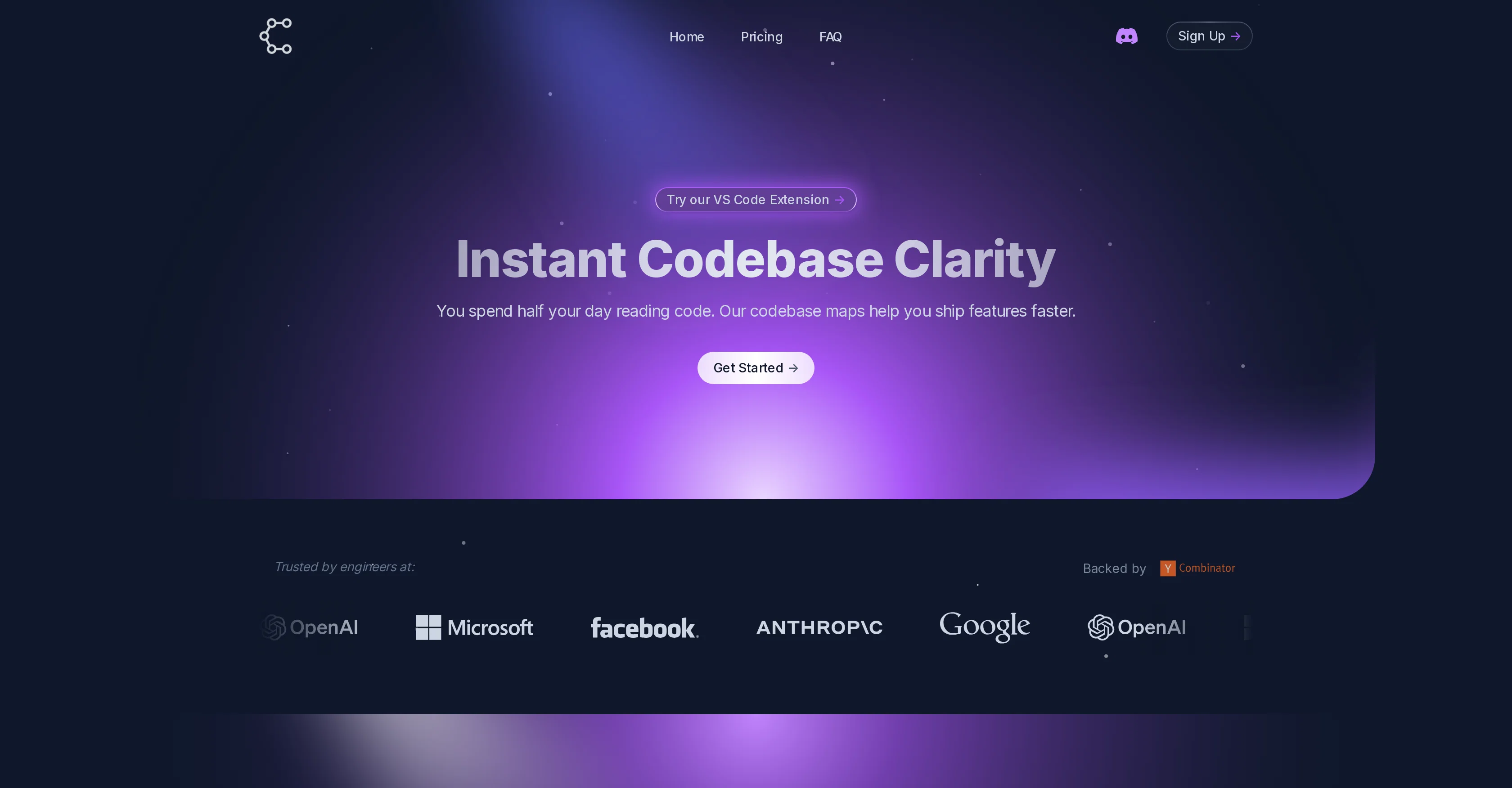
CodeViz is an advanced code visualization tool designed to enhance the code comprehension process for developers. It provides detailed codebase maps which help in delivering features more quickly.
The platform features multi-level architecture maps, question-based visualization and on-demand file analysis to help users better understand and navigate their code at every level.
It mainly functions as a plug-in extension for Visual Studio Code, which users can utilize to improve their coding productivity. CodeViz extends its services through different pricing plans, offering packages for the needs of individual developers, professional teams and bigger enterprises.
The list of features, with complete details, can be obtained by visiting their marketplace in Visual Studio. Apart from creating and exporting component diagrams, CodeViz also offers unlimited analyses at every architecture level, dedicated computing resources, and an individual API key.
Additionally, the tool also provides complex architecture visualization, deeper layer analysis and dedicated support for teams. For enterprises, CodeViz expands its capabilities to include on-premise deployment, platform APIs, custom integrations, custom onboarding, admin management and enterprise support.
It is worth mentioning that CodeViz is a trusted tool by several major tech companies and is backed by Y Combinator.
Access & connections
Where you can use CodeViz.
Platforms
Capabilities
What this tool accepts, produces, and is strongest at.
Input
- API
- Code
Output
- Code
- API
Pros & cons
Pros
- Visual Studio Code extension
- Multi-level architecture maps
- Question-based visualization
- On-demand file analysis
- Unlimited analyses at every architecture level
- Dedicated computing resources
- Personal API Key usage
- Complex architecture visualization
Show 14 more
- Deeper layer analysis
- Dedicated team support
- On-Premise Deployment for enterprises
- Enterprise Platform APIs
- Custom Integrations for enterprises
- Custom Onboarding for enterprises
- Admin management for enterprises
- Enterprise-level support
- Exporting component diagrams capability
- Variety of pricing plans
- Supports individual developers, teams and enterprises
- Visual codebase mapping
- Trusted by major tech companies
- Backed by Y Combinator
Cons
- Only for Visual Studio Code
- Potentially expensive for individuals
- Dedicated computing resources unclear
- Personal API key limitation
- Requires on-premise for enterprise
- Custom onboarding might be tedious
- Admin management not automated
- Limited to Codebase Mapping only
Show 2 more
- No specific support for languages
- No open source version
Compare alternatives
Similar tools in the catalog — with a clear reason to open each one.

Snappify ✓
FreemiumCreate stunning code presentations and videos
Why look Freemium alternative
Full comparison
Rift-code ✓
Free TrialStop reading code. Start seeing it.
Why look Typically cheaper
Full comparison
RowSpeak ✓
FreemiumAI data analysis for messy spreadsheets and business files
Why look Freemium alternative
Full comparison
Ideamap - Brainstorm and Mindmap AI ✓
FreemiumBoost your creativity with AI-powered brainstorming.
Why look Freemium alternative
Full comparison
Flowova AI ✓
FreemiumTurn text, images & docs into professional flowcharts in seconds
Why look Freemium alternative
Full comparison
Releases 1
FAQ 12
What is CodeViz?
What features does CodeViz offer?
What is the main function of CodeViz?
Is CodeViz a Visual Studio Code extension?
Does CodeViz offer different pricing plans?
Can I get a detailed list of CodeViz features?
What kind of support does CodeViz provide to professional teams?
What capabilities does CodeViz offer to enterprises?
Who is backing CodeViz?
How CodeViz can help in faster feature shipping?
Can CodeViz help me with on-demand file analysis?
What are the benefits of CodeViz's multi-level architecture maps?
Related tools
Recommended

CodeRabbit ✓
Free TrialEnhanced code review for improved workflow and quality.

NotebookLM ✓
FreemiumAI-powered note-taking and research assistant

LearningStudioAI ✓
Free TrialAI-powered authoring tool for effortless online course creation.

Scisummary ✓
Free TrialCutting-edge scientific articles summarization.

Thea ✓
FreemiumAI study tools to master material, not just memorize it.

TurboScribe ✓
Freemium🎯 3 free transcripts every day. 🔥 Unlimited transcription starting at $10/mo.