

Snappify ✓
Create stunning code presentations and videos
Free + from $5/mo
Verdict
A quick read before you dig into the full page.
- Best if
- Create stunning code presentations and videos
- Skip if
- Limited API access in lower tiers
- Pick this when
- Animates code snippets
Considering Rift-code instead? Compare side by side
Overview
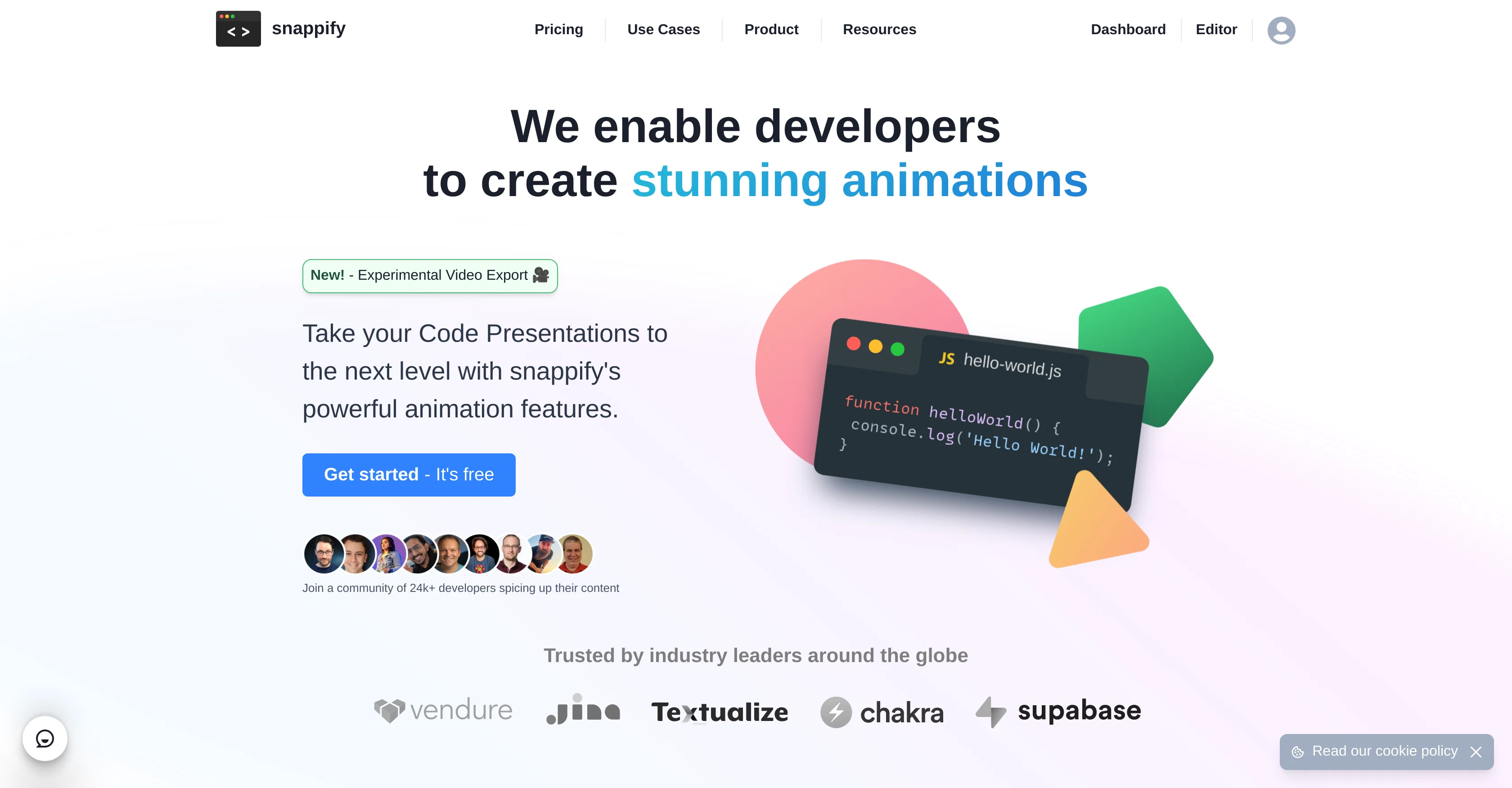
Snappify is a powerful tool designed to animate code snippets in various ways to create stunning code presentations and videos. It provides first-class support for code snippets used in presentations and allows the creation of interactive slides enabling viewers to easily copy snippets and interact with links.
Snappify offers visually engaging infographics for social media, boosting the quality of technical content and engagement levels of followers. Used widely in education, it simplifies the process of creating educational content, aiding students in understanding and retaining complex technical concepts.
The tool allows for the embedding of interactive infographics. Users can embed visuals for easy copying of code snippets or texts by viewers. This can revitalize blogs or internal company documentation with rich infographics.
The platform also provides support, ensuring your infographics look great across various platforms like Hashnode, Notion, and Medium. Additional features include the capacity to add multiple code windows for comparison, a powerful rich-text editor for placing explanation text and arrows beside snippets, the facility to upload custom images and user avatar branding for code snippets shared on social media platforms such as Twitter, Github, Instagram or LinkedIn.
Access & connections
Where you can use Snappify, and what it plugs into.
Platforms
Integrations
Capabilities
What this tool accepts, produces, and is strongest at.
Input
- API
- Code
- Image
- Text
Output
- Video
- API
- Text
- Image
Supported features
- SVG
Pros & cons
Pros
- Animates code snippets
- Creates code presentations
- Interactive slides support
- Infographics for social media
- Boosts Content engagement
- Educational content friendly
- Embeddable interactive infographics
- Supports various platforms
Show 38 more
- Multiple code windows feature
- Rich-text editor support
- Custom image upload
- User avatar branding
- Supports Hashnode, Notion, Medium
- VS Code Extension available
- IntelliJ Plugin available
- Code presentation features
- Code Highlighting feature
- Cross-Platform Support
- Different highlighting options
- Code Snippet library
- Comparative Code Presentation
- Provisions for Text and Arrows
- Custom branding
- User Avatar Customization
- Varied Cloud Storage Options
- Stunning Animation Creation
- Experimental Video Export
- Sharing options for Snippets
- Premium Priority Support
- Easy Code-Snippet Management
- Editable Code Explanation
- Support for Code variables
- Accessible API for Automation
- Enables Audience Interactivity
- Offers Custom Images
- Offers Google Fonts
- Branding for Social Media
- Documentation Enhancement
- Powerful design elements
- Effective for technical concepts
- Improved learning outcomes
- Content Personalization
- Simplified workflow
- Flexible Designing
- Tool for Education Sector
- Ease of Use
Cons
- No mobile application
- Limited collaboration on free version
- Limited visual customisation
- No offline usage
- Limited platform integrations
- High quality video exports require subscription
- Restricted free plan usage
- Limited code windows on free version
Show 2 more
- Limited text elements on free version
- Limited API access in lower tiers
Compare alternatives
Similar tools in the catalog — with a clear reason to open each one.

Rift-code ✓
Free TrialStop reading code. Start seeing it.
Why look Typically cheaper
Full comparison

RowSpeak ✓
FreemiumAI data analysis for messy spreadsheets and business files
Free + from $9.9/mo
Full comparison
Ideamap - Brainstorm and Mindmap AI ✓
FreemiumBoost your creativity with AI-powered brainstorming.
Free + from $7/mo
Full comparison

Releases 1
FAQ 12
What is Snappify?
How does Snappify animate code snippets?
Can I create interactive slides with Snappify?
What can Snappify infographics be used for?
How does Snappify help in education?
Can I embed Snappify infographics on my blog?
What platforms are supported by Snappify?
Can I add multiple code windows in Snappify?
What does the rich-text editor in Snappify offer?
How can I upload custom images with Snappify?
What social media platforms can I brand my code snippets on with Snappify?
How can I compare different code snippets using Snappify?
Related tools
Recommended

Scisummary ✓
Free TrialCutting-edge scientific articles summarization.

Agentgpt ✓
FreemiumDeploy autonomous AI Agents effortlessly in your browser.

Hyperis ✓
FreemiumOrganized task prioritization.

Venturekit ✓
PaidGenerate comprehensive AI business plans instantly

AutoGPT ✓
Free TrialRun AutoGPT in your browser for free

Marblism ✓
FreemiumAI Employees who Work for Your Business